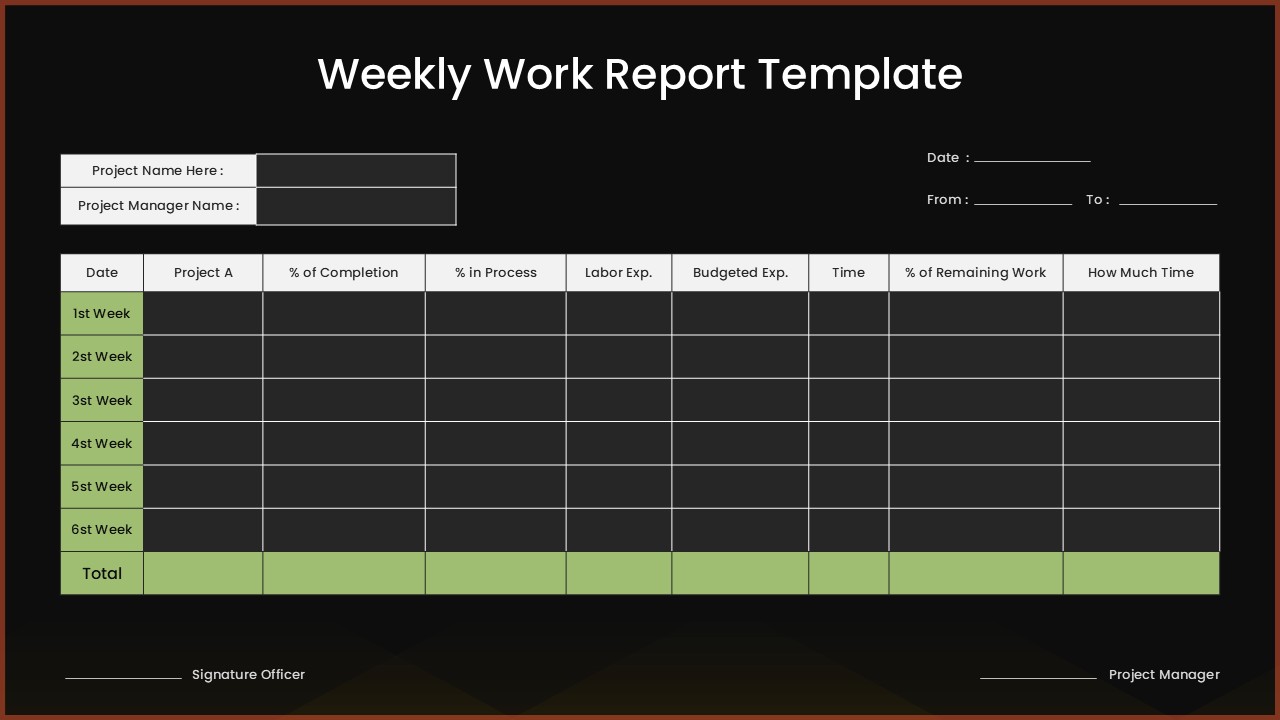
Weekly Work Report Template For PowerPoint


Product Description
Keeping teams aligned and stakeholders informed is essential for maintaining productivity in any organization. A Weekly Work Report Template helps professionals summarize accomplishments, ongoing tasks, upcoming priorities, and project updates in a clear, organized, and visually engaging format. Instead of preparing reports from scratch every week, you can use a professionally designed template to present key information quickly and consistently.
Whether you’re a project manager reporting progress to leadership, a team lead conducting weekly review meetings, or an employee sharing individual achievements, a structured weekly work report makes communication more effective.
What Is a Weekly Work Report Template?
A Weekly Work Report PowerPoint Template is a pre-designed presentation that helps individuals and teams document and present weekly progress. Instead of lengthy documents or spreadsheets, these templates organize information into easy-to-read slides using tables, charts, timelines, and visual elements.
A typical weekly work report includes sections for weekly objectives, completed tasks, ongoing activities, and upcoming priorities to provide a clear overview of progress. It also highlights the current project status, key achievements, challenges or risks, and action items that require attention. Also, a team updates section keeps stakeholders informed about important developments, ensuring everyone stays aligned on priorities and next steps.
Using a standardized template ensures reports remain consistent across departments and reporting periods.
Why a Weekly Status Report Template Saves You Time
Manually building a report slide every week is repetitive and time-consuming. A pre-designed weekly status report template eliminates that guesswork. Instead of designing layouts from zero, you simply drop in your data tasks completed, pending items, blockers, and next steps and your report is ready to share. This consistency also makes it easier for readers to scan updates quickly, since the format stays familiar week after week.
Common Use Cases for Weekly Work Report Template
Weekly Work Report templates can be adapted for a wide range of business scenarios.
- Project Status Updates : Track completed tasks, project milestones, deadlines, and upcoming deliverables.
- Team Performance Reviews : Summarize team accomplishments, productivity metrics, and weekly objectives.
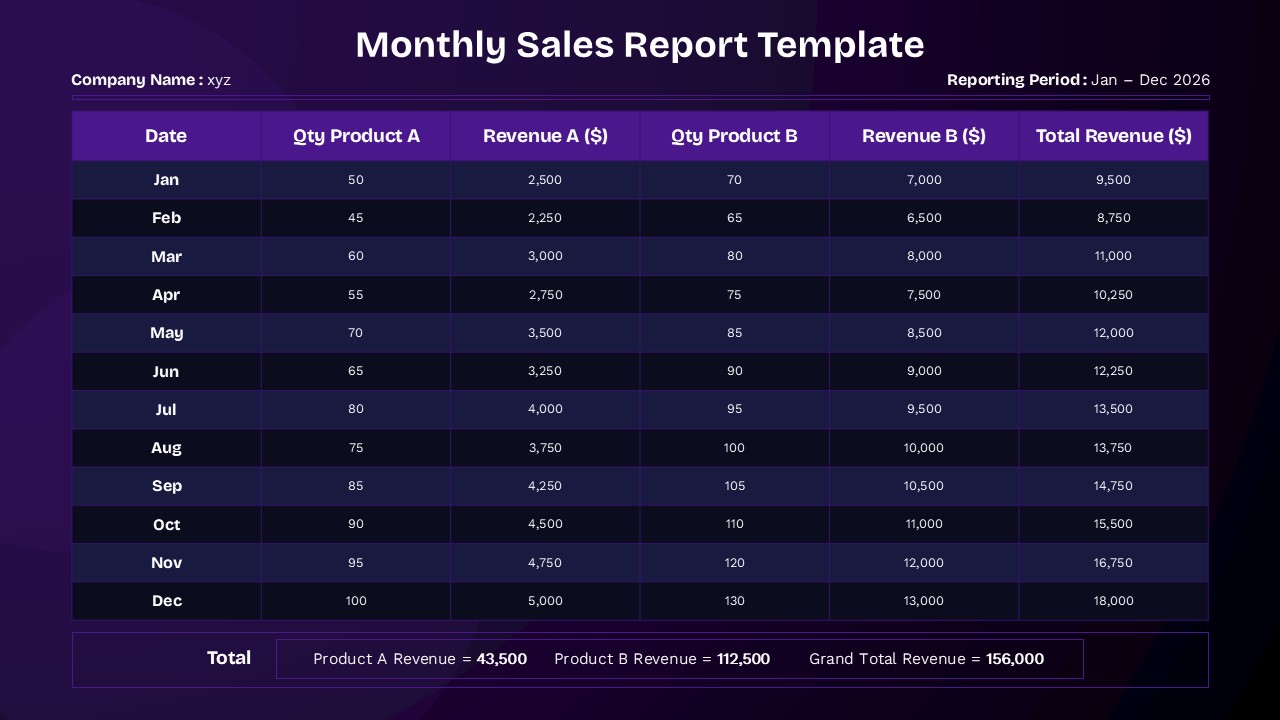
- Sales Reporting : Present weekly sales figures, revenue trends, pipeline updates, and customer acquisition metrics.
- Client Progress Reports : Provide clients with a clear overview of completed work, ongoing activities, and next steps.
A well-structured Weekly Work Report Template helps you communicate progress clearly, save preparation time, and maintain a professional standard across every update. Instead of rebuilding your report from scratch, a ready-to-use template lets you focus on the work itself rather than the design.
Ready to simplify your reporting process? Use this professionally designed Weekly Work Report template, a layout that fits your workflow instantly.
Frequently Asked Questions
Can I customize the number of weeks tracked in this weekly work report template?
Yes, the template is fully editable, allowing you to add or remove weekly rows as needed. You can easily modify the table structure to track projects for different time periods while maintaining the professional formatting and calculation capabilities.
Are both the light and dark theme versions included in the download?
Yes, this template package includes both the light theme version with cream background and green headers, as well as the dark theme version with charcoal background and high contrast elements, giving you flexibility in presentation style.
How do I calculate the totals row in the weekly work report template?
The template includes a designated totals row at the bottom of the tracking table. You can input your own calculations or use PowerPoint and Google Slides' built-in formula functions to automatically sum columns like labor expenses, budgeted expenses, and time tracking for comprehensive project oversight.
Login to download this file
What do you think of this template?
-
Category:
Project -
-

-

Aspect Ratio: 16:9
-

Item ID: SPT0719
-

Designed by: Athira
-

Color
Related Templates
-

-

-
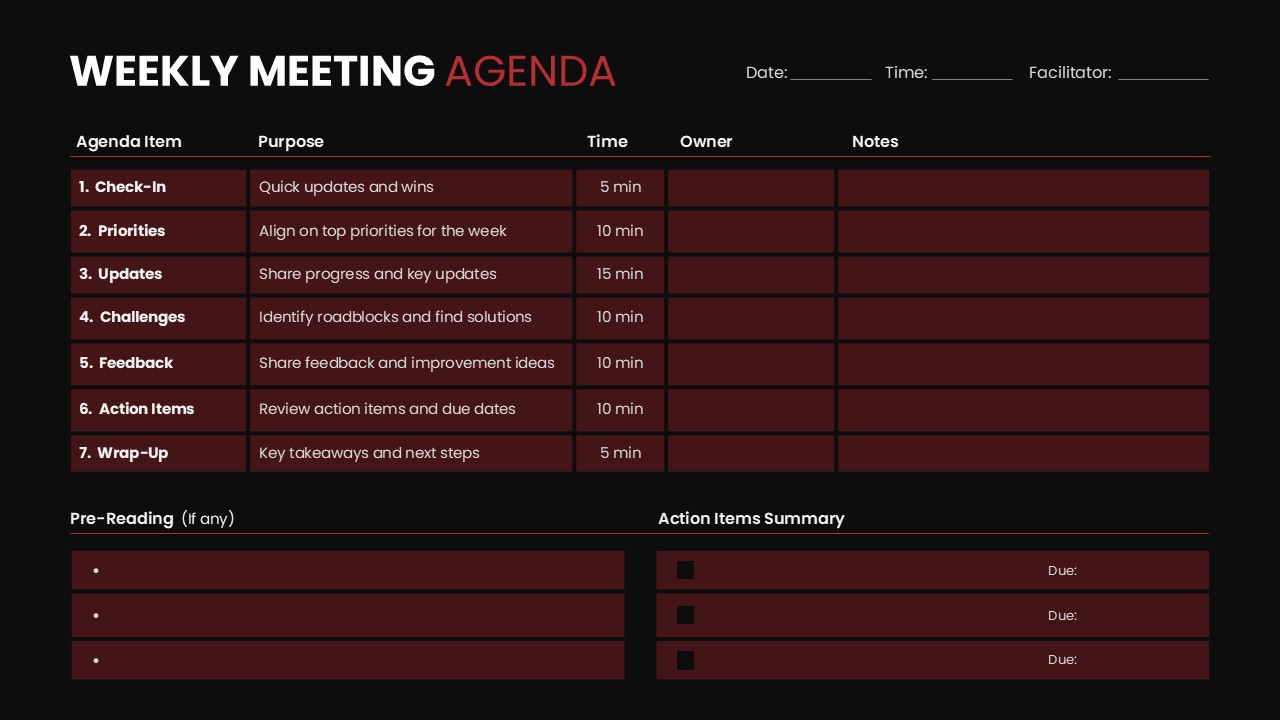
Weekly Meeting Agenda PowerPoint Template
Google Slides
-

Project Status Report Google Slides & PowerPoint Template
Business Reports
-
-

Resource Planning Presentation Template
Project Management
-
Work Life Balance Presentation Template
Human Resource
-

-

-

-

-