
304+ Infographic PowerPoint Templates & Google Slides
Use these infographic templates to create clear and engaging visuals designed to present data in a simple and structured way. These templates combine charts, icons, and layouts to turn complex information into easy to understand visuals, improving how audiences process key insights
Fully editable in PowerPoint & Google Slides, you can quickly update content, colors, and graphics to match your topic. Built for use cases like business reports, marketing presentations, or data storytelling, these templates help save time while improving clarity. Browse the collection and download a template to start your presentation today.

Infographics
-

Blank Infographic PowerPoint Template
Infographics
-
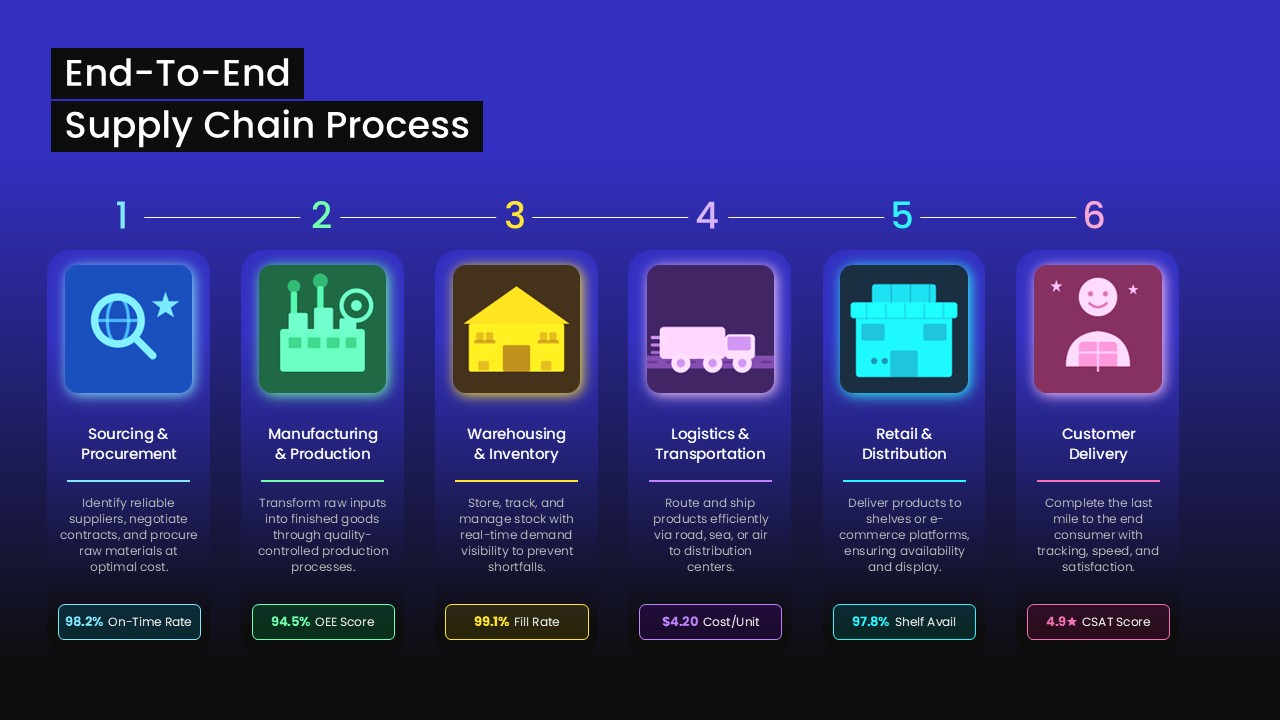
-
-
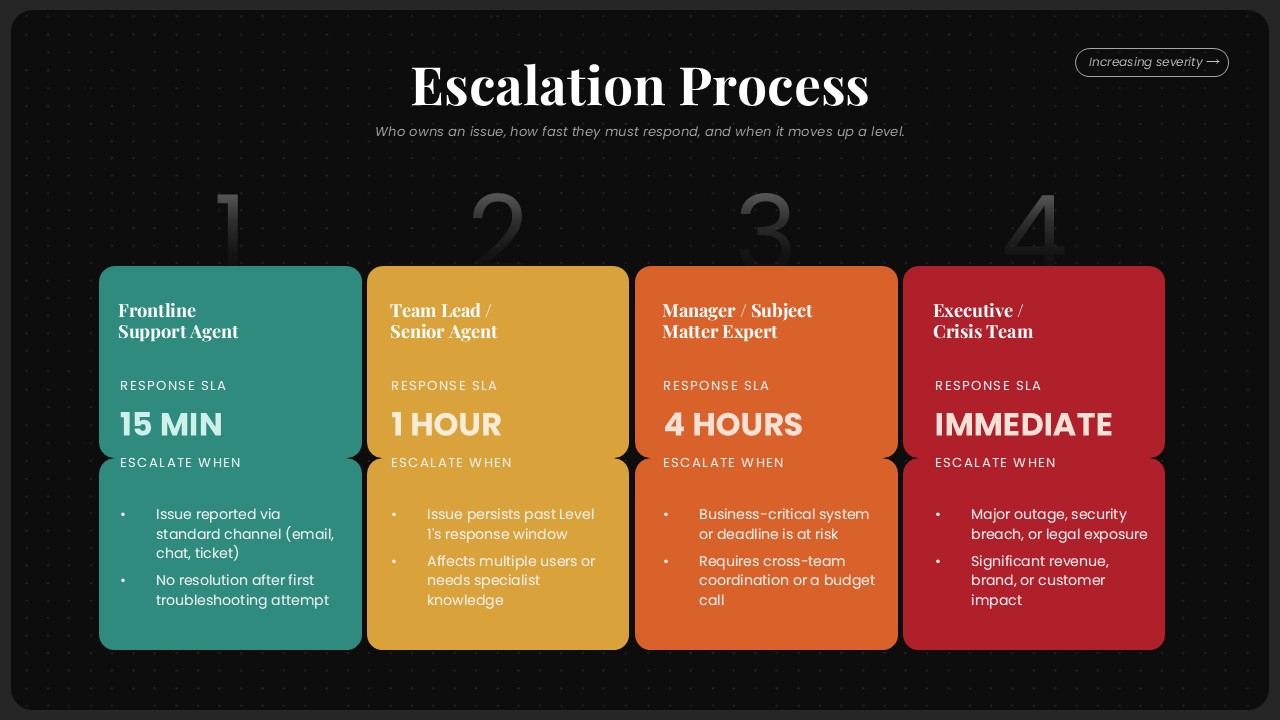
Escalation Process Flow Diagram PowerPoint Template
Project Management
-
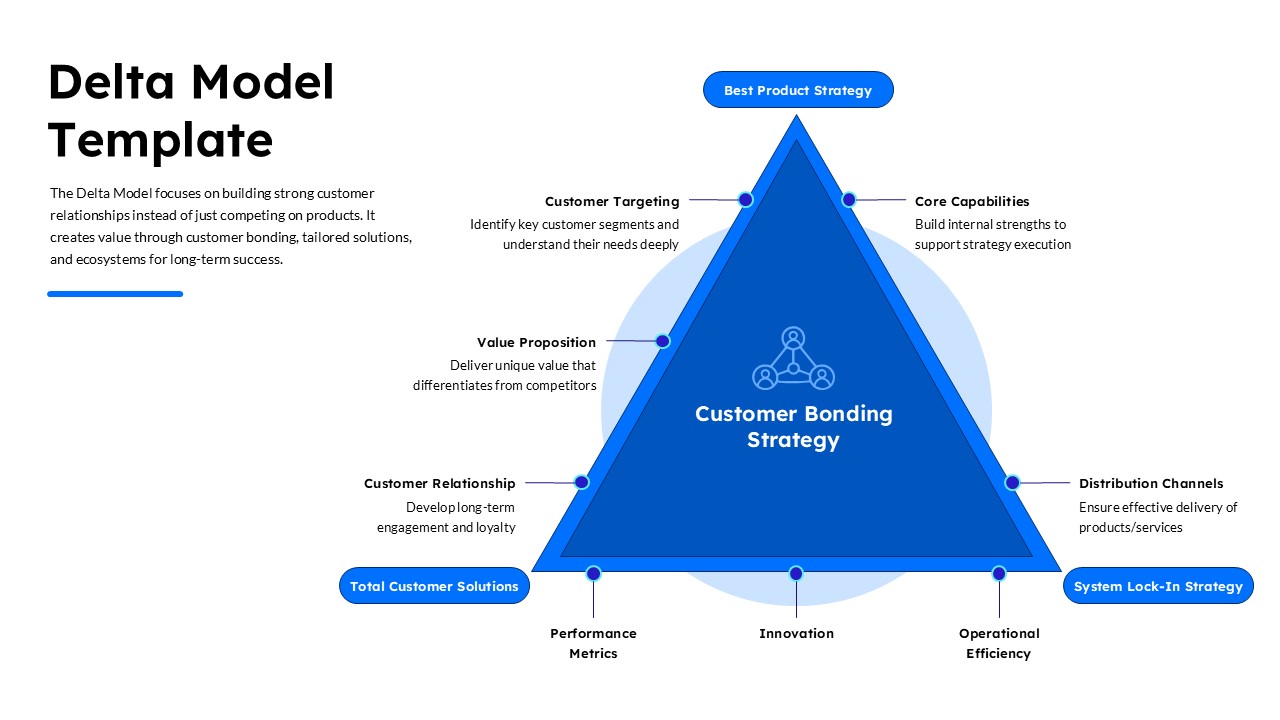
Delta Model Template for PowerPoint
Google Slides
-
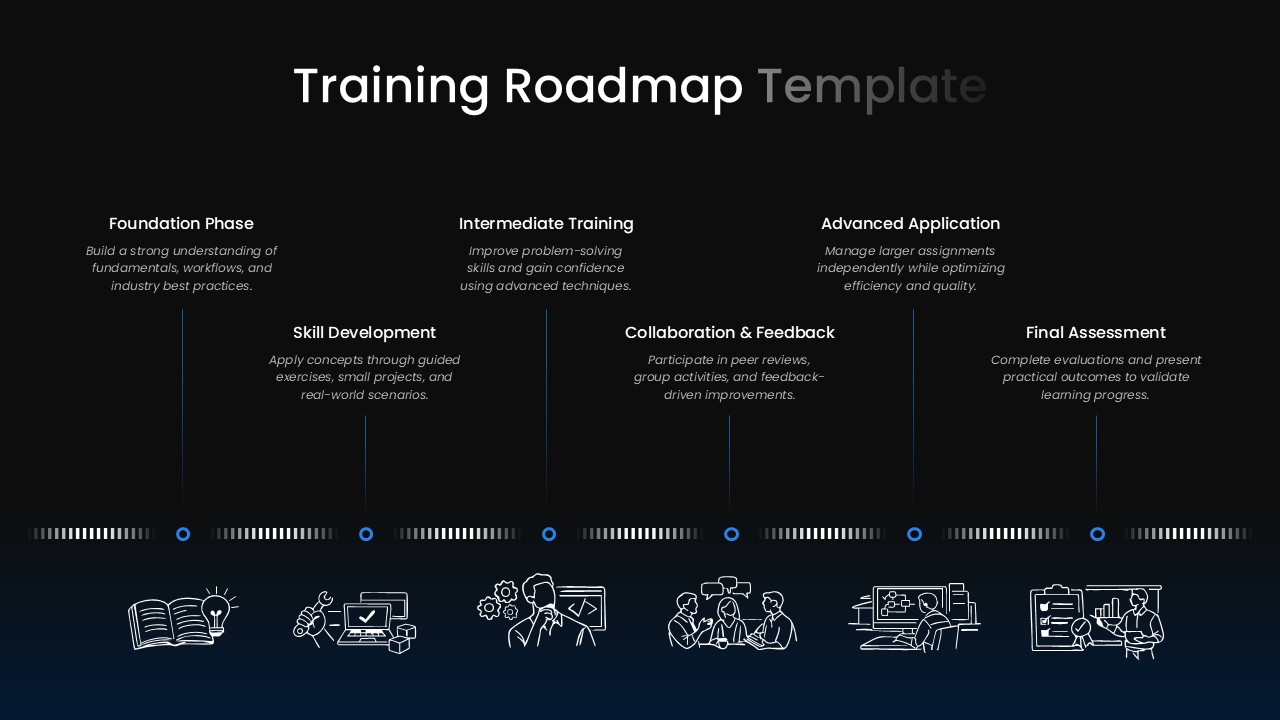
-
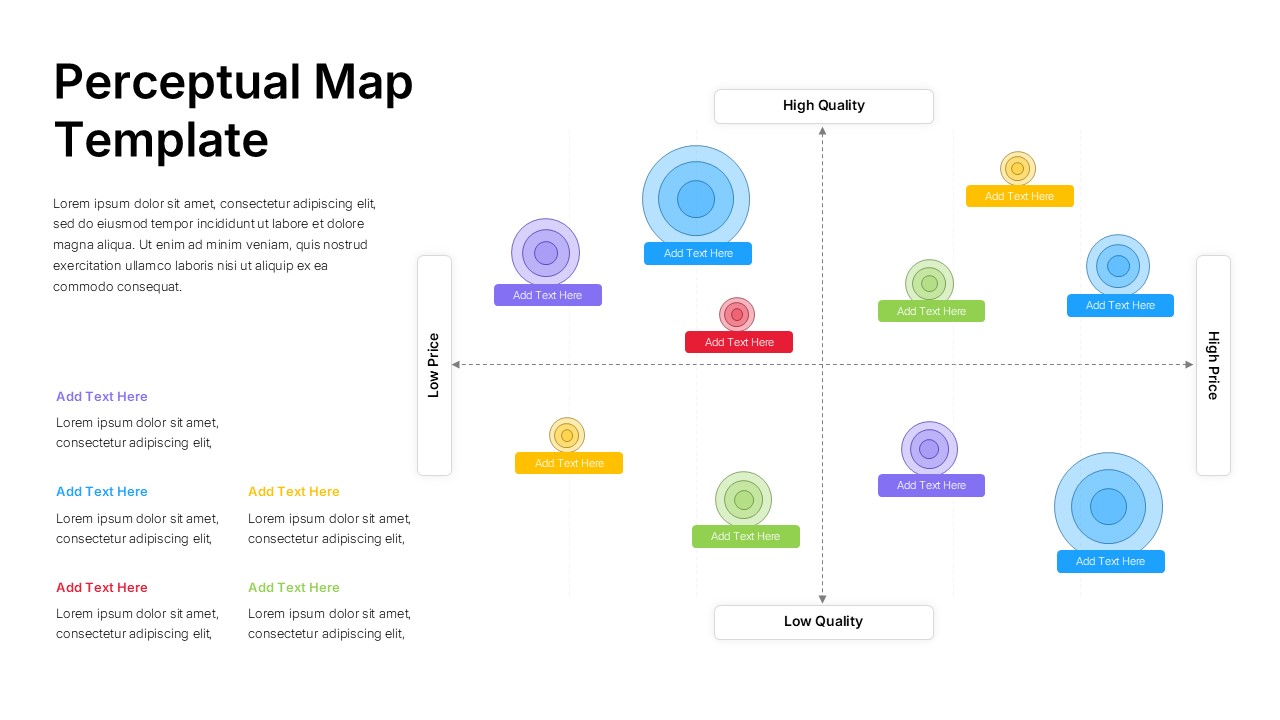
Perceptual Map PowerPoint Template
Infographics
-
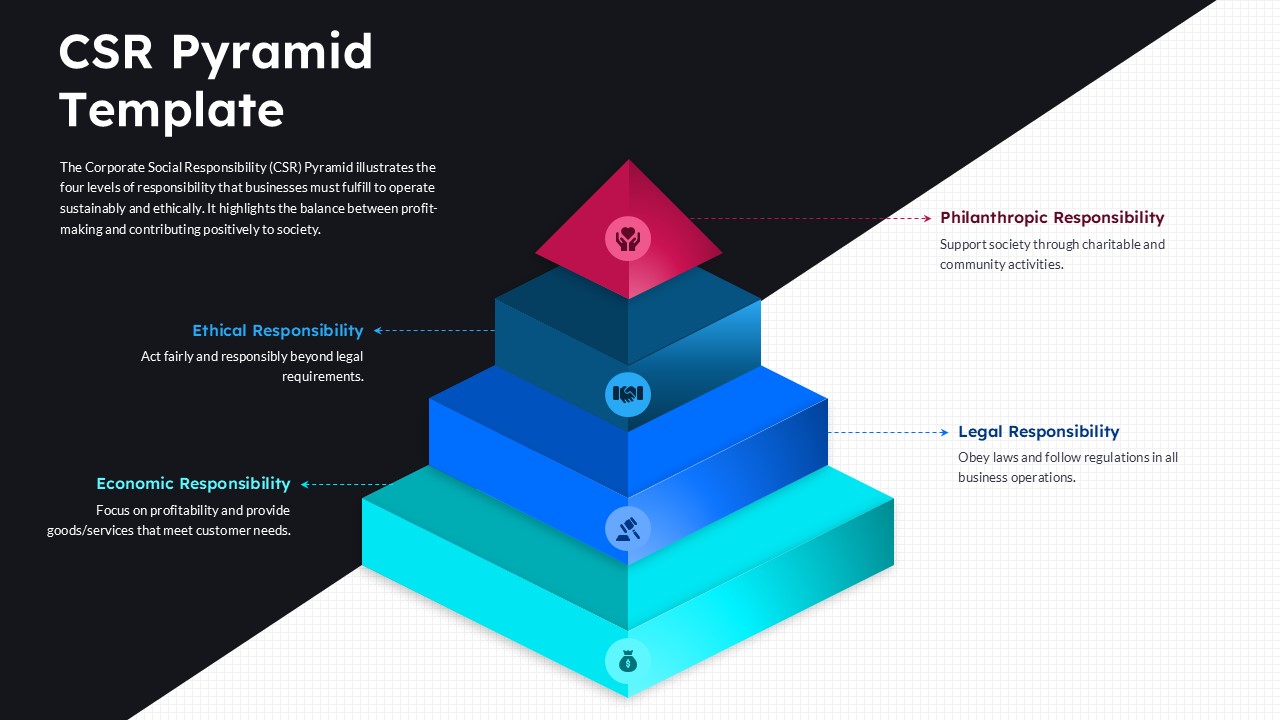
CSR Pyramid PowerPoint Template
Google Slides
-
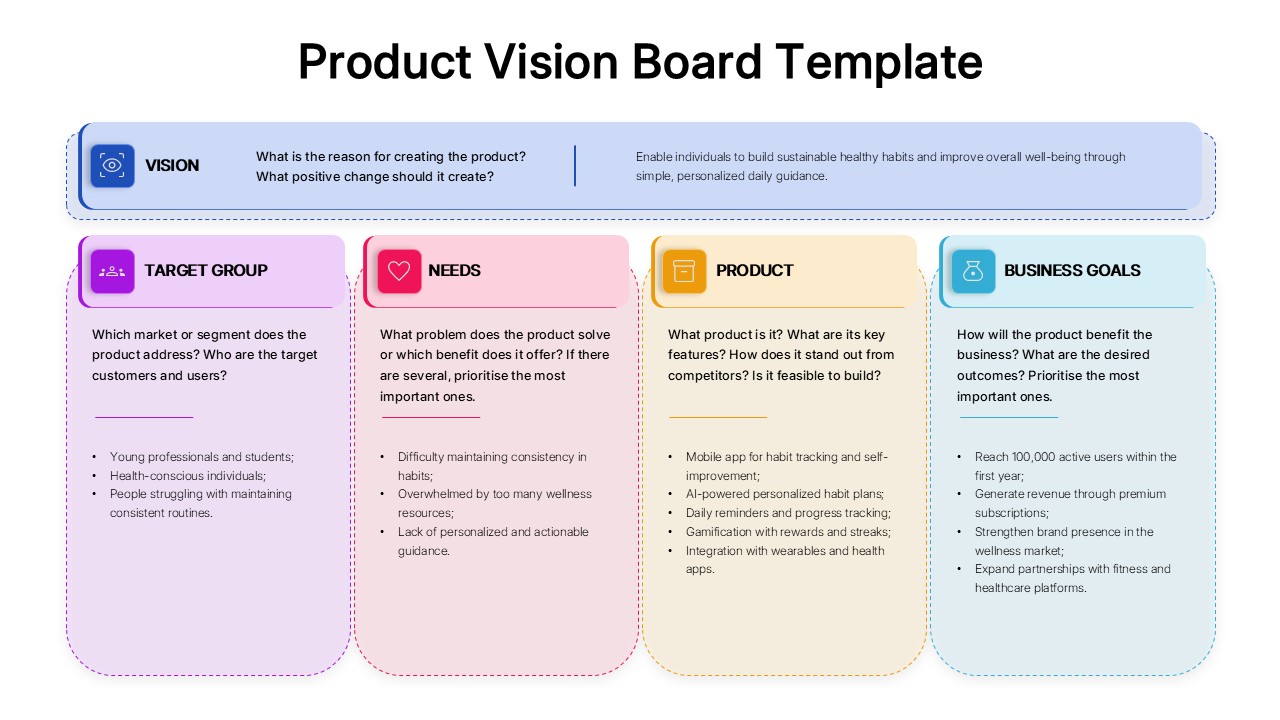
Product Vision Board Template for PowerPoint
Business Strategy
-
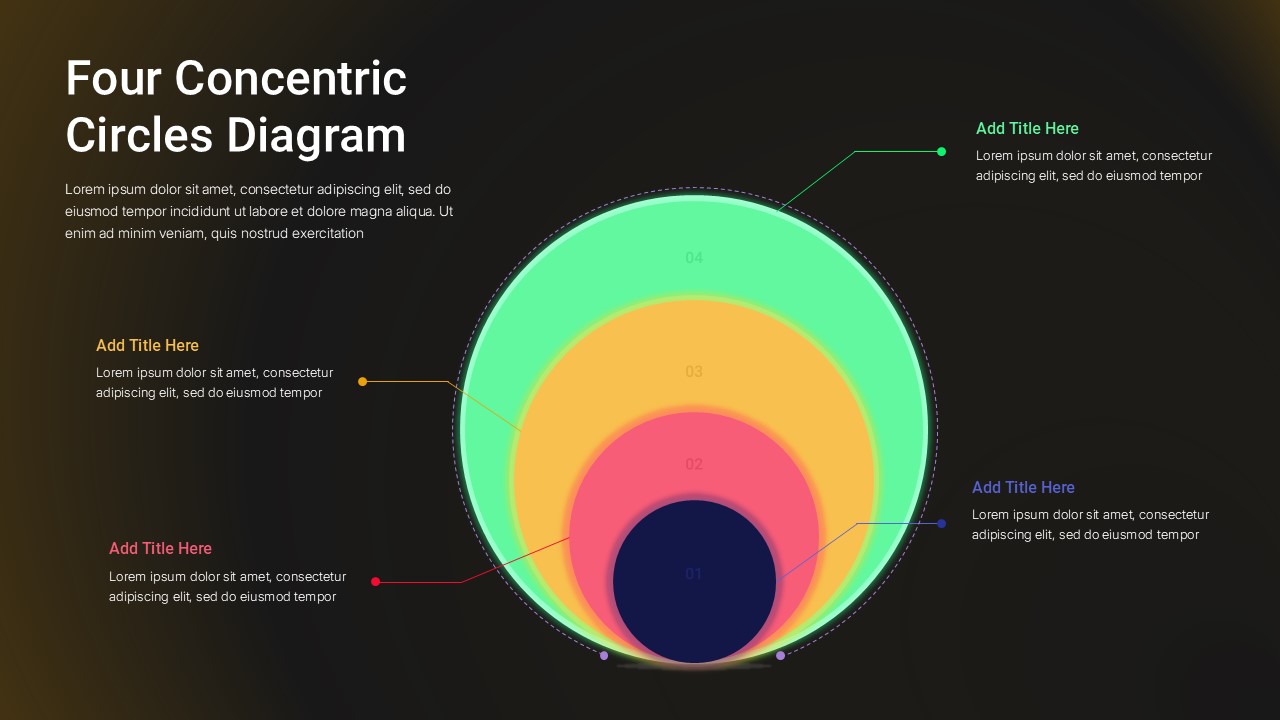
Four Concentric Circles Diagram PowerPoint Template
Google Slides
-
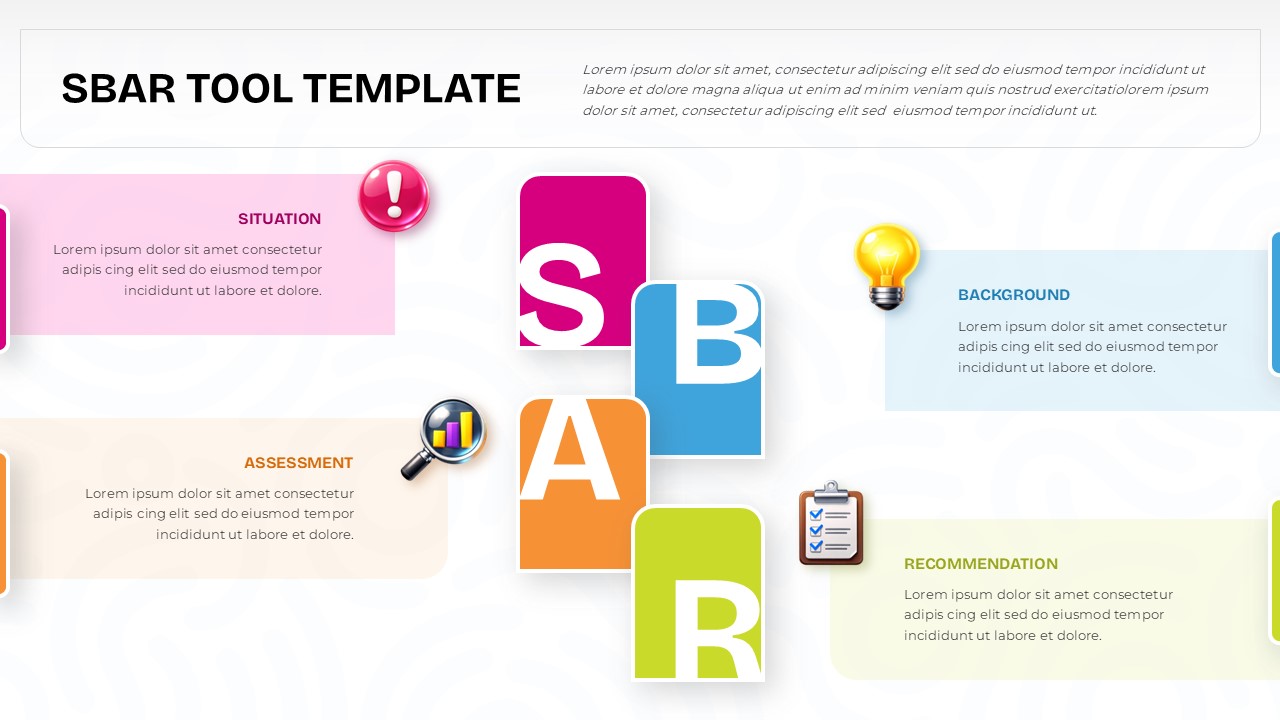
SBAR Tool PowerPoint Template
Infographics
-
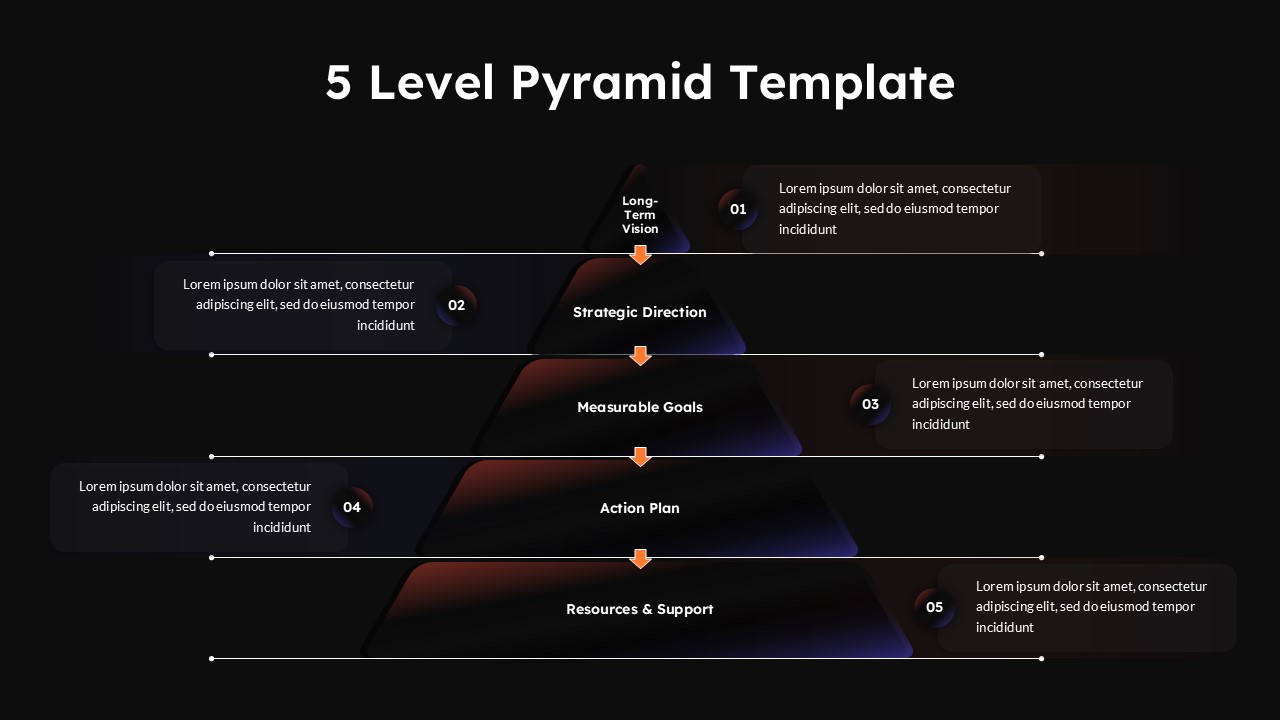
5 Level Pyramid PowerPoint Template
Business
-
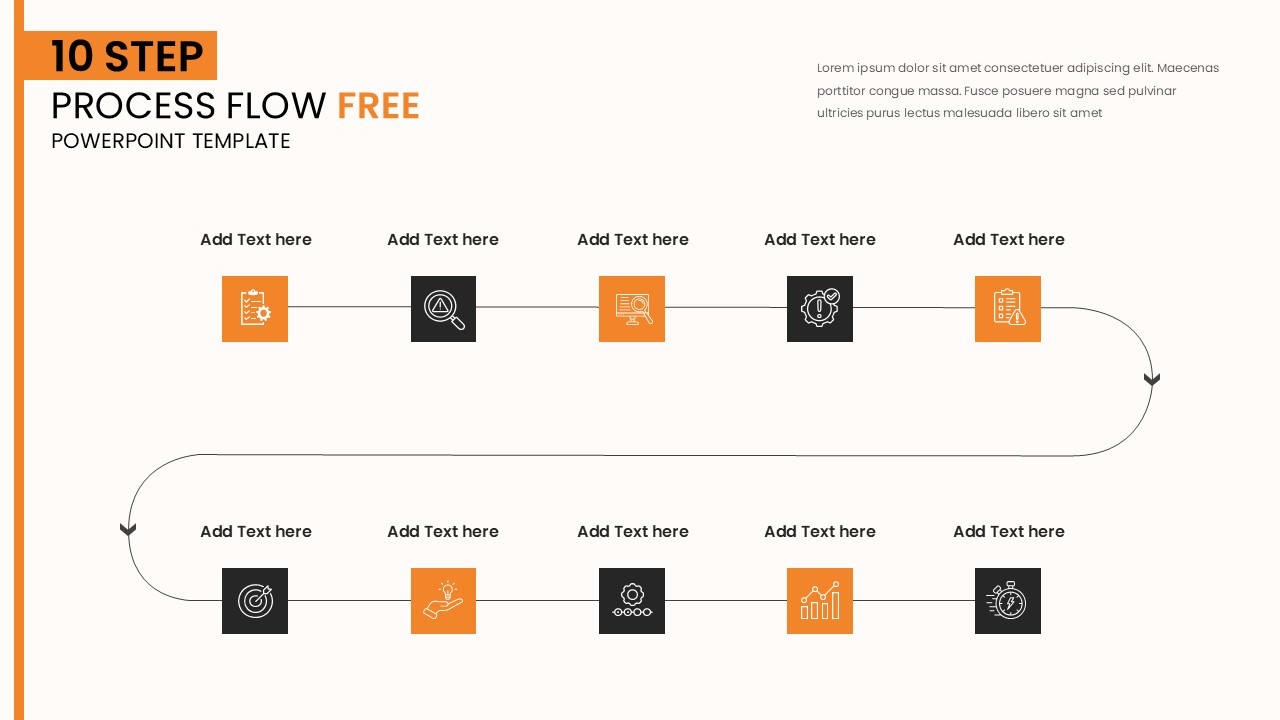
-
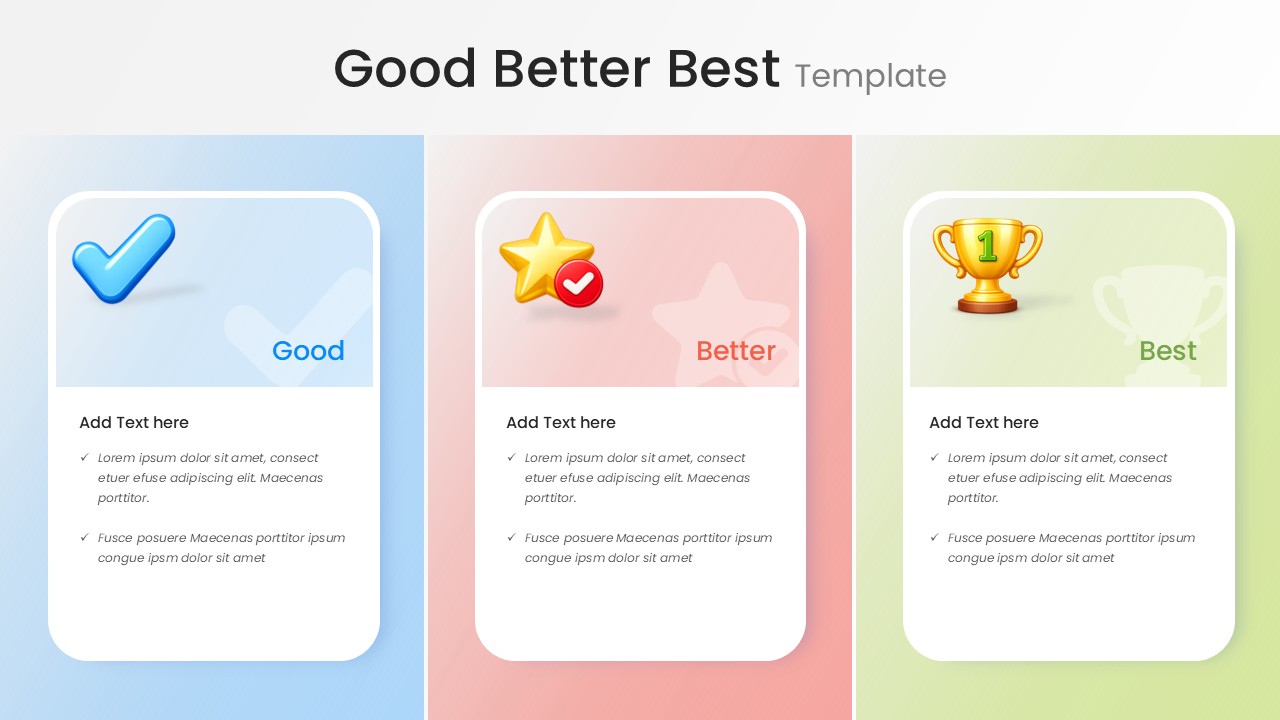
Good Better Best PowerPoint Template
Business
-
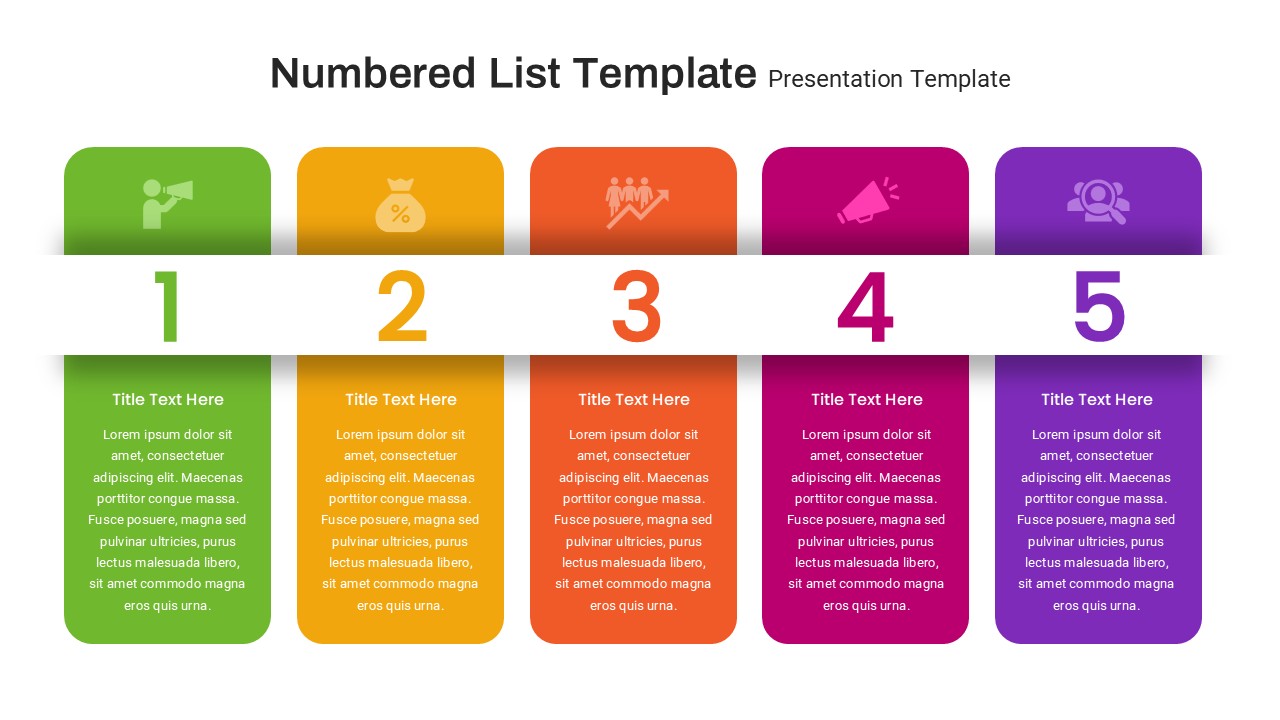
Numbered List PowerPoint Template
Infographics
-
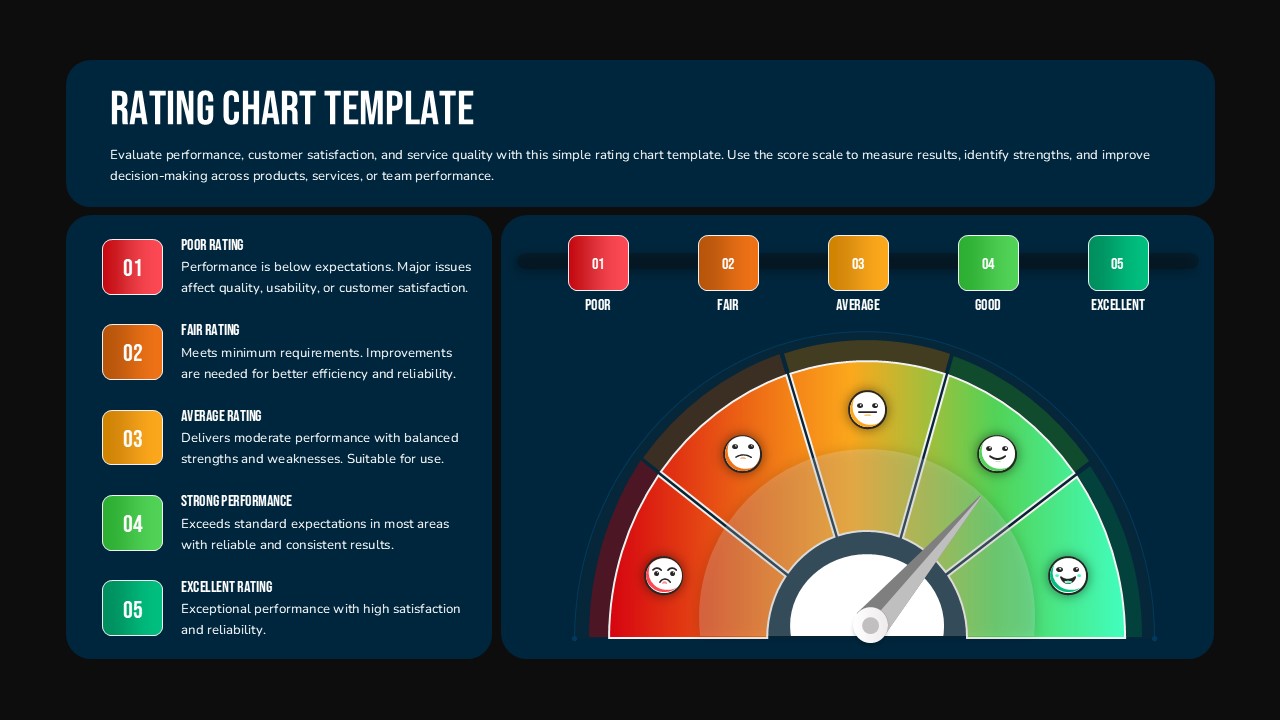
Rating Chart Template
Infographics


Frequently Asked Questions
Do SlidesTopia infographic templates work in Google Slides?
Yes. Every infographic template in this collection is fully compatible with Google Slides. Download the google slides file, upload it to Google Drive, and open it with Google Slides - all shapes, fonts, and layouts transfer without formatting issues. You can also share a Google Slides link directly with collaborators.
Can I edit the colors and icons in these templates?
Yes, every element is editable. Shapes, icons, text boxes, chart data, and background colors can all be changed using standard PowerPoint tools — no plugins required. Most users customize a template fully in under 10 minutes. The icons are vector-based, so they stay sharp at any size.
What types of infographic templates does SlidesTopia offer?
SlidesTopia's infographic PowerPoint templates include process diagrams, timeline slides, data visualization layouts, comparison charts, funnel infographics, cycle diagrams, pillar templates, and list infographics. Each type is designed for a specific presentation scenario — from project roadmaps and performance reports to strategic frameworks and competitive analysis slides.
Are there free infographic templates on SlidesTopia?
Yes. SlidesTopia offers a selection of free infographic PowerPoint templates available without a subscription. You can filter the collection by "Free" to see all no-cost layouts. Premium plans unlock the full 200+ template library, Google Slides versions, commercial use rights, and access to new designs added every month.
How do I add an infographic to my PowerPoint presentation?
Download a SlidesTopia infographic template as a .pptx file. Open it in PowerPoint, then copy the infographic slide you want (Ctrl+C). Switch to your existing presentation, right-click between slides in the panel on the left, and select Paste. The infographic will appear as a new slide with all its elements intact and editable.
Can I use SlidesTopia templates for client presentations and commercial work?
Yes. SlidesTopia's paid subscription includes a commercial use license, allowing you to use templates in presentations delivered to clients, in agency work, and in business pitches. This covers all templates in the library. Free templates are also available for commercial use under the same terms — check the individual template page for license details.
What PowerPoint version do I need to use these templates?
SlidesTopia infographic templates are compatible with PowerPoint 2016, 2019, 2021, and Microsoft 365 on both Windows and Mac. They also work in Google Slides. The templates use standard PowerPoint features — no add-ins or extensions are required.


