
Arrows for PowerPoint Presentation Templates & Arrow Slides
Discover this curated set of arrow diagram templates created for business analysts, team leads, marketers, and educators who need to show direction and movement. Use these slides for workflows, growth paths, comparisons, or step-by-step processes in reports and presentations. Each template is fully editable in PowerPoint and Google Slides, so you can adapt colors, shapes, and layouts to your content. Explore the collection to choose arrow designs that support your message.

Arrow
-
-
-
-
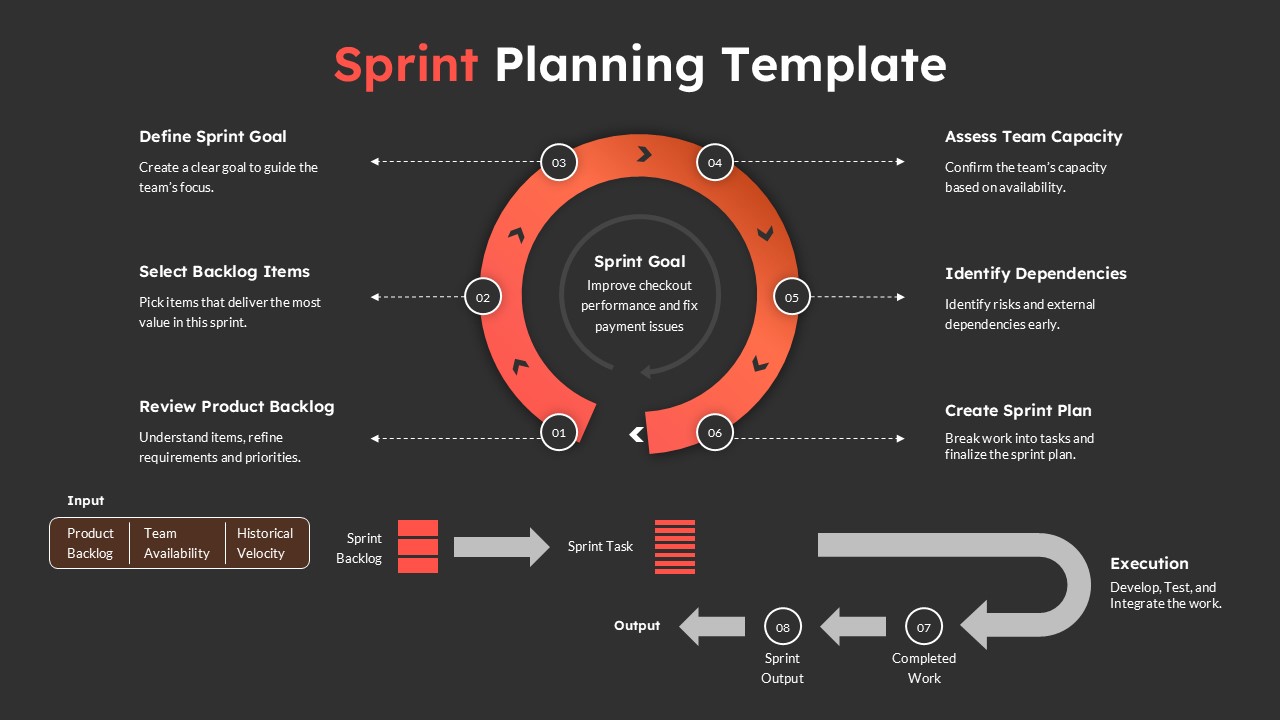
Sprint Planning Presentation Template for Agile Workflow Management
Project Management
-

5 Phase Waterfall Project Management Template
Project Overview
-

Agile Sprint Planning Timeline Presentation Template
Project Management
-

-

Free Blank Timeline Arrow PowerPoint Template
Infographics
-

-

-

-

-

-

-


Frequently Asked Questions
What is an arrow for PowerPoint used for?
An arrow for PowerPoint is used to show direction, progression, or relationships between ideas. Arrows are commonly used in process diagrams, timelines, workflows, and strategy presentations.
What types of arrow templates are available for presentations?
Common arrow templates include process arrows, curved arrows, timeline arrows, growth arrows, and multi-directional arrow diagrams used to visualize different types of information.
Are arrow templates compatible with Google Slides?
Yes. Many arrow templates are designed to work in both PowerPoint and Google Slides, allowing presenters to edit and present slides across multiple platforms.
Why should I use arrow templates in presentations?
Arrow templates help simplify complex information, guide audience attention, and improve the overall clarity and visual appeal of presentation slides.


