7 Step Circular Arrow Diagram PowerPoint Template


Product Description
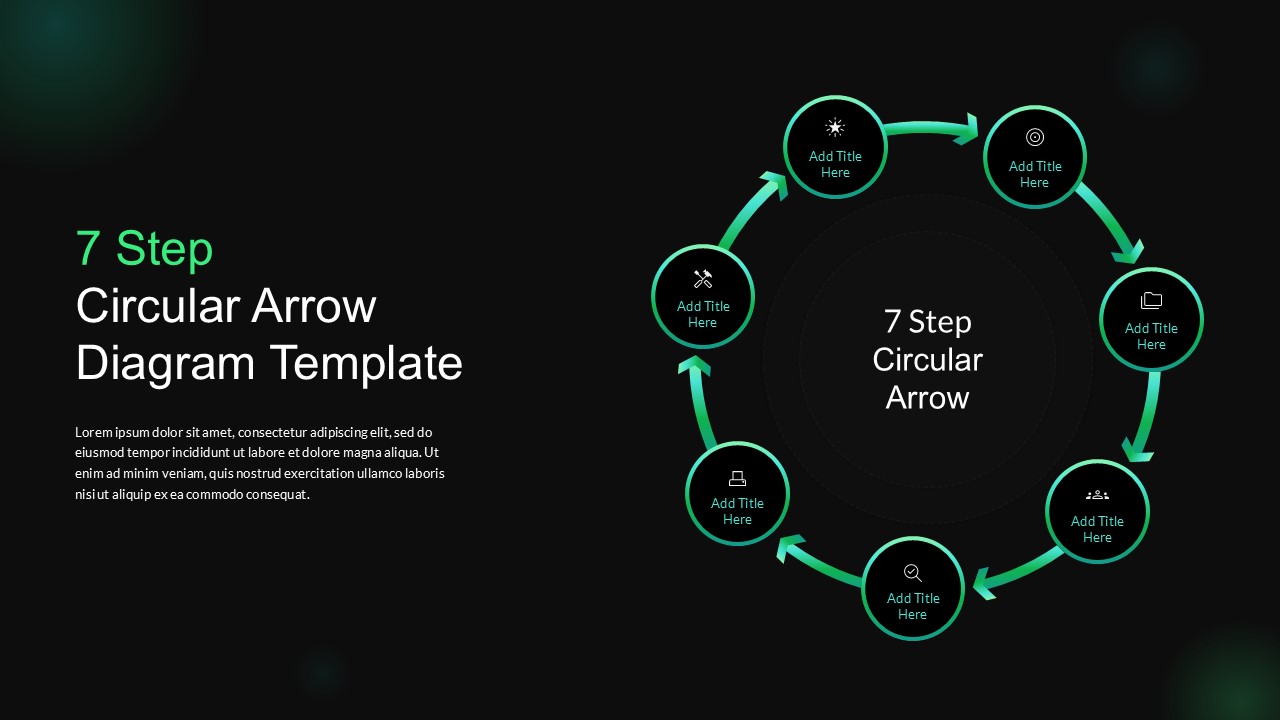
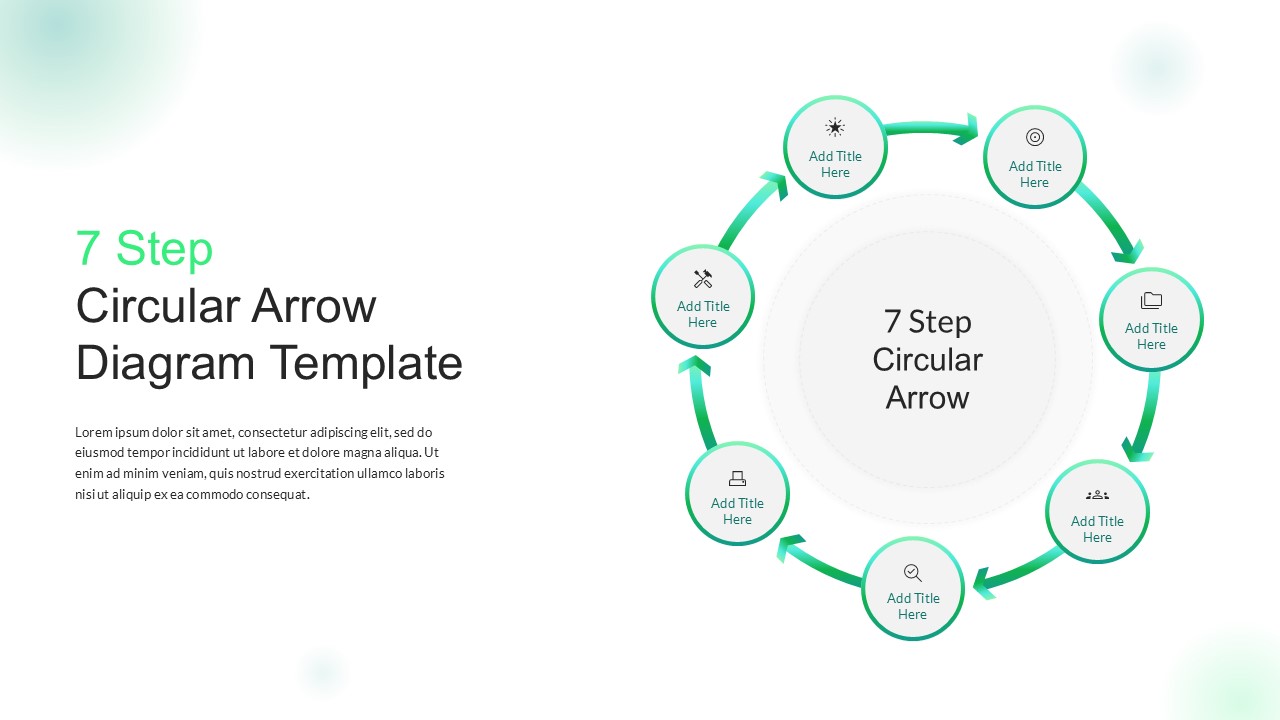
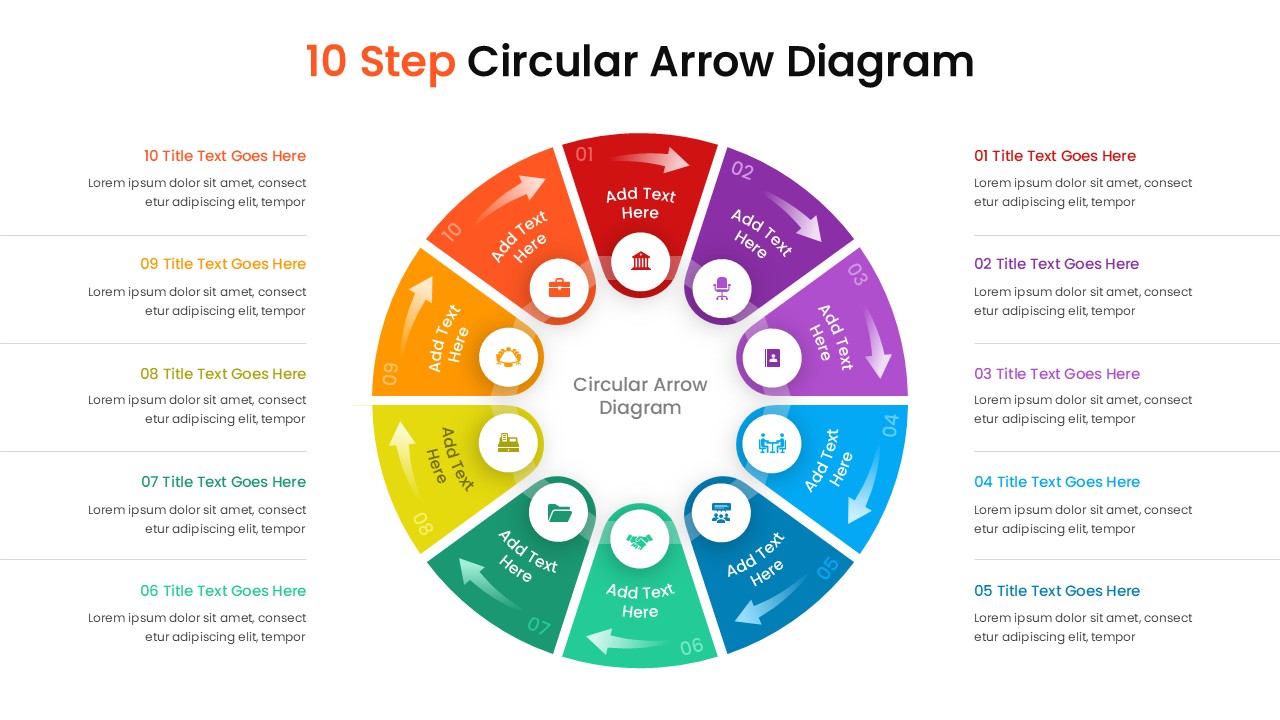
The 7 Step Circular Arrow Diagram PowerPoint Template is a cyclic process diagram intended for business presenters, consultants, and educators who need to illustrate a repeating or continuous process on a single slide. The diagram arranges seven dark circular nodes in a ring formation, connected by curved green arrow segments that flow clockwise around the center, with each node carrying a unique icon and an editable title placeholder. A descriptive text block and title sit on the left side of the slide, and the center of the ring displays a large label reading “7 Step Circular Arrow,” which can be replaced with any process name or central concept. The entire diagram is set against a deep black background with subtle dark green ambient lighting, giving the slide a modern, technical appearance that works well in corporate and technology presentations.
Each of the seven circular nodes in PPT slide contains a distinct icon representing a different type of action or phase, including tools, a target, a folder, a group, a magnifying glass, a monitor, and a spark symbol, all rendered in teal green against the dark node background. The curved arrows between nodes reinforce the continuous, cyclical nature of the process, making this diagram particularly well suited for workflows that repeat over time rather than processes that have a defined start and end point.
PowerPoint circular arrow diagrams are widely used to represent iterative processes, recurring business cycles, and continuous improvement frameworks. Common applications include product development cycles, quality management loops, marketing campaign cycles, and operational review processes where each stage feeds into the next in a continuous sequence. The seven-step format gives presenters enough nodes to cover a detailed process without overcrowding the diagram, and the circular layout removes the implied hierarchy of linear diagrams, treating each stage as an equal part of the overall cycle. This PowerPoint template is fully editable in PowerPoint and Google Slides. Users can relabel each node, swap icons, adjust the arrow colors, and repurpose the diagram for any seven-stage cyclical process. Check our collection of circular diagram templates and process flow templates for more diagram designs.
Frequently Asked Questions
What is a circular arrow diagram used for?
A circular arrow diagram is used to represent processes that repeat in a continuous cycle, such as product development loops, quality management cycles, marketing workflows, and operational review processes where each stage connects back to the beginning rather than ending at a fixed point.
How is a 7 step circular diagram different from a linear process diagram?
A circular diagram treats every stage as an equal, recurring part of an ongoing cycle with no defined start or finish, while a linear process diagram moves from a fixed starting point to a defined end point. The circular format is better suited for iterative workflows, improvement cycles, and any process that repeats over time.
Login to download this file
What do you think of this template?
-
Category:
Diagrams -
-

-

Item ID: SPT1135
-

Designed by: Niranjana
-

Color
Related Templates
-
-
8 Step Circular Arrow Diagram PowerPoint Template
Infographics
-
-

-

-

Animated Circular Gear Process Template for PowerPoint & Google Slides
Business Strategy
-

-
-

-

-

-