
8 Step Circular Arrow Diagram PowerPoint Template
Product Description
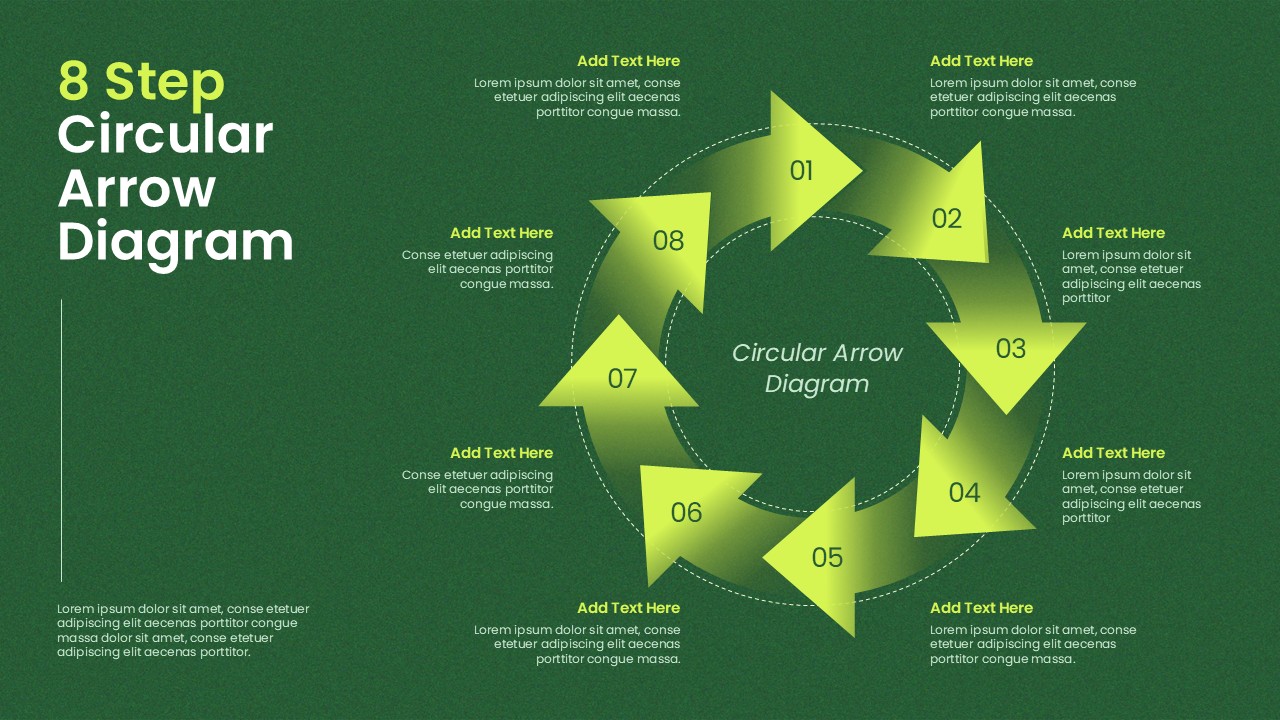
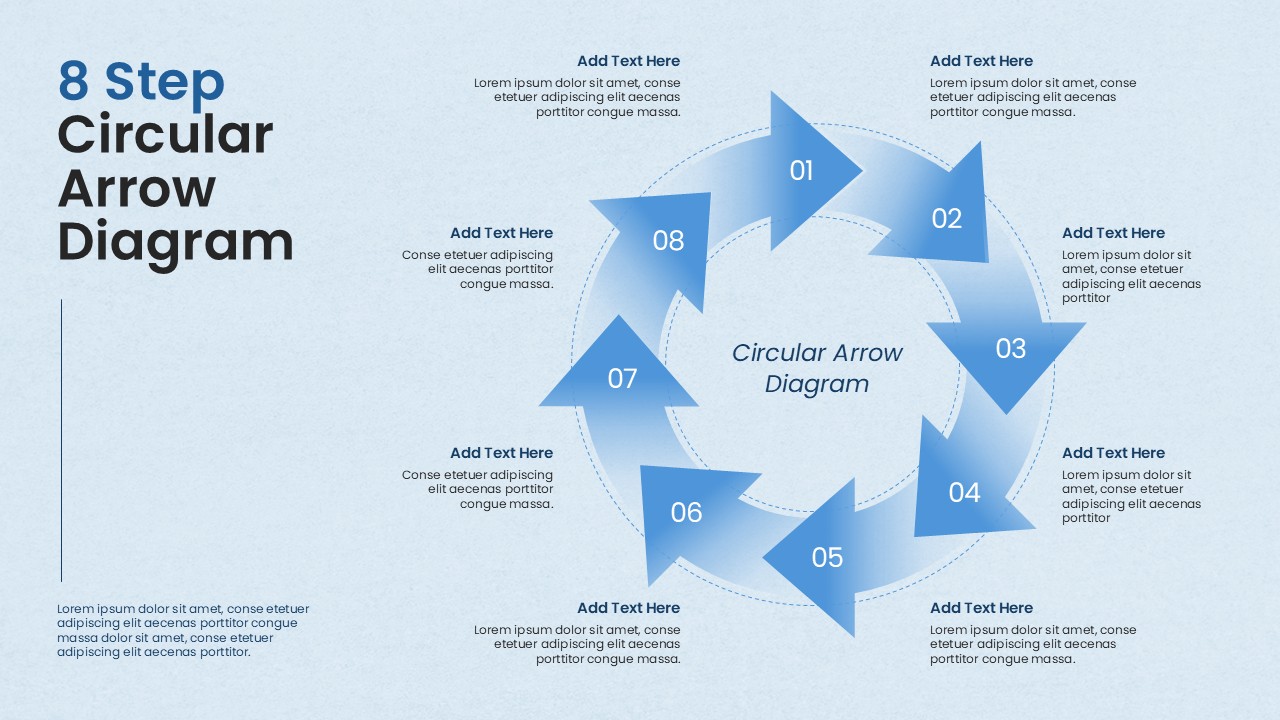
Explain cyclical processes, continuous workflows, or recurring strategies with this 8 step circular arrow diagram template, built specifically for PowerPoint presentations and Google Slides decks. This circular process diagram arranges eight numbered arrow segments in a continuous loop around a central title, making it ideal for visualizing repeating cycles, feedback loops, lifecycle stages, or step-by-step frameworks.
- Eight numbered arrow segments (01 to 08) arranged in a circular flow, each paired with a dedicated text box for descriptions
- Bold gradient color scheme on a dark green background for strong visual contrast and readability
- Editable central label area to customize your diagram’s title or core concept
- Clean, modern layout that works for business cycles, project workflows, or strategic planning slides
8 Step Circular Process Diagram Template
This PowerPoint circular diagram template is designed with editable shapes, colors, and text placeholders, so users working in PowerPoint can quickly resize, recolor, and rearrange arrows using native PPT tools. The same slide also adapts smoothly to Google Slides, giving teams flexibility to edit and present on either platform without losing formatting.
Whether you’re building a strategy deck, training material, or a process explainer, this template helps communicate cyclical ideas in a visually engaging way that holds audience attention.
Frequently Asked Questions
Can I reduce the number of steps from 8 to fewer?
Yes, you can easily delete or duplicate arrow segments to create diagrams with fewer or more steps as needed
What other purposes can this circular diagram template serve?
This template also works well for process cycles, project lifecycles, strategy frameworks, customer journey maps, and continuous improvement models.
Login to download this file
What do you think of this template?
-
Category:
Infographics -
-

-

Item ID: SPT1066
-

Designed by: Athira
-

Color
Related Templates
-

-

-

-

Animated Circular Gear Process Template for PowerPoint & Google Slides
Business Strategy
-
-

-

-

-

-

-

-



