
6 Step Circular Arrow Diagram PowerPoint Template
Product Description
Circular Arrow Process Flow Diagram
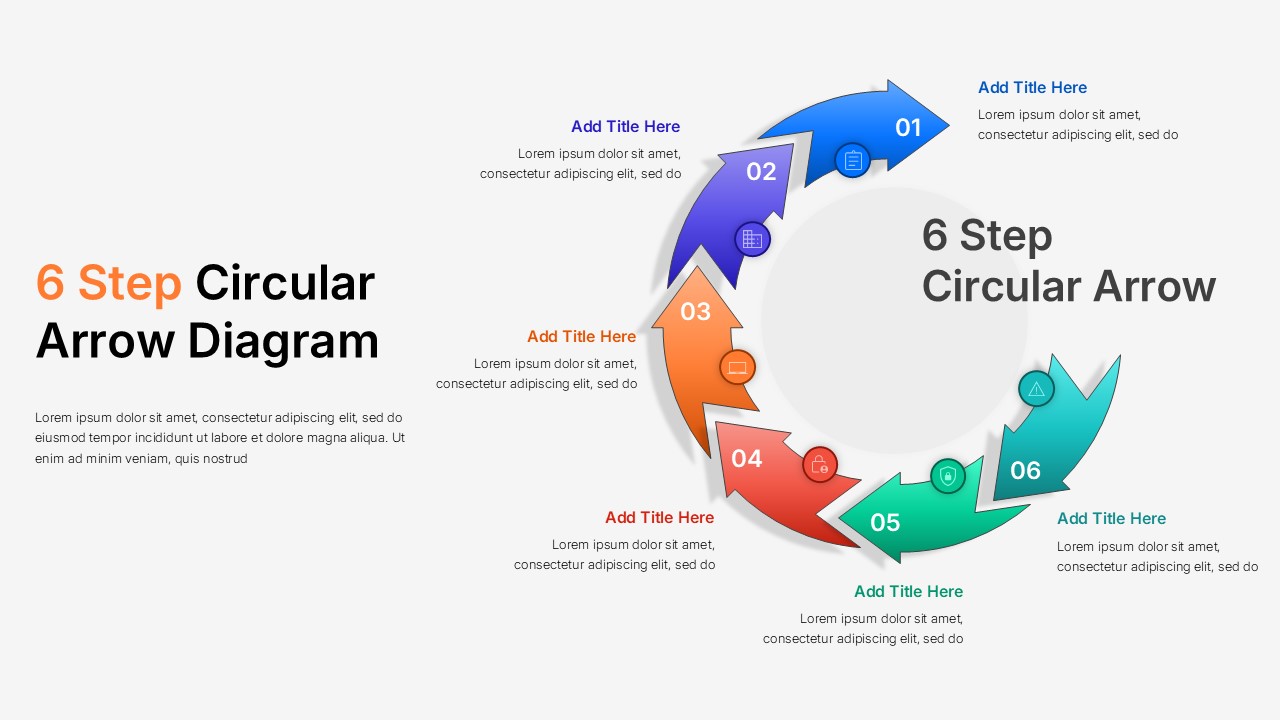
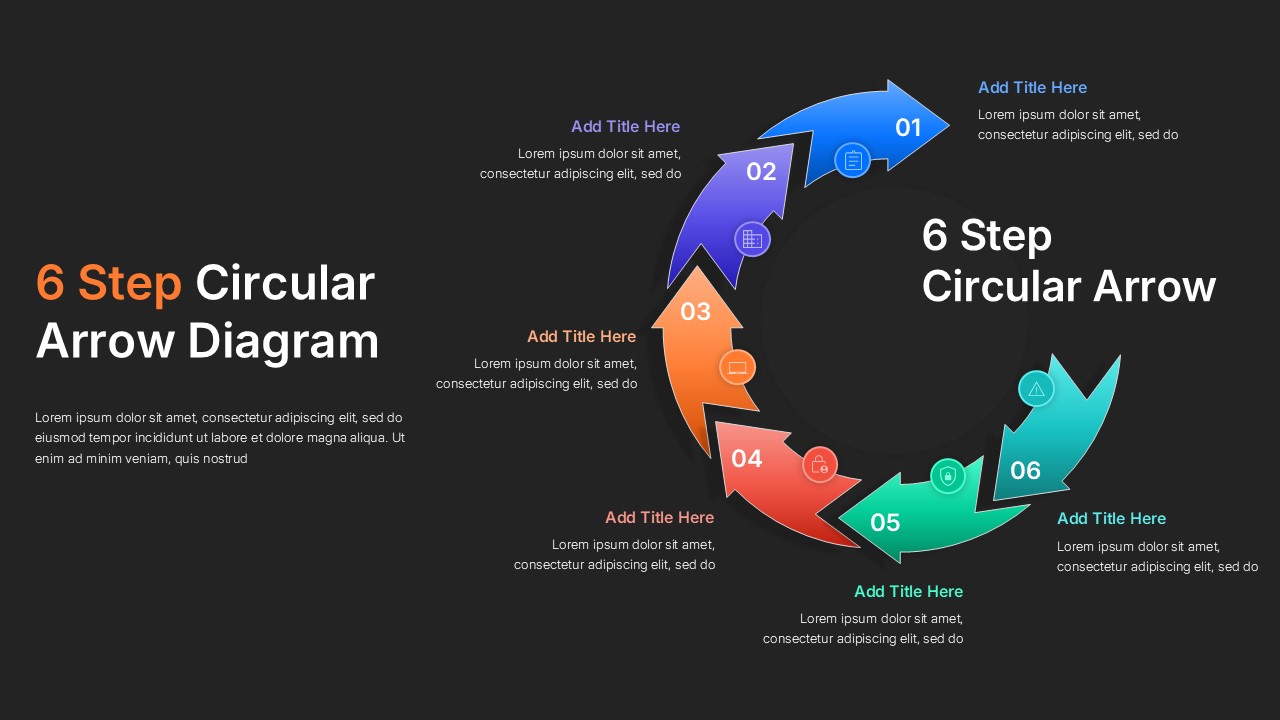
Explaining a process that loops back on itself, rather than running in a straight line, calls for a layout that visually reflects that continuity, and this 6 Step Circular Arrow Diagram Template does exactly that. Six curved arrows wrap around a central circle, each numbered from 01 to 06 and rendered in a different color, guiding the audience’s eyes naturally around the cycle from start back to beginning.
What makes this circular process arrow diagram useful for real presentations:
- Each arrow includes its own icon, title, and short description, giving you space to explain a distinct phase, stage, or category within your overall process
- The central circle offers an open area for the main heading, helping orient viewers on what the entire cycle represents before they read through individual steps
- The color progression across blue, purple, orange, red, teal, and green keeps each step visually distinct, even when presented at a glance during a meeting
- The layout suits any sequence that repeats or feeds back into itself, rather than processes with a clear linear end point
This circular flow template fits naturally into operations reviews explaining recurring workflows, quality management presentations covering continuous improvement cycles, marketing decks outlining campaign stages, and training sessions describing onboarding loops. For presentation storytelling, introduce the central theme first, then walk through each numbered arrow in sequence, letting the visual flow reinforce how each stage connects to the next.
This six step cycle diagram works smoothly across both Microsoft PowerPoint and Google Slides, letting teams edit titles, icons, and colors on whichever platform suits their workflow.
Frequently Asked Questions
Is this template suitable for continuous improvement presentations?
Yes, the circular layout works well for cyclical processes like quality management or recurring workflows.
What other use cases does this template support besides process flows?
It also suits marketing campaign stages, onboarding cycles, project lifecycle reviews, and strategic planning loops.
Login to download this file
What do you think of this template?
-
Category:
Business -
-

-

Item ID: SPT1061
-

Designed by: Niranjana
-

Color
Related Templates
-
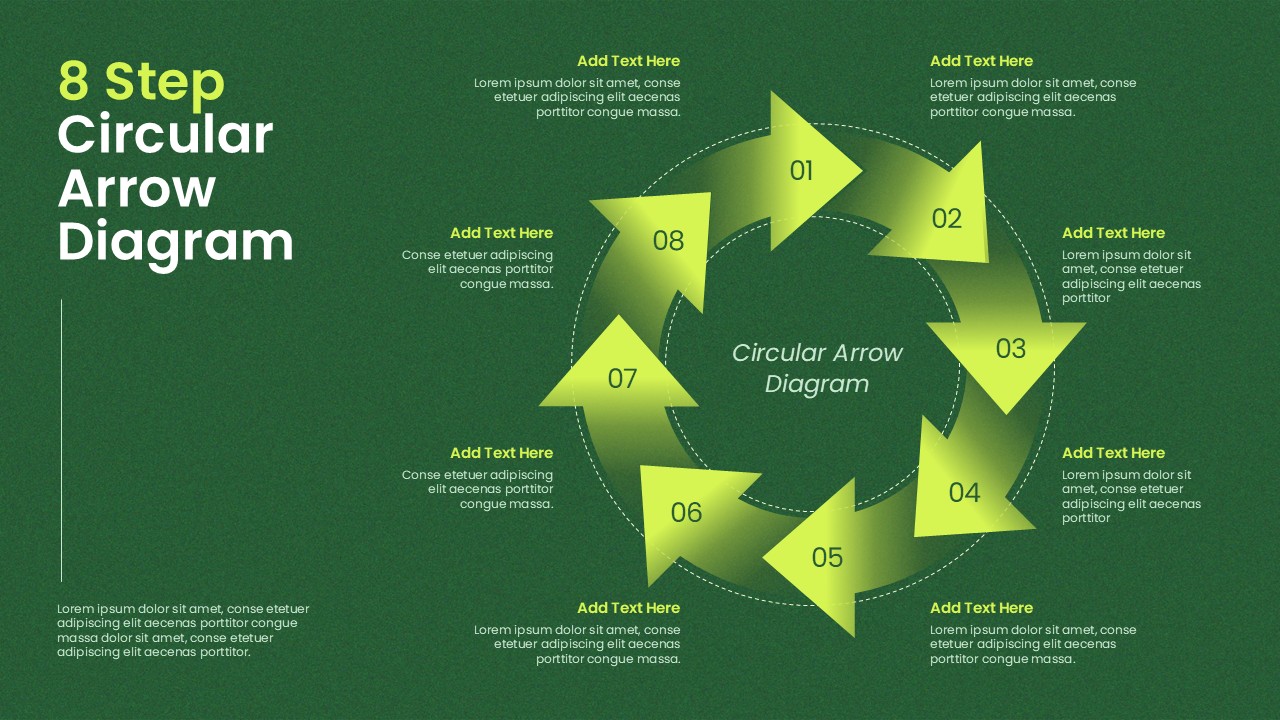
8 Step Circular Arrow Diagram PowerPoint Template
Infographics
-

-

-

-

-

Animated Circular Gear Process Template for PowerPoint & Google Slides
Business Strategy
-

-

-

-

-

-



