
Strategic Priorities PowerPoint Slides Template
Product Description
Most strategy conversations fail not because the thinking is weak, but because the presentation does not do justice to it. This Strategic Priorities Template was built specifically to solve that problem. It gives leaders, planners, and consultants a structured, visually compelling way to communicate what their organization is focused on, why those priorities were chosen, and how each one connects to measurable business outcomes.
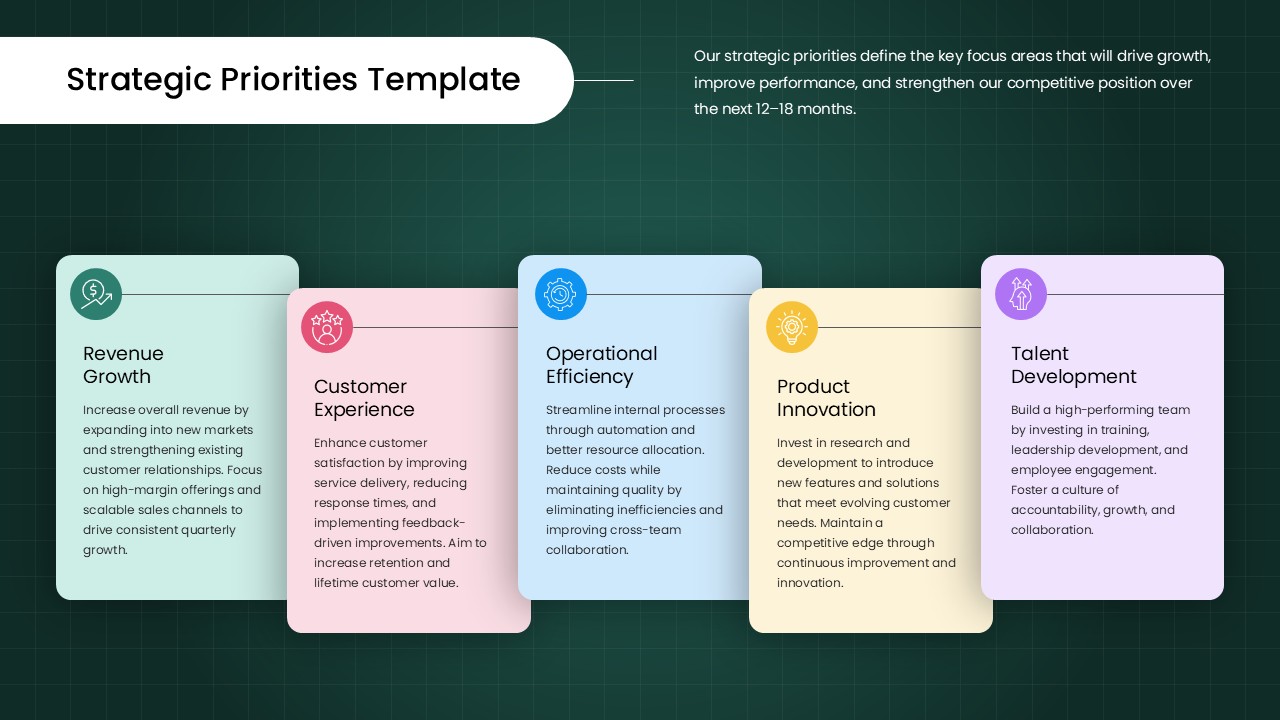
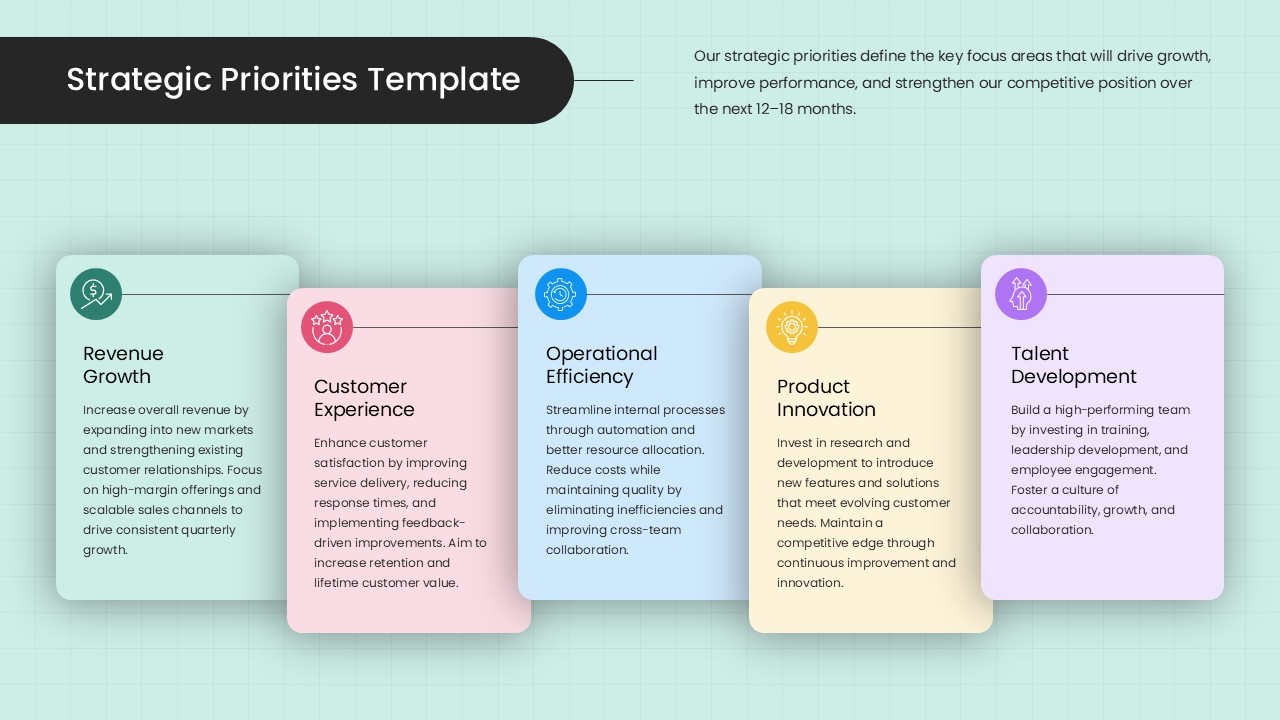
The slide is built around five color-coded priority cards, each carrying its own icon, title, and description space. The default priorities included are Revenue Growth, Customer Experience, Operational Efficiency, Product Innovation, and Talent Development, but every element is fully editable, so you can reshape the content to reflect your organization’s actual strategic focus for the quarter, year, or planning cycle ahead.
- The staggered card layout is not just a design choice. It creates a natural storytelling flow that guides your audience from one priority to the next without losing their attention.
- Each card uses a distinct pastel tone against a deep teal background, making individual priorities easy to reference during live discussions, Q&A sessions, or follow-up conversations.
- The icon-led design helps audiences process and retain information faster, which matters in high-stakes boardroom settings where attention spans are short and clarity is everything.
- Because the layout separates each priority visually, presenters can zoom into a single card during a discussion without the rest of the slide feeling cluttered or out of context.
This template fits naturally into annual planning decks, leadership alignment meetings, investor briefings, OKR presentations, and departmental strategy rollouts. Strategic priorities are often most effective when linked to clearly defined goals, which is why many planning teams also use goals slides and templates to communicate expected outcomes and success metrics. It works seamlessly in both Microsoft PowerPoint and Google Slides, so whether your team lives in Office 365 or Google Workspace, you can open, edit, and present without any formatting surprises. No designer needed, no steep learning curve, just a professional slide that is ready to carry your strategy forward.
Frequently Asked Questions
Who is this Strategic Priorities Template designed for?
This template is designed for business leaders, strategy consultants, operations managers, HR directors, and anyone responsible for communicating organizational focus to a team or stakeholder group. It works across industries including SaaS, finance, healthcare, retail, and professional services. If your role involves presenting a plan, this template gives you the structure to do it credibly.
Is this template fully editable and compatible with PowerPoint and Google Slides?
Yes, every element including the card colors, icons, titles, description text, and background is fully editable. The template is built for compatibility with both Microsoft PowerPoint and Google Slides, so your team can collaborate and update the deck on whichever platform they already use without losing design quality or layout integrity.
What are strategic priorities in a business context?
Strategic priorities are the specific focus areas an organization commits to pursuing over a defined period, typically to drive growth, improve performance, or strengthen competitive positioning. They act as the decision-making filter that helps teams stay aligned and avoid spreading resources too thin.
Login to download this file
What do you think of this template?
-
Category:
Business Strategy -
-

-

Aspect Ratio: 16:9
-

Item ID: SPT0720
-

Designed by: Athira
-

Color
Related Templates
-

Strategic Priorities Framework Pyramid Presentation Template
Business Strategy
-

-

-

-

McKinsey Timeline Slide for Business Roadmaps & Strategic Planning
Project Overview
-

-

-

-

-

Puzzle Piece PowerPoint & Google Slides Template
Business Strategy
-

-



