
Smart Art PowerPoint Infographic Slide Template
Product Description
Process presentations fail when the structure is invisible to the audience. This Smart Art PowerPoint Template gives project managers, business analysts, UX designers, operations leads, and consultants a clean, arrow-driven five-stage infographic that makes any sequential process instantly readable from the first glance. Compatible with both Microsoft PowerPoint and Google Slides, it opens, edits, and presents without any compatibility issues regardless of which platform your team standardizes on.
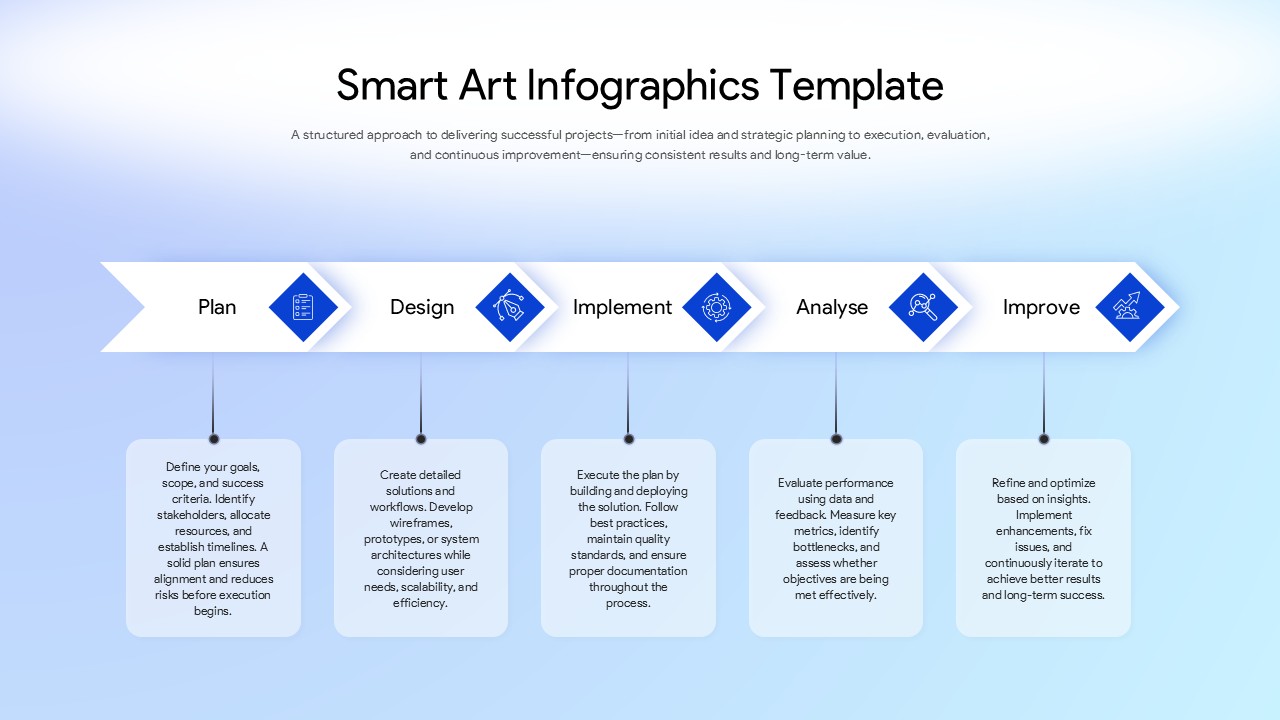
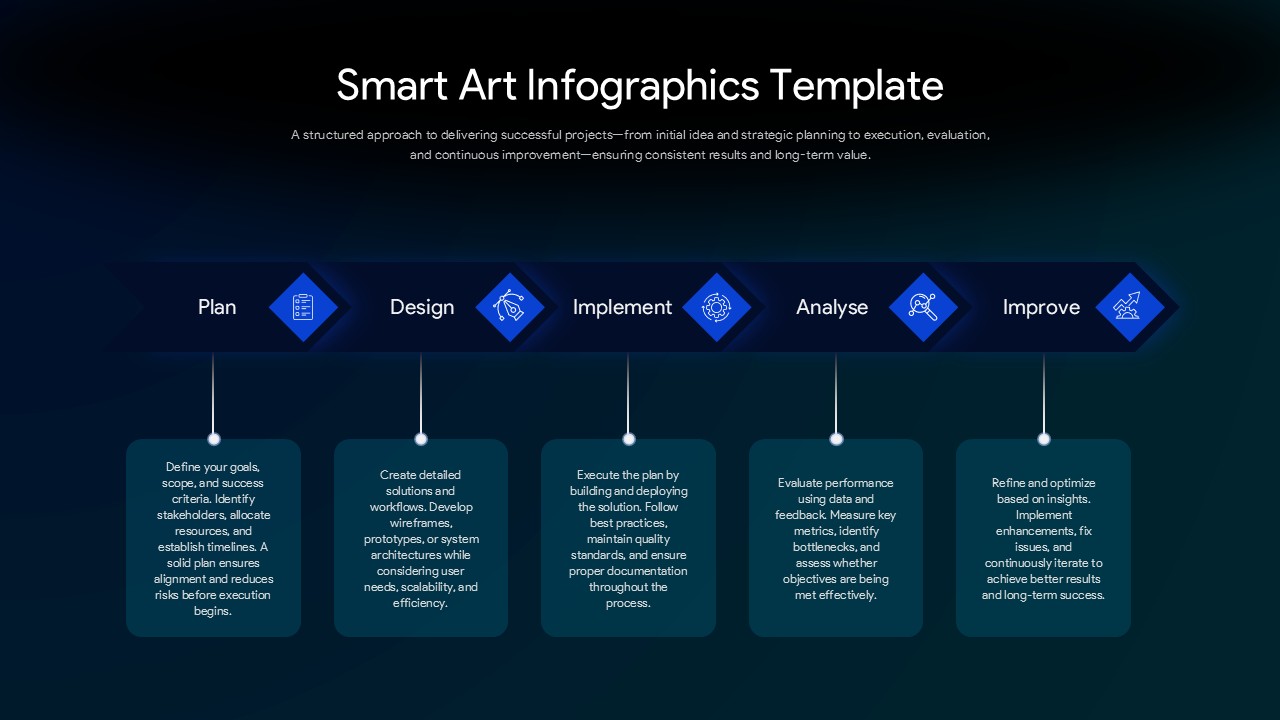
The slide maps a complete project or operational lifecycle across five labeled stages: Plan, Design, Implement, Analyse, and Improve. Each stage sits on a horizontal arrow flow with a diamond-shaped icon node above it and a detailed description card below, creating a top-to-bottom visual rhythm that guides the audience through the process without losing them between steps. For teams looking for alternative layouts, our process flow templates offer additional ways to visualize sequential workflows.
- The Plan stage sets the foundation, defining goals, scope, stakeholder alignment, resource allocation, and timelines before any execution begins, giving audiences a clear picture of how structured the approach is from day one.
- The Design stage covers solution architecture, wireframing, prototyping, and user-centered scalability considerations, showing that execution is shaped by deliberate design thinking rather than improvisation.
- The Implement stage walks through building and deploying the solution with best practices, quality standards, and documentation, giving technical and non-technical audiences confidence that delivery is disciplined and traceable.
- The Analyse stage introduces performance evaluation, metric measurement, bottleneck identification, and objective assessment, positioning the process as data-driven rather than assumption-led.
- The Improve stage closes the cycle with refinement, issue resolution, and continuous iteration based on real insights, communicating that the process does not stop at delivery but actively evolves toward long-term value.
A Smart Art Infographic Template
The soft blue gradient background and crisp white arrow flow give the slide a modern, corporate-clean aesthetic that works equally well in a client-facing delivery presentation, an internal project kickoff deck, or a strategy workshop handout. Every stage label, icon, and description card is fully editable, so you can rename the phases, rewrite the descriptions, and apply this layout to any five-stage process your team needs to present.
Frequently Asked Questions
What is a Smart Art PowerPoint Template?
A Smart Art PowerPoint Template is a pre-designed infographic slide that uses visual elements like arrows, icons, and connected shapes to represent processes, hierarchies, or relationships in a clear, presentation-ready format. It gives presenters a structured visual alternative to plain text bullet points, making complex information easier to follow and remember.
What other use cases does this Smart Art PowerPoint Template support beyond project lifecycle presentations?
Beyond project management presentations, this template adapts well to agile development sprint overviews, service design process explanations, organizational change management roadmaps, quality improvement program decks, new employee onboarding process slides, and client proposal presentations where a clear, icon-supported visual of how work gets done builds confidence and credibility with any audience.
Login to download this file
What do you think of this template?
-
Category:
Diagrams -
-

-

Aspect Ratio: 16:9
-

Item ID: SPT0740
-

Designed by: Athira
-

Color
Related Templates
-

-

-

-

Agile Sprint Planning Timeline Presentation Template
Project Management
-
-
5 Phase Waterfall Project Management Template
Project Overview
-
Sprint Planning Presentation Template for Agile Workflow Management
Project Management
-

-

-

Project Workflow PowerPoint & Google Slides Template
Project Management
-

PERT Chart PowerPoint & Google Slides Template
Project Management
-

Process Improvement PowerPoint & Google Slides Template
Business Strategy



