Key Takeaway Summary Slide for PowerPoint


Product Description
Highlight the most important points from your presentation with the Key Takeaway Summary Slide for PowerPoint, a simple visual layout designed to summarize essential information in one place. The slide helps presenters bring attention to conclusions, findings, recommendations, and memorable points after discussing a topic in detail. Business professionals can use it at the end of meetings to reinforce decisions and action items, while educators, consultants, and project teams can use the layout to recap information for their audiences.
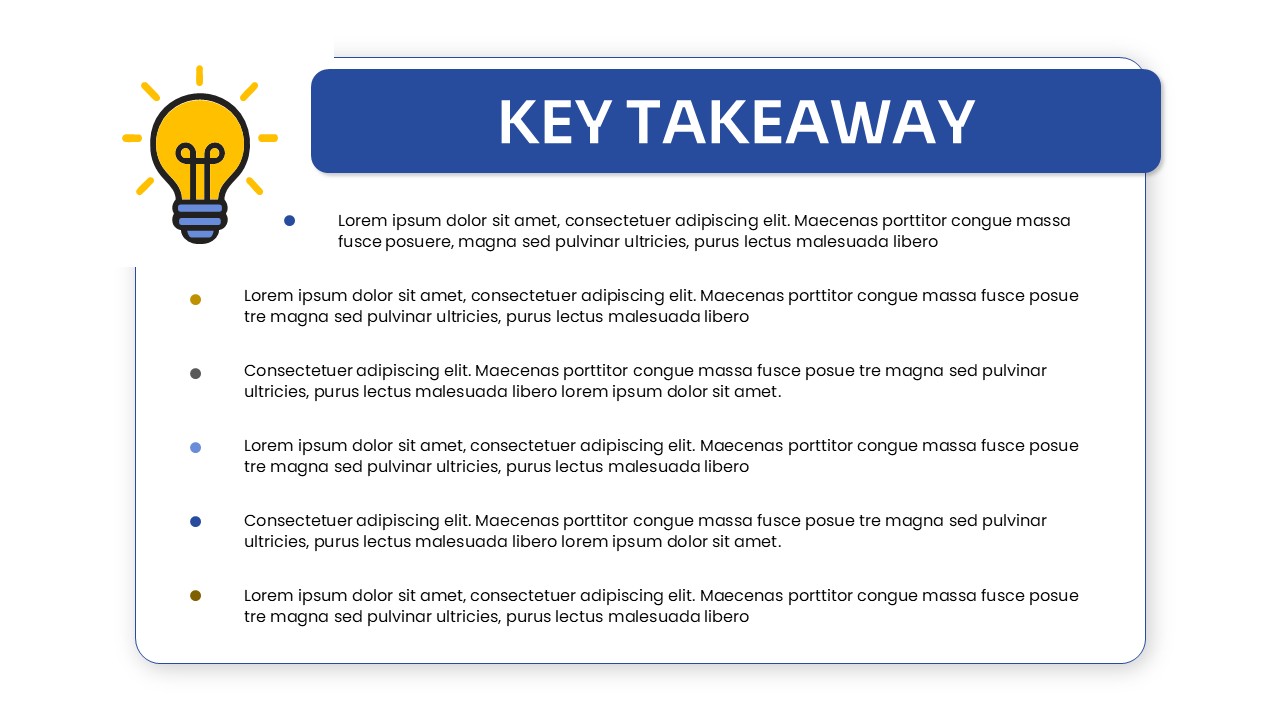
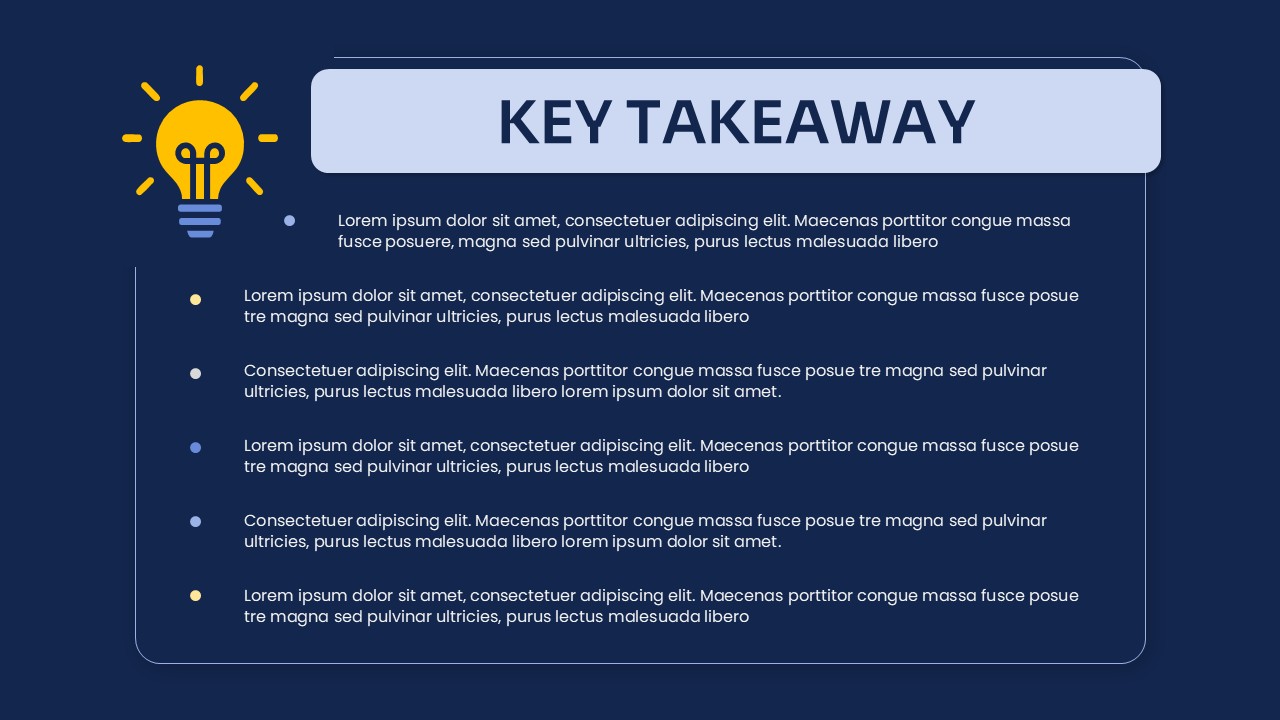
The Key Takeaway Summary Slide for PowerPoint features a prominent header area with a dedicated “Key Takeaway” title and a light bulb graphic that visually represents ideas and insights. Below the heading, multiple bullet points provide space for recording the main conclusions or observations from a presentation. The structured arrangement keeps supporting information together and makes it easier for audiences to review the points that matter most. Presenters can use each bullet to summarize research findings, project outcomes, business insights, recommendations, lessons learned, or next steps.
This PowerPoint slide is fully editable, allowing users to adapt its content and appearance to different presentation topics. Change the heading, rewrite the bullet points, adjust the typography, modify the colors, or replace visual elements to align the slide with your presentation theme and brand guidelines. The clean layout also works well when a presentation needs a concise summary without adding unnecessary visual complexity.
Download the Key Takeaway Summary Slide for PowerPoint to recap important insights, summarize presentation outcomes, communicate key findings, and reinforce essential messages during business meetings, training sessions, workshops, academic presentations, project reviews, and executive briefings.
Login to download this file
What do you think of this template?
-
Category:
Business -
-

-

Aspect Ratio: 16:9
-

Item ID: SPT0086
-

Color
Related Templates
-

-

-

-

-

-
-

-

-
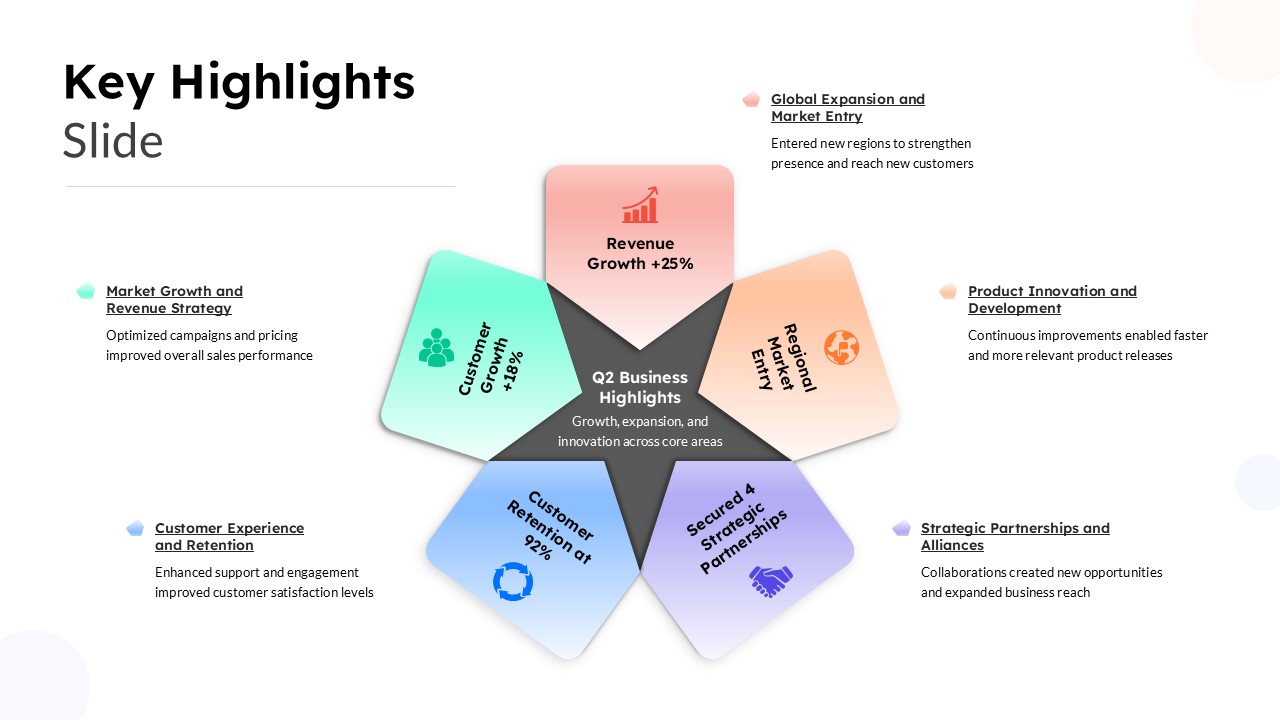
Key Highlights Slide Template
Business
-

-

-
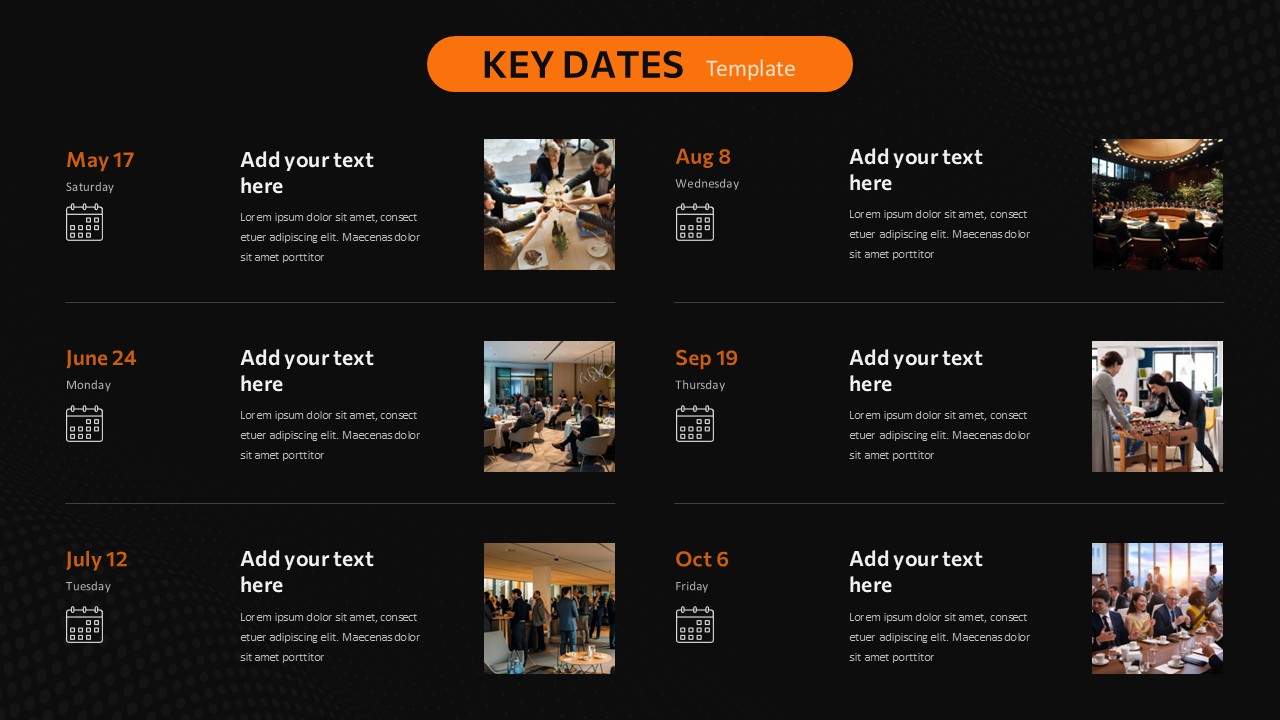
Key Dates PowerPoint Template
Business