
Call To Action Presentation Template with 4-Step Visual Layout






Product Description
This Call To Action PowerPoint template gives you exactly that, a clean, modern slide that turns passive viewers into engaged participants. Fully editable in both PowerPoint and Google Slides, this template requires no design skills to customize. You can swap colors, icons, and text in minutes, making it one of the most practical Google Slides CTA templates available today.
Imagine you are wrapping up a product pitch or a marketing proposal. You need one final slide that brings everything together and tells your audience what to do next. This template does that job beautifully with its four-panel layout, each panel carrying a distinct icon and space for your key message.
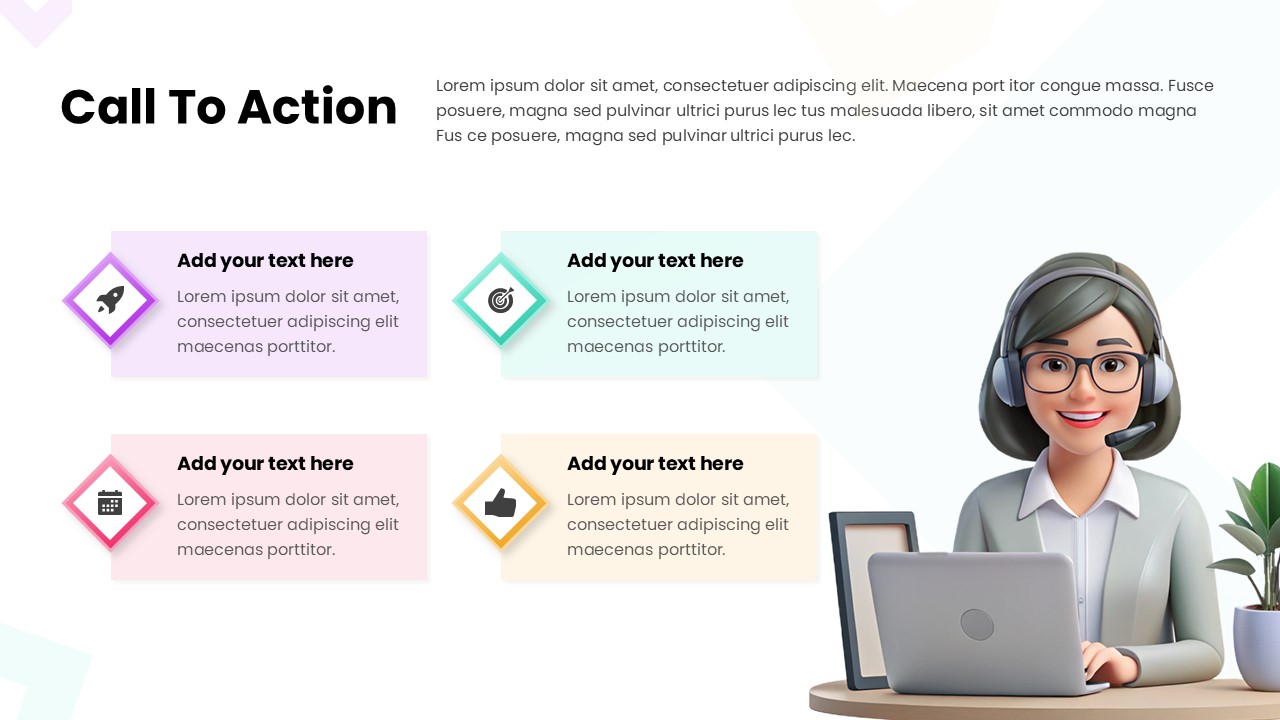
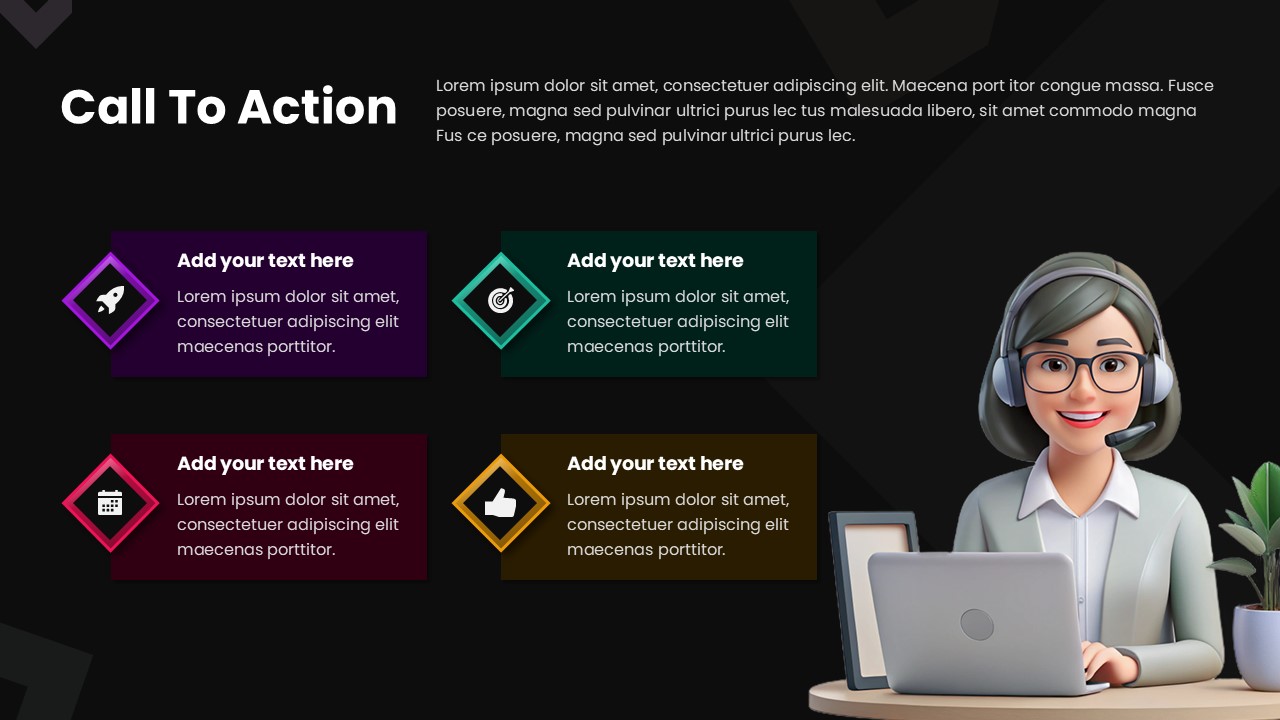
- Four color-coded action boxes in soft purple, teal, pink, and yellow tones
- Diamond-shaped icons for visual hierarchy and modern appeal
- A friendly 3D customer support character that adds warmth and relatability
- Clean white background that keeps the focus on your content
- Headline and description text area at the top for context setting
You can use this slide for sales presentations, onboarding decks, nonprofit campaigns, or even classroom projects. Each box can represent a next step, a benefit, a contact method, or a call to action point tailored to your audience.
The layout is simple enough for beginners yet polished enough for professionals. Whether you are presenting to a board or a classroom, this slide speaks clearly.
Download this template today and make your final slide the most memorable one in your deck.
Login to download this file
What do you think of this template?
-
Category:
Business -
-

-

Aspect Ratio: 16:9
-

Item ID: SPT0042
-

Designed by: Krishnapriya
-

Color



