Numbered List PowerPoint Template
Product Description
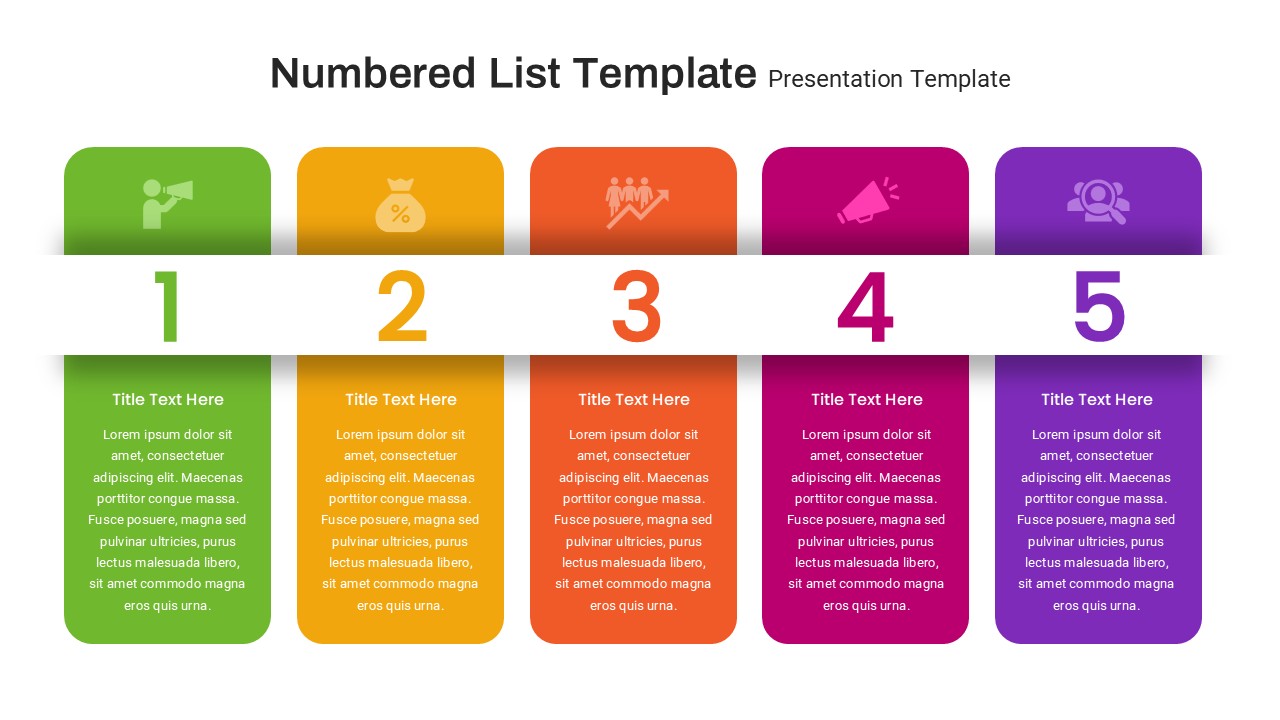
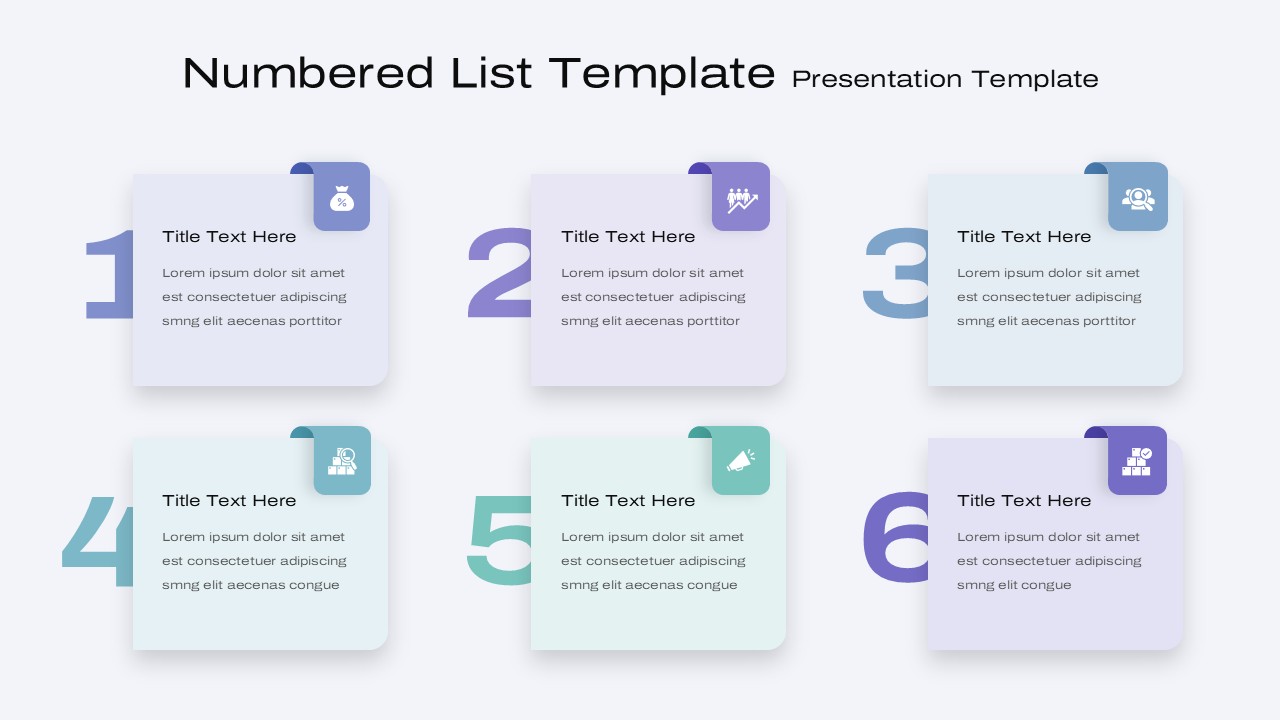
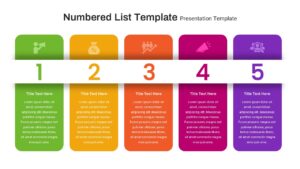
The Numbered List PowerPoint Template is a colorful and flexible presentation design for organizing ideas, steps, priorities, processes, strategies, and key points in a clear numbered format. This PowerPoint template uses large numbers, rounded content cards, simple icons, and bright accent colors to create an easy to follow visual structure. With layouts supporting five and six numbered items, the template gives you a practical way to present information without relying on long blocks of text.
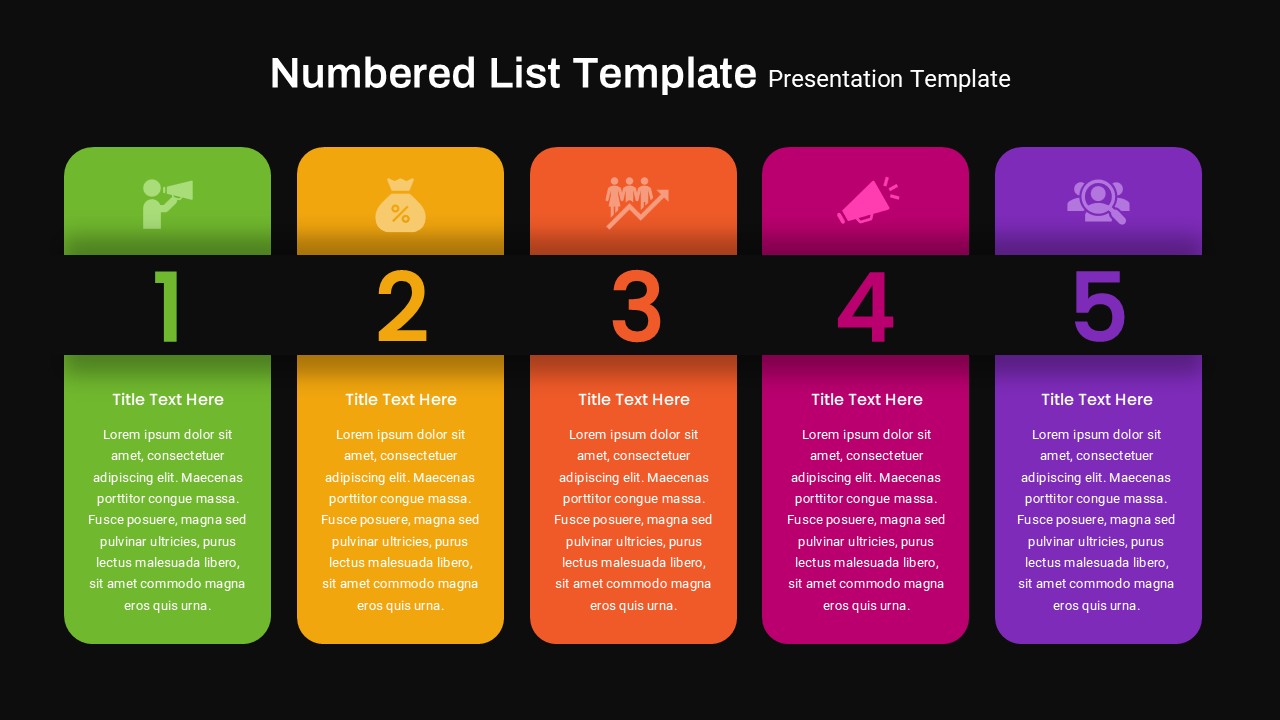
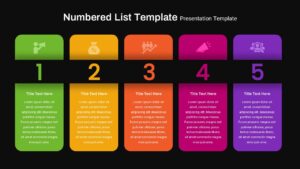
The design includes multiple background variations, including light, dark, and colorful versions. This makes the Numbered List PPT Template suitable for different presentation styles and audiences. The light layouts create a soft and professional appearance, while the dark layouts provide stronger contrast and a more modern look. The colorful five item version uses green, orange, red, pink, and purple cards to give each point its own visual identity.
The large numbers make the order of information immediately clear. Each numbered section also includes an icon, title, and description area. You can replace these elements with your own content and use the layout for many different topics.
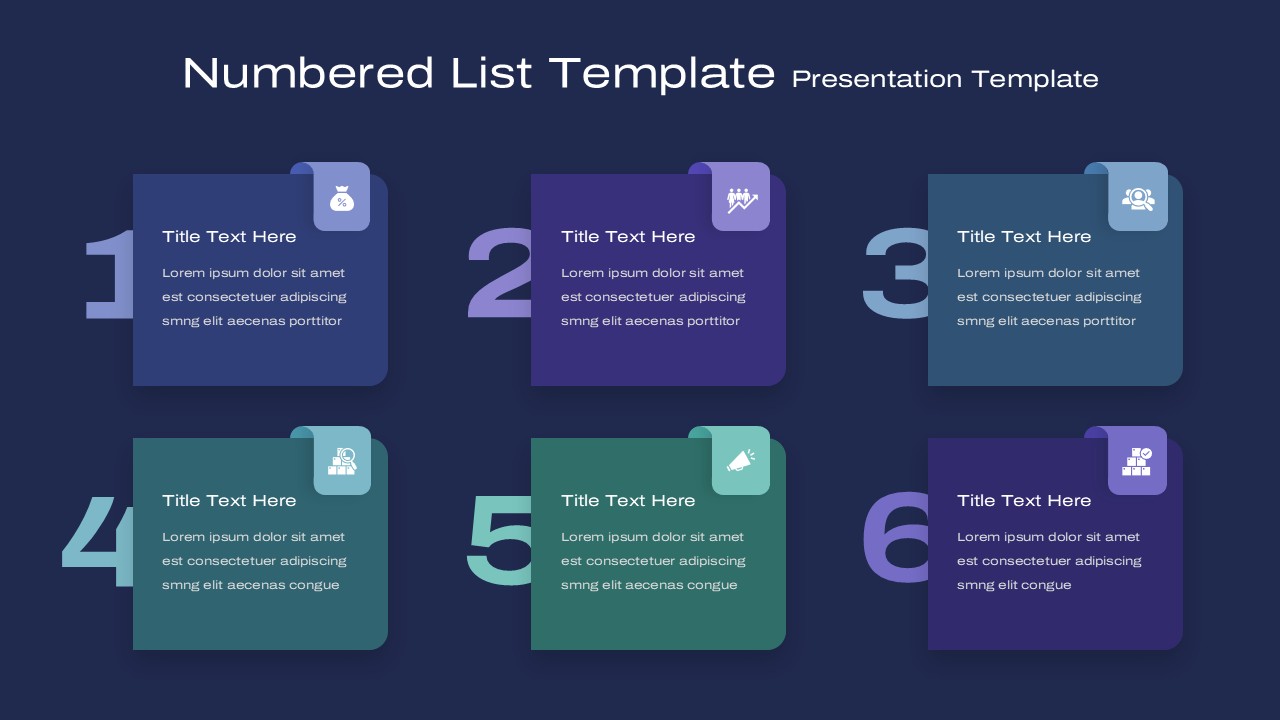
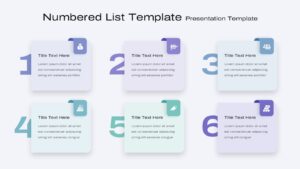
The Numbered List PowerPoint Template can help present information in a logical sequence. You can use the first layout for five key points and the second layout for six items. Each card provides enough space for a short heading and supporting text, making the design suitable for business, education, marketing, planning, and creative presentations.
The PPT template works well for presenting processes, project stages, business priorities, strategic objectives, learning topics, campaign ideas, product features, recommendations, and action plans. For example, a business presenter can use the numbered cards to explain five strategic priorities. A teacher can use the same layout to introduce steps in a lesson. A marketing team can also use it to present campaign stages or customer journey points.
The icon areas add a visual connection to each numbered point. You can replace the sample icons with symbols that match your topic. The rounded cards provide a consistent content structure, while the large numbers create a strong visual hierarchy.
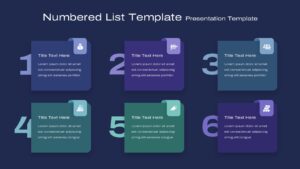
The light versions use pale backgrounds with soft blue, purple, and teal tones. These colors create a clean and contemporary presentation style. The dark versions use navy and deep purple backgrounds with brighter accent colors. This creates a more dramatic appearance while maintaining good content separation.
This template is also useful when you need to show a sequence without using a traditional timeline. The numbers can represent stages, rankings, categories, steps, or priorities. This gives you more freedom to adapt the template to different presentation subjects.
You can customize the headings, descriptions, icons, numbers, colors, and background elements in PowerPoint. The layouts are suitable for both standalone slides and larger presentation decks. They can also be combined with other infographic, business, education, or strategy slides.
This PowerPoint template is suitable for business professionals, consultants, educators, students, marketers, project managers, trainers, and content creators. It offers a simple visual solution for turning a collection of ideas into a structured presentation.
Overall, the Numbered List PowerPoint Template combines clear numbering with colorful content cards and editable infographic elements. Its multiple layouts and background options make it a useful choice for presentations that need a simple, organized, and visually engaging way to present multiple points.
Frequently Asked Questions
Which topics work well with a Numbered List PPT Template?
This template works well for processes, strategies, priorities, project stages, business ideas, educational topics, marketing plans, recommendations, and action steps.
How many points can be displayed in the template?
The available layouts support five or six numbered points, allowing you to choose a structure that matches the amount of information in your presentation.
Login to download this file
What do you think of this template?
-
Category:
Infographics -
-

-

Item ID: SPT0831
-

Designed by: Athira
-

Color
Related Templates
-

-

-

Stage Gate Process Google Slides & PowerPoint Template
Business Strategy
-

Dupont Bradley Curve PowerPoint & Google Slides Template
Business Strategy
-

-
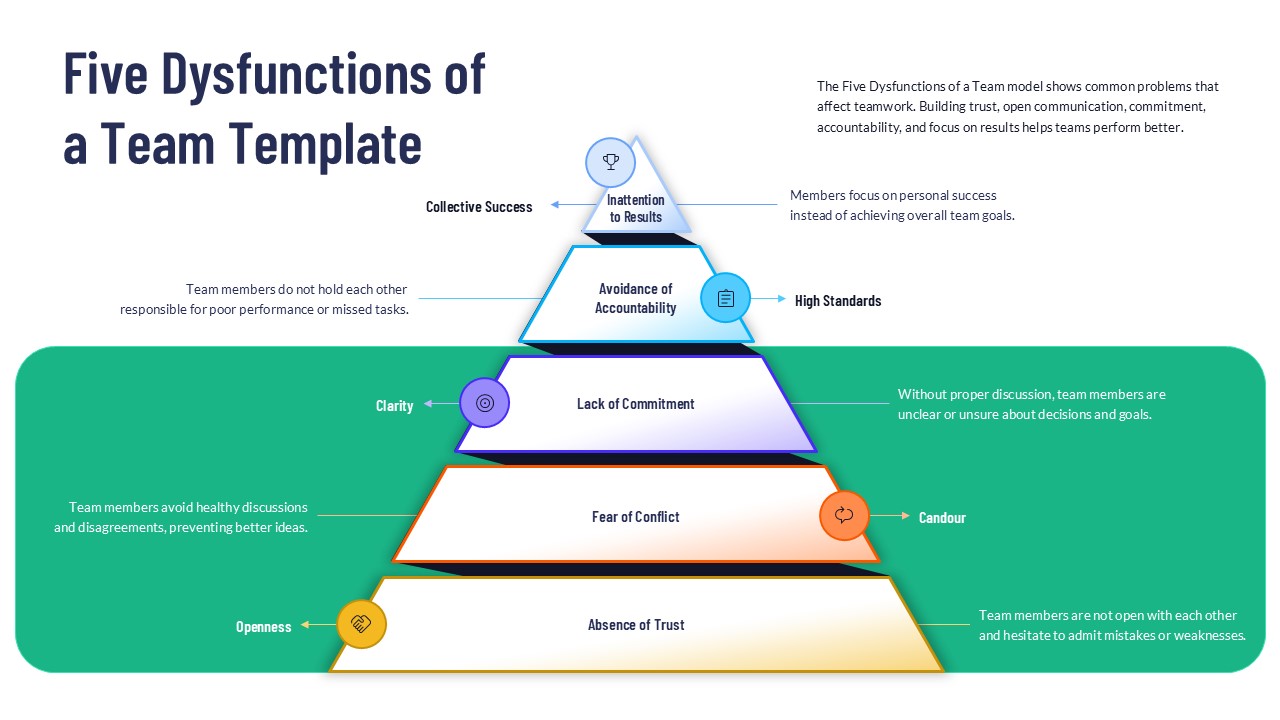
5 Dysfunctions of a Team PowerPoint Template
Leadership
-

-
-
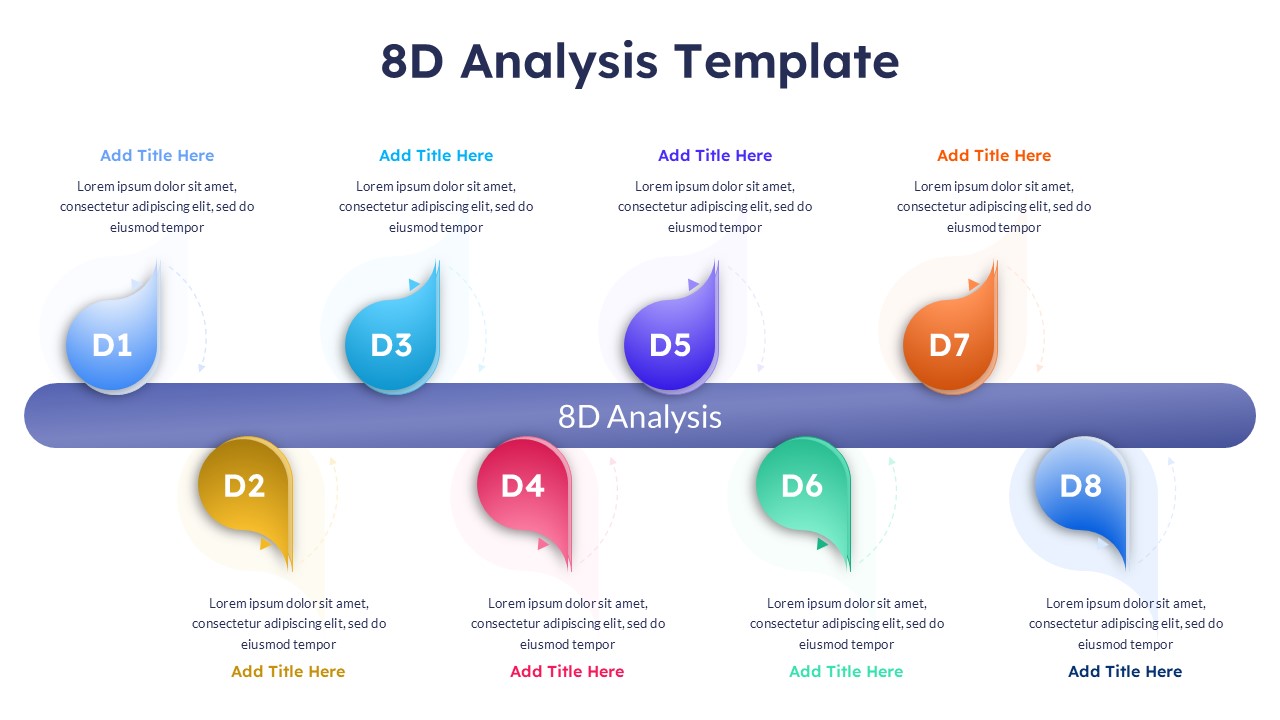
8D Analysis PowerPoint Presentation Template
Business Strategy
-
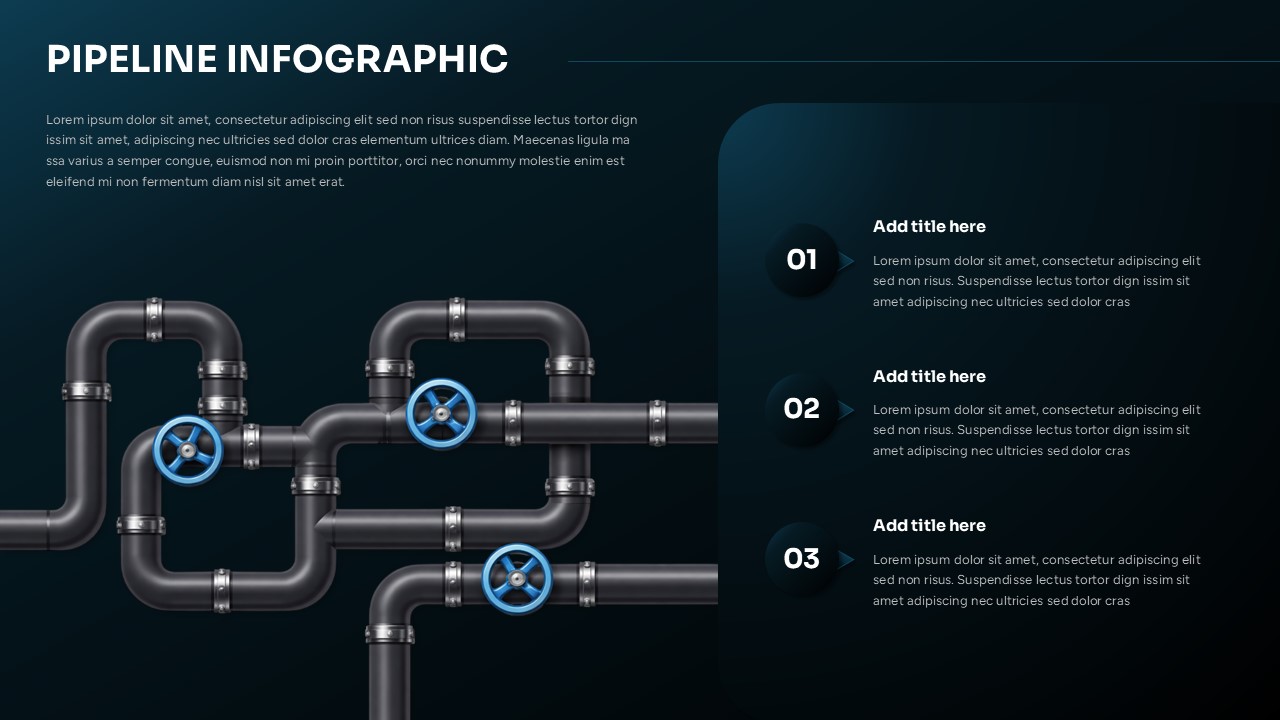
Pipeline Slide PowerPoint Infographic Template
Infographics
-
-
Bottleneck Analysis PowerPoint Template
Business Strategy