
Educational Infographic Template Visual Learning Slides
Product Description
Plain text slides lose student attention faster than almost anything else in a classroom or training room. This education infographic template gives teachers, instructional designers, e-learning developers, and academic presenters a visually engaging, ready-to-customize layout that makes educational content easier to absorb, remember, and act on.
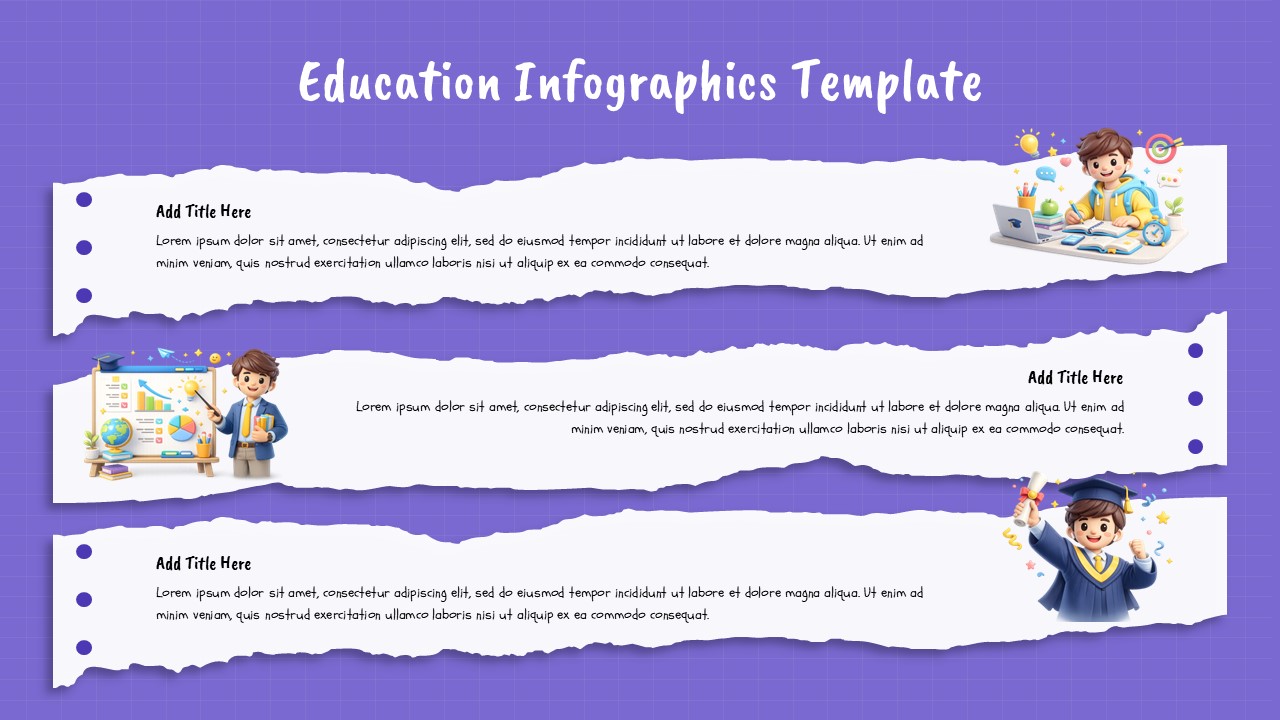
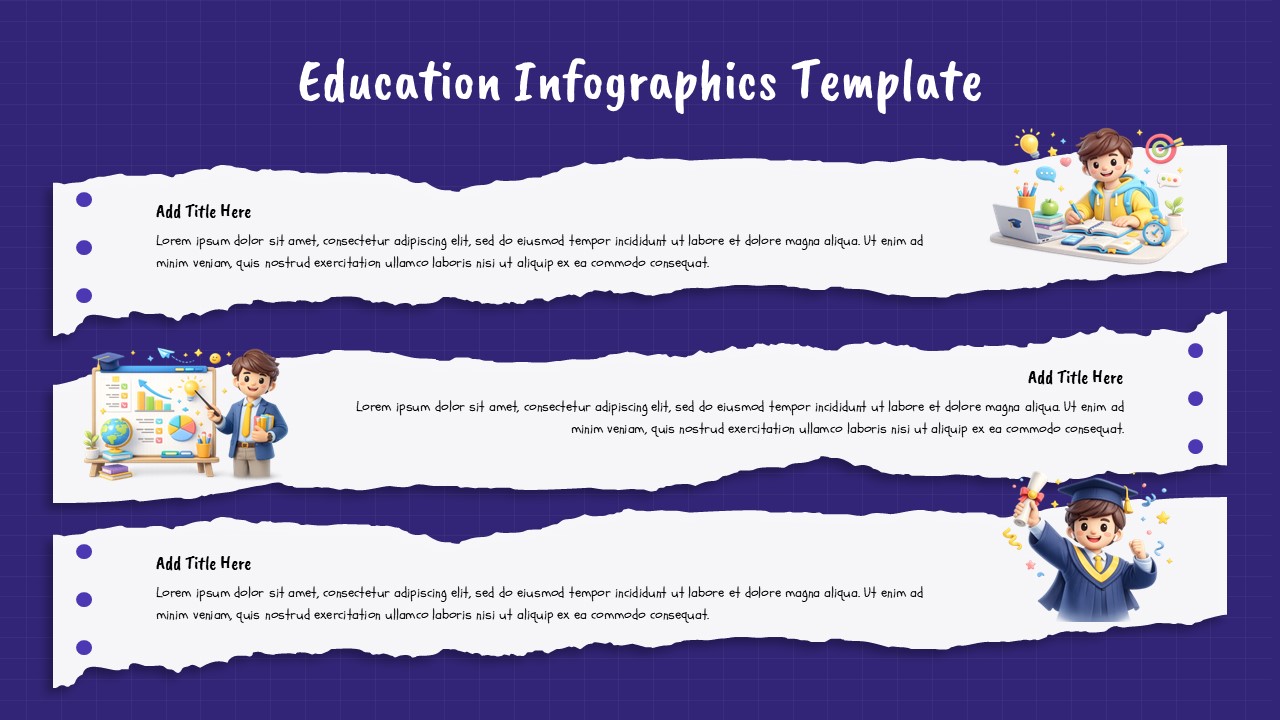
The slide features three horizontally stacked torn-paper banner sections, each carrying a title field, a description text area, and three bullet point slots alongside a 3D illustrated character representing a distinct stage of the learning journey. The first banner shows a student actively studying at a desk surrounded by learning tools, ideal for introducing a topic, lesson objective, or course overview. The second banner features a teacher at a presentation board, suited for explaining a concept, methodology, or instructional framework. The third banner shows a graduating student, making it the natural choice for outcomes, achievements, key takeaways, or program completion highlights.
The vibrant purple grid background, hand-torn paper textures, and 3D character illustrations give the slide a playful yet structured visual identity that resonates with school-age learners, university students, and corporate training participants alike. Each banner section is independently editable, so lesson plans, curriculum overviews, training module breakdowns, and academic program summaries all drop in without redesigning the layout.
Fully editable in PowerPoint and Google Slides, this template suits K-12 classrooms, university lecture decks, corporate learning and development sessions, and online course content equally well.
Frequently Asked Questions
How do I customize this education infographic template for my presentation?
Open the file in PowerPoint or Google Slides, click into any text field across the three banner sections, and replace the placeholder content with your lesson titles, descriptions, and bullet points. Adjust the font size if your content runs longer than the default placeholder text, and update the slide title at the top to reflect your specific course, subject, or training program name before presenting or sharing.
Tips for customizing this education infographic template effectively?
Replace the placeholder title and description text in each banner with your actual lesson topic, learning objective, or training content, and swap the bullet point slots with your three most important supporting points per section. Keep the 3D character illustrations as they are since each one visually reinforces a distinct learning stage, from studying through teaching to achievement, which adds contextual meaning without needing extra design work.
What is an Education Infographic Template?
An education infographic template is a pre-designed presentation slide that presents educational content, lesson plans, or learning frameworks in a visually structured format using illustrated characters, text banners, and organized content sections. It replaces plain text slides with engaging visual layouts that improve comprehension and retention for students, trainees, and workshop participants.
Login to download this file
What do you think of this template?
-
Category:
Education -
-

-

Aspect Ratio: 16:9
-

Item ID: SPT1041
-

Designed by: Niranjana
-

Color



