
Agenda Slides & Templates for PowerPoint & Google Slides
Check out this diverse selection of agenda slides & templates designed to keep your meetings organized and on track. Project managers and corporate trainers can use these layouts to outline session goals, time slots, and key discussion points for their teams. These designs are also ideal for conference organizers who need to present a clear flow of events to large audiences. Every template in this collection is 100% customizable in PowerPoint and Google Slides, allowing you to adjust the structure to fit a quick stand-up or a full-day workshop. Using a clear visual guide ensures your participants stay focused on the most important topics. Find the right slide layout for your next briefing in our library below.

Agenda
-
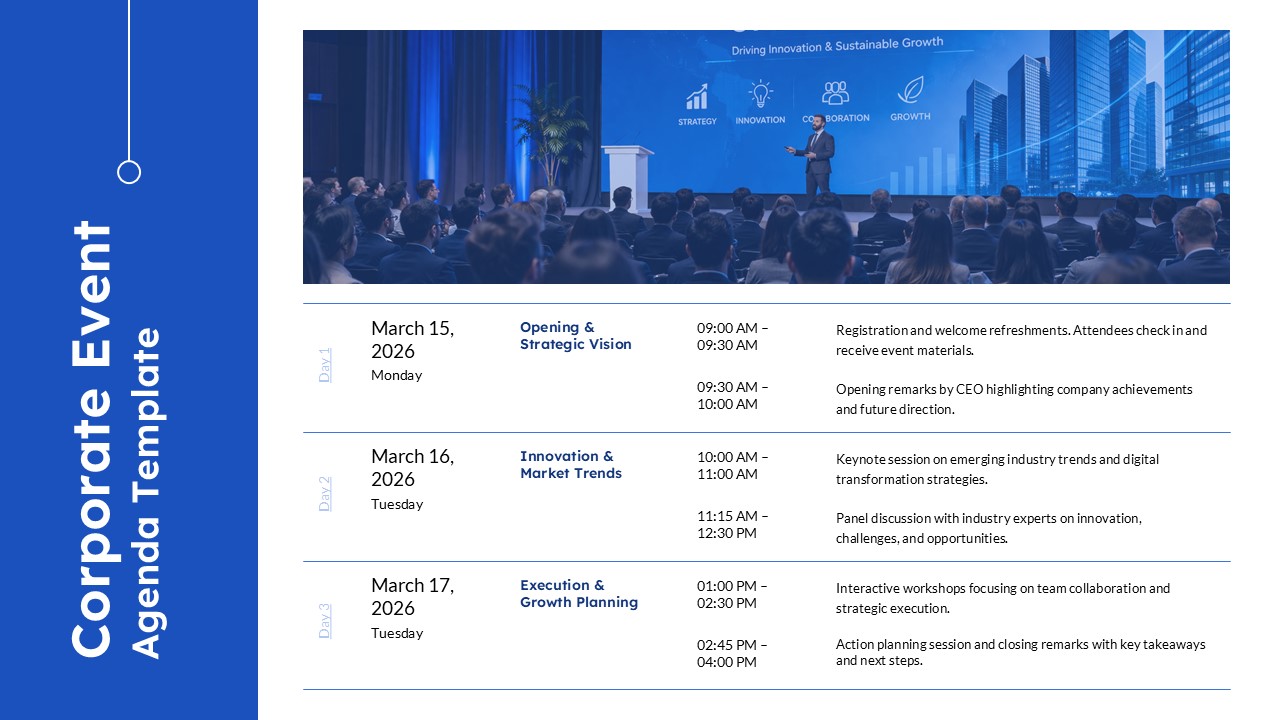
Corporate Event Agenda Template
Business
-
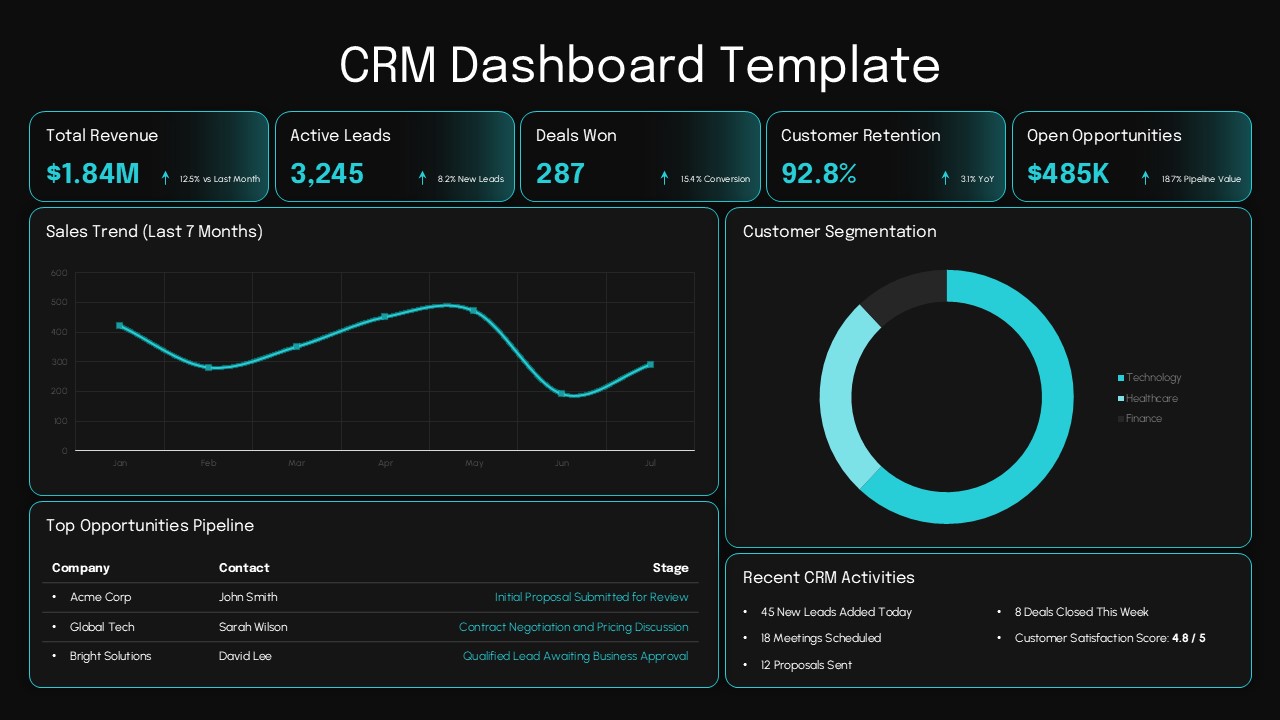
CRM Dashboard PowerPoint Template
Business
-
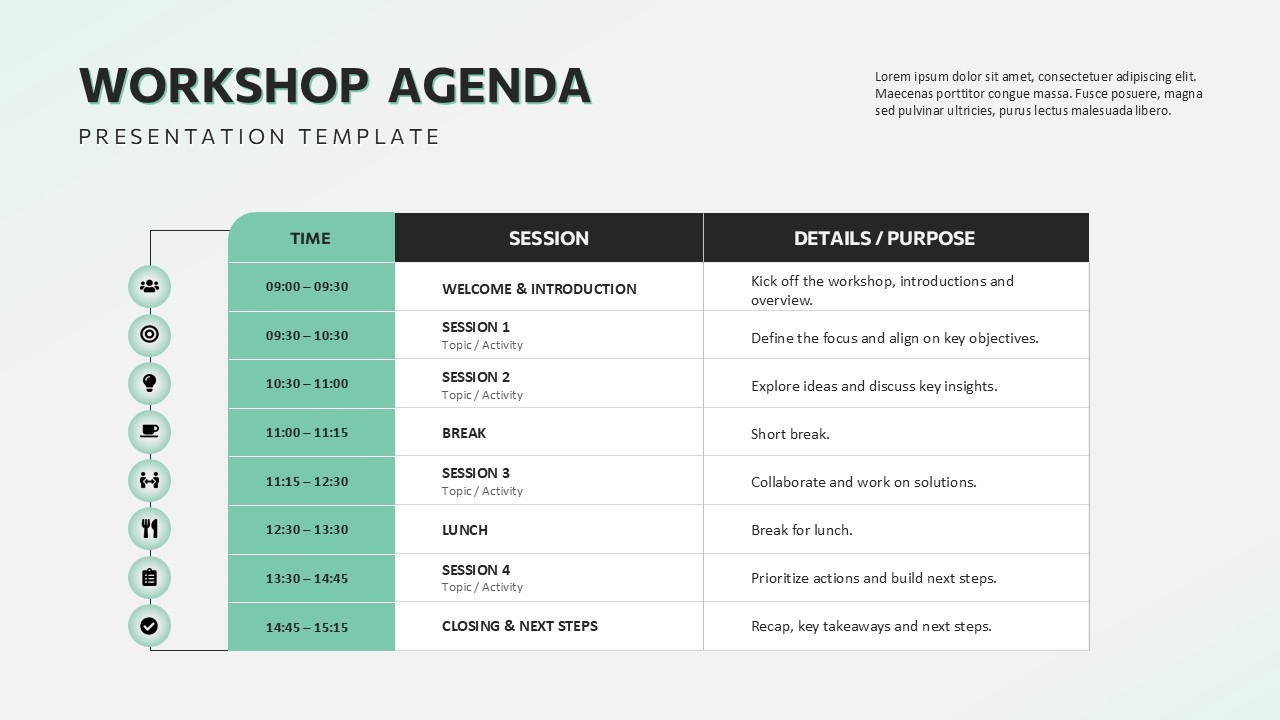
Workshop Agenda PowerPoint Template
Project Management
-
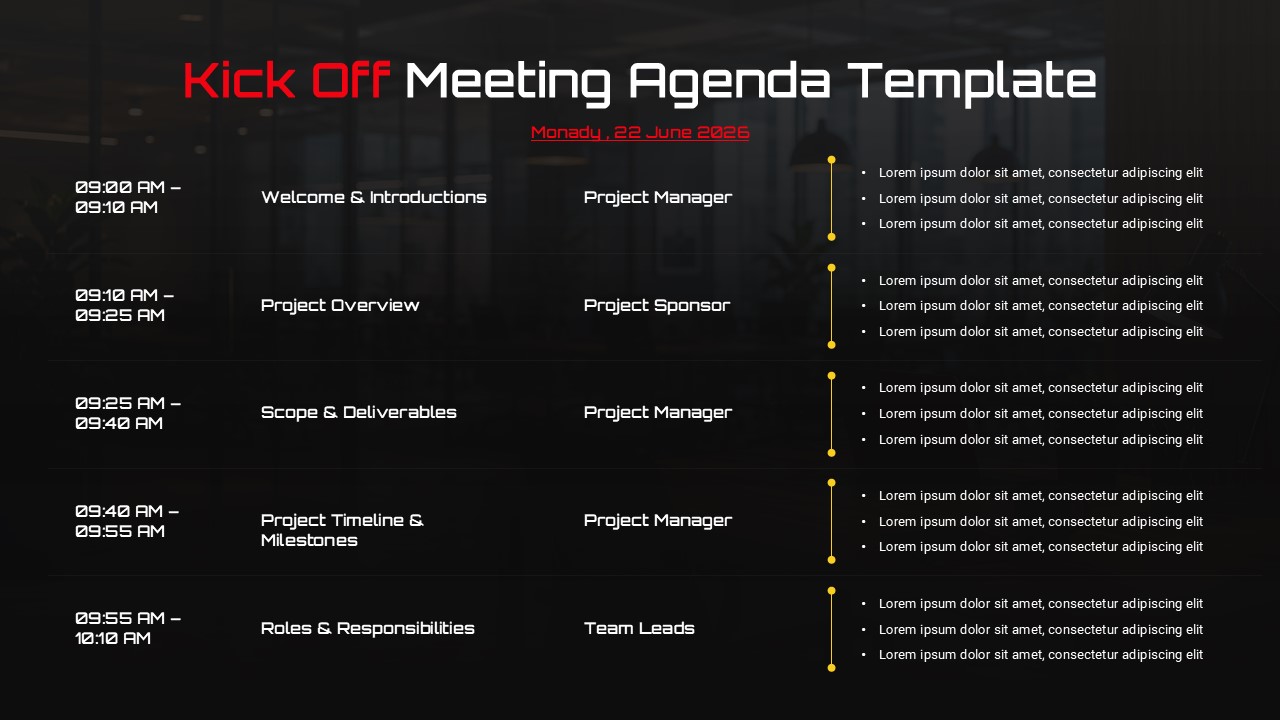
-
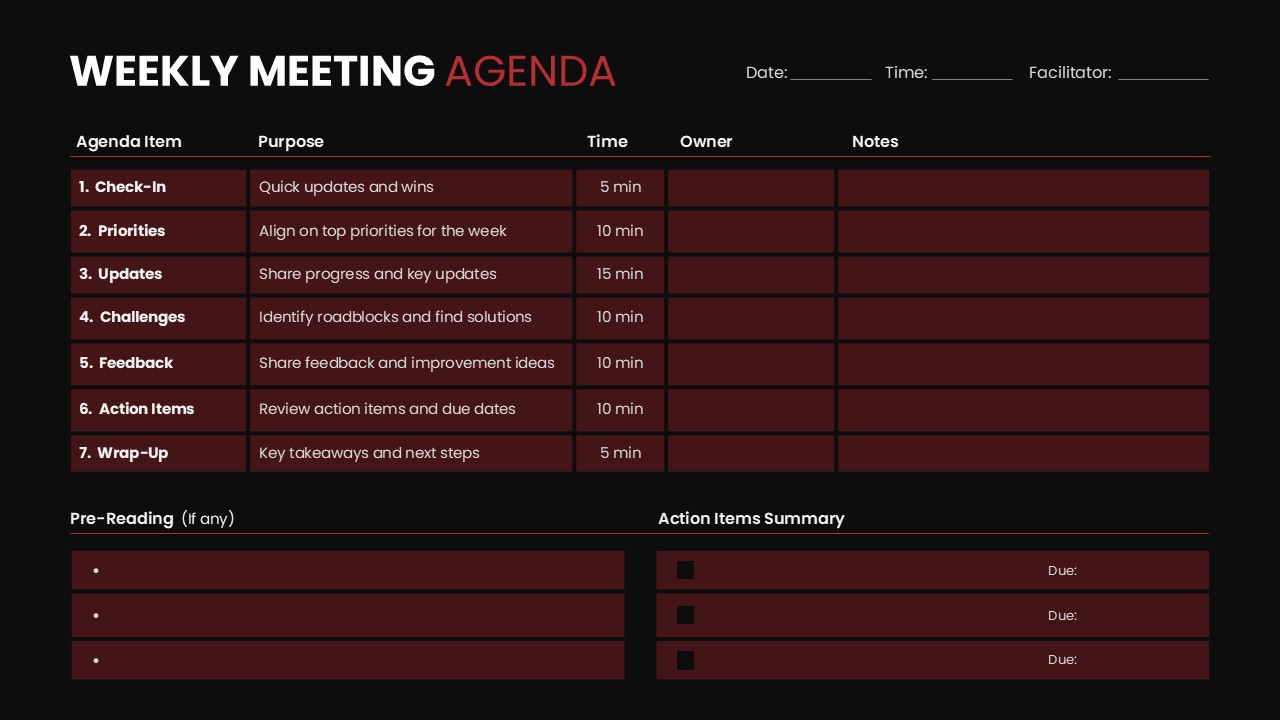
Weekly Meeting Agenda PowerPoint Template
Google Slides
-
-

-

Level 10 Meeting Template
Human Resource
-

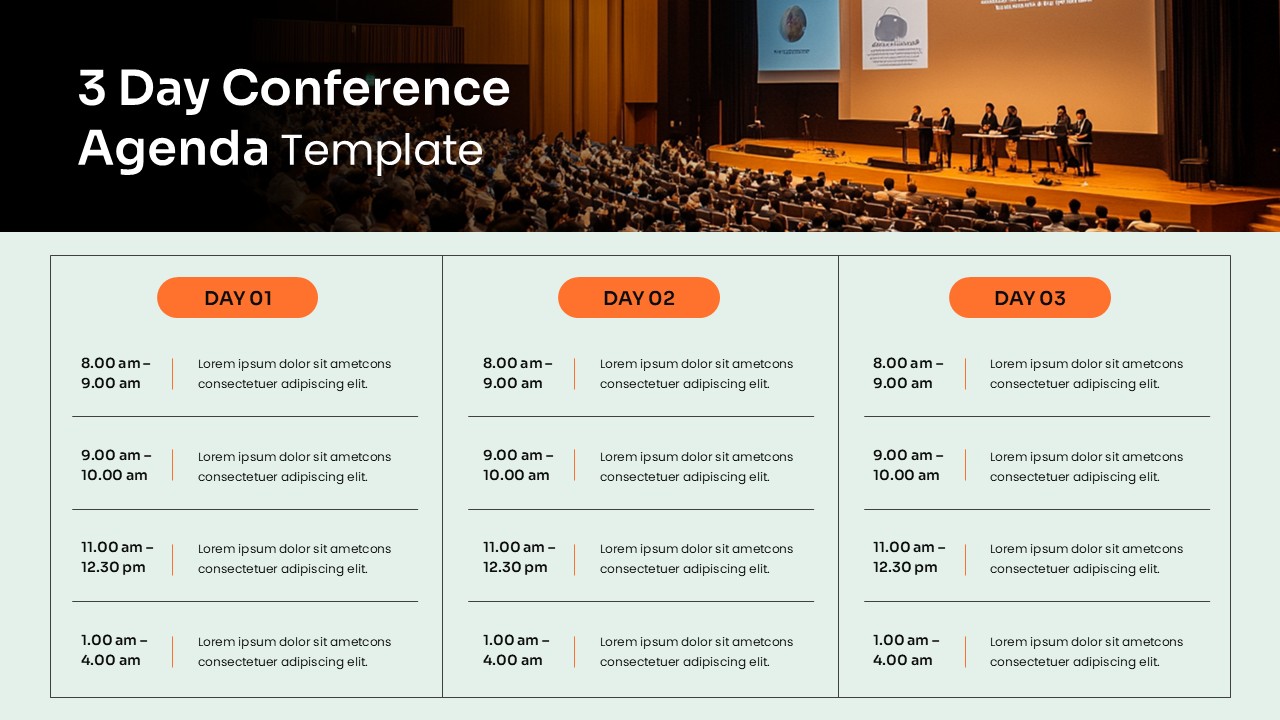
Multi Day Conference Agenda Presentation Template
Project Management
-

-


Frequently Asked Questions
What are agenda slides used for in presentations?
Agenda slides are used to outline the structure of a presentation. They show the topics, sections, or schedule that will be covered, helping audiences understand the flow of the presentation.
Where should agenda slides appear in a presentation?
Agenda slides usually appear near the beginning of a presentation, after the title slide. This placement helps the audience understand what topics will be discussed before the main content begins.
Can agenda slides be used for meetings and conferences?
Yes. Agenda slides are commonly used for meetings, workshops, conferences, and training sessions. They help presenters communicate the schedule and structure of the event clearly.
Are agenda slides available for both PowerPoint and Google Slides?
Yes. Many agenda slide templates are designed to work in PowerPoint and Google Slides, allowing presenters to edit and present their slides using their preferred presentation platform.


