Modern Do’s and Don’ts Comparison PowerPoint & Google Slides Template


Product Description
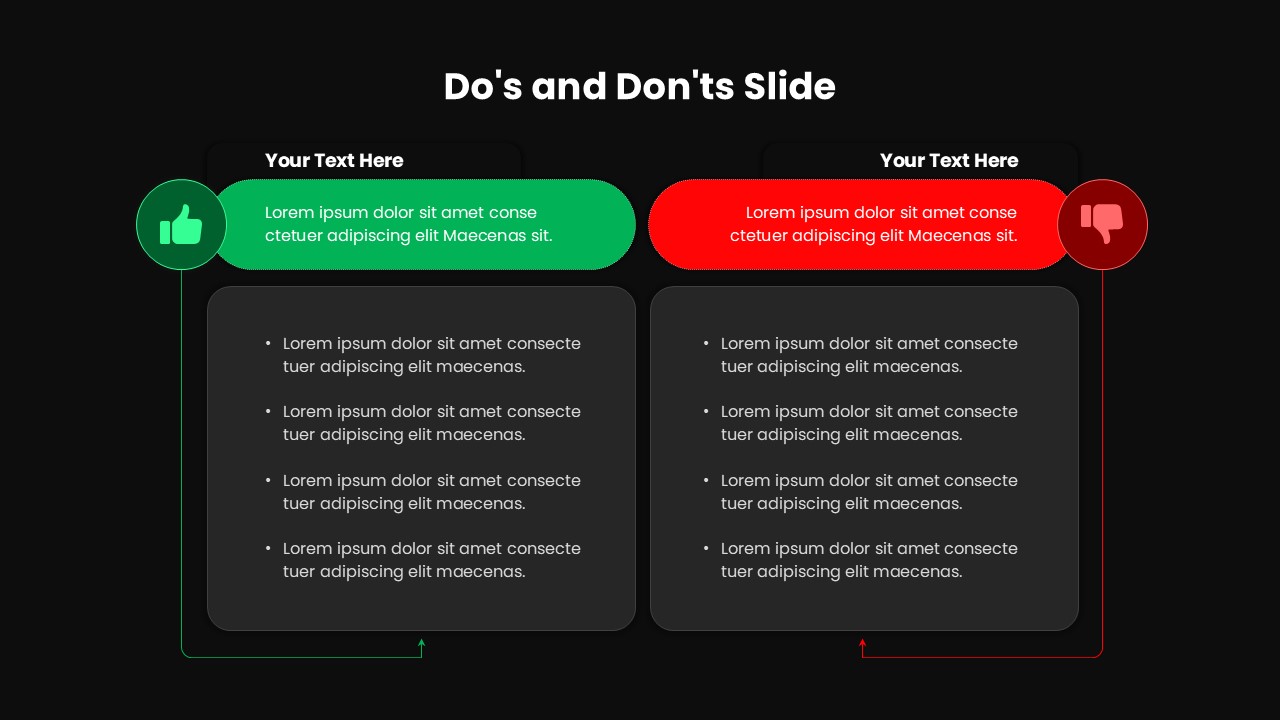
Presenting guidelines doesn’t have to be complicated or dull. This Modern Do’s and Don’ts Comparison Slide Template offers a clean, professional way to show contrasting ideas side by side. It is fully editable in both PowerPoint and Google Slides, making it incredibly easy to customize for any brand. You can quickly change colors, text, and icons to fit your specific presentation needs in just a few clicks. This layout turns complex rules into simple, visual instructions that anyone can follow.
By using a split-screen design, you provide your audience with immediate clarity on best practices versus common mistakes. This structured approach is perfect for training, onboarding, or compliance meetings where clear communication is vital.
Why this template works for your next presentation:
- Visual Hierarchy: The distinct color coding and intuitive markers help the audience distinguish between positive and negative actions instantly.
- Professional Polish: Its minimalist aesthetic ensures your content remains the focus without distracting background clutter.
- High Retention: Breaking down information into bite sized bullet points makes your message much easier for viewers to remember.
- Versatile Utility: Whether you are in a classroom or a boardroom, the flexible design adapts to any industry or topic.
Enhance your communication today by downloading this template to create a more impactful and organized presentation.
Login to download this file
What do you think of this template?
-
Category:
Business -
-

-

Aspect Ratio: 16:9
-

Item ID: SPT0080
-

Designed by: Krishnapriya
-

Color
Related Templates
-

-

-

-

-

-

-

-

Modern Gantt Chart Project Timeline Template for PowerPoint & Google Slides
Project Management
-

-

-

-