
Comparison Matrix PowerPoint Presentation Slide Template
Product Description
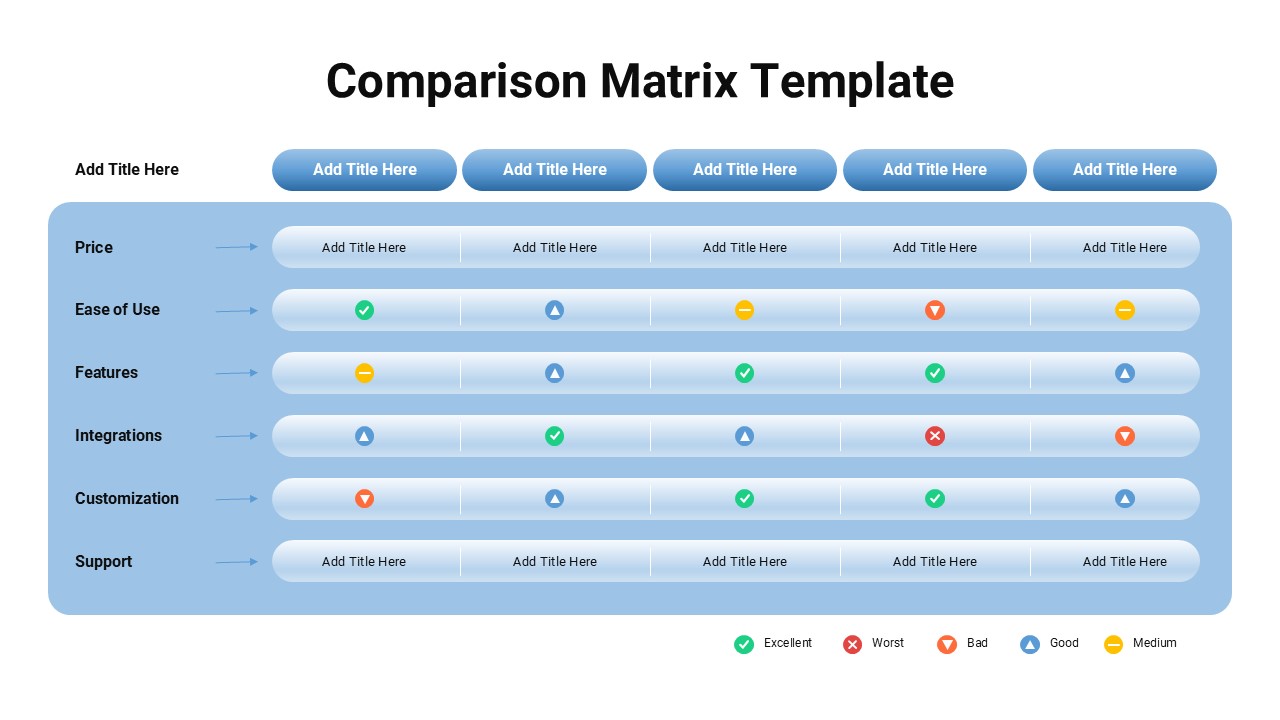
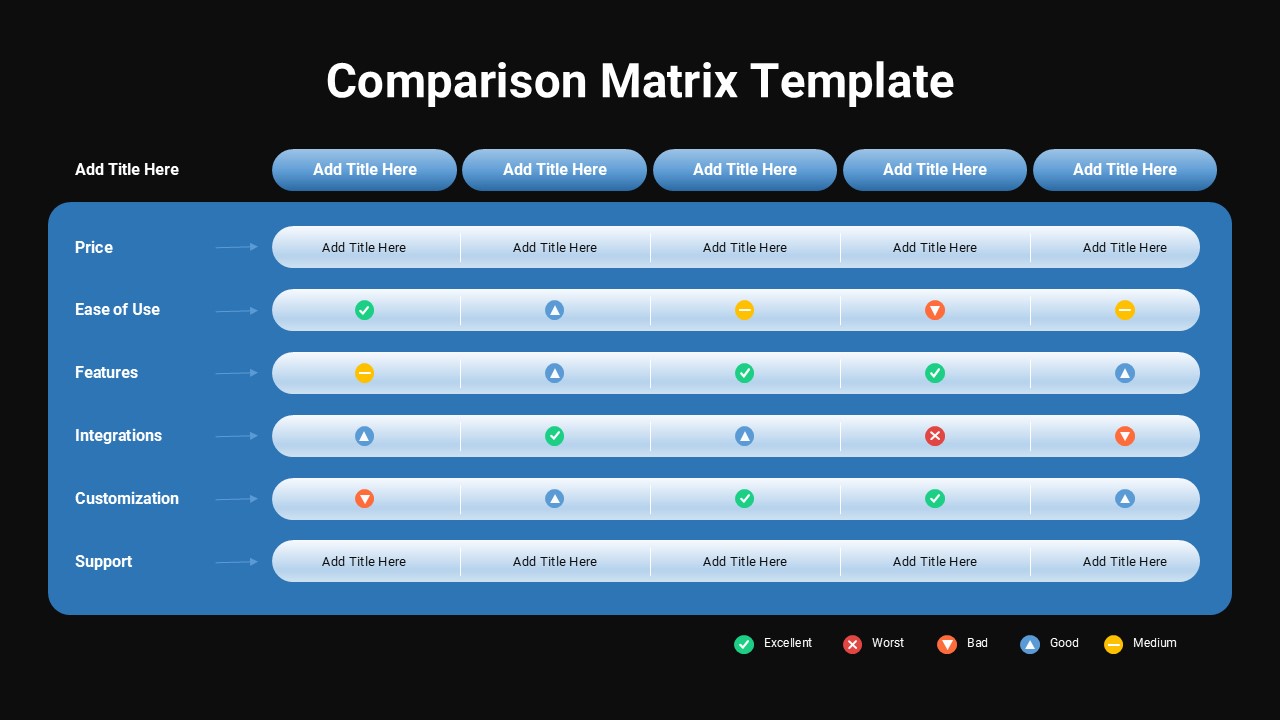
Comparing multiple products, vendors, or competitors in a presentation often turns into a wall of text that loses the audience halfway through, which is why this Comparison Matrix Template takes a more visual approach using a rating based grid system. Instead of writing lengthy paragraphs for every feature, you simply place a rating icon (Excellent, Good, Medium, Bad, or Worst) in each cell, letting your audience scan across rows and columns to quickly identify strengths and weaknesses.
What makes this evaluation matrix template practical for real presentations:
- The layout includes space for five items to compare across the top, with six evaluation criteria listed down the left side, covering categories like price, ease of use, features, integrations, customization, and support
- A built in legend at the bottom explains each rating icon, so viewers immediately understand the color coded system without needing verbal explanation during the presentation
- The blue gradient header rows and alternating row shading make it easy to follow each criterion across all five columns, even from a distance in a meeting room
- Two rows (price and support) are left as open text fields, giving you flexibility to enter specific numbers, plans, or details rather than relying only on icon ratings
For presentation storytelling, this feature comparison slide works well right after introducing your product or service, since decision makers often want to see how you stack up against alternatives before hearing your pitch. SaaS companies can use it to compare pricing plans or competitor tools, procurement teams can use it during vendor selection meetings, and consultants can use it to present software or service evaluations to clients. Marketing teams pitching against competitors will also find this layout useful for highlighting where their offering outperforms others.
This product comparison chart is fully compatible with both Microsoft PowerPoint and Google Slides, allowing teams to update items, ratings, and criteria smoothly whether they are working independently or collaborating in real time across different platforms.
Frequently Asked Questions
Can I change the rating icons used in this Comparison Matrix Template?
Yes, all icons and their colors are fully editable, so you can adjust the rating scale or replace icons to match your evaluation system.
Is this template suitable for vendor or software comparisons?
Definitely. The grid layout is designed specifically for comparing multiple products, vendors, or services across shared evaluation criteria.
Login to download this file
What do you think of this template?
-
Category:
Business -
-

-

Item ID: SPT0706
-

Designed by: Niranjana
-

Color
Related Templates
-

-

-

-

-

Cost Benefit Analysis Matrix Google Slides & PowerPoint Template
Business Strategy
-

-

Grand Strategy Matrix Template For PowerPoint
Business Strategy
-

Free Column Chart Comparison Presentation Template
Charts & Graphs
-

-

-

-



