3 Column Slide Template for PowerPoint
Product Description
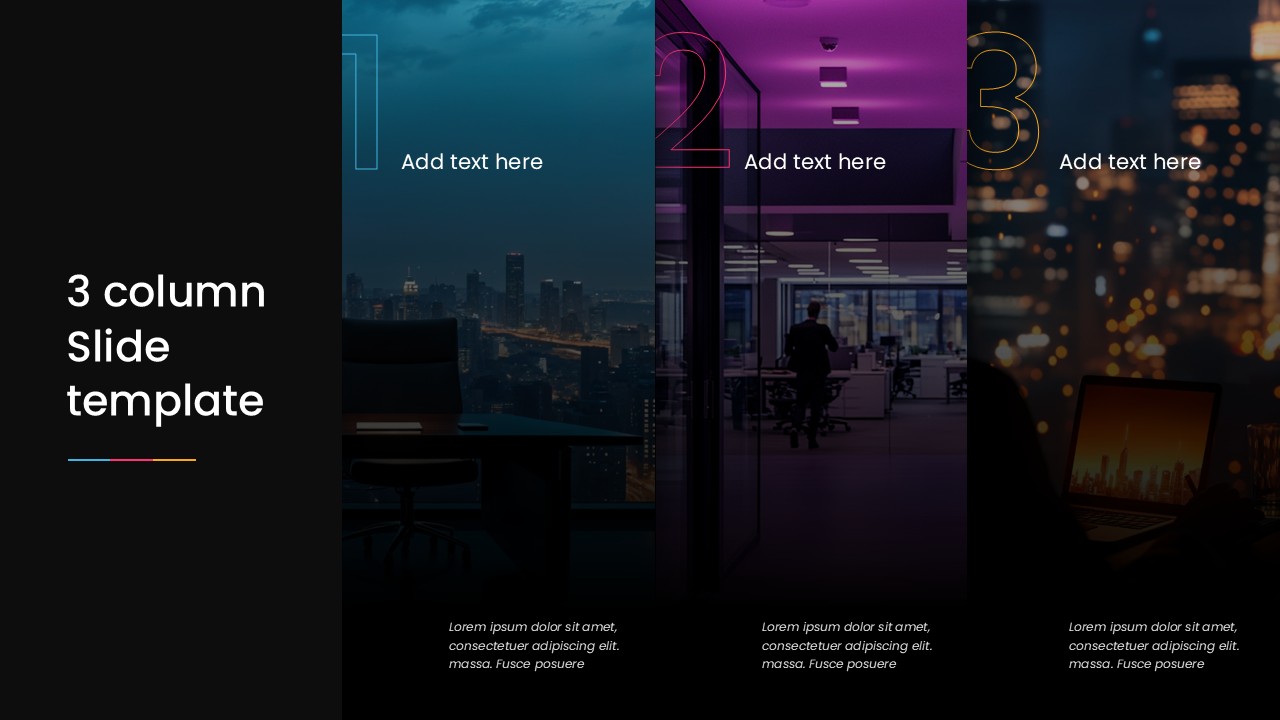
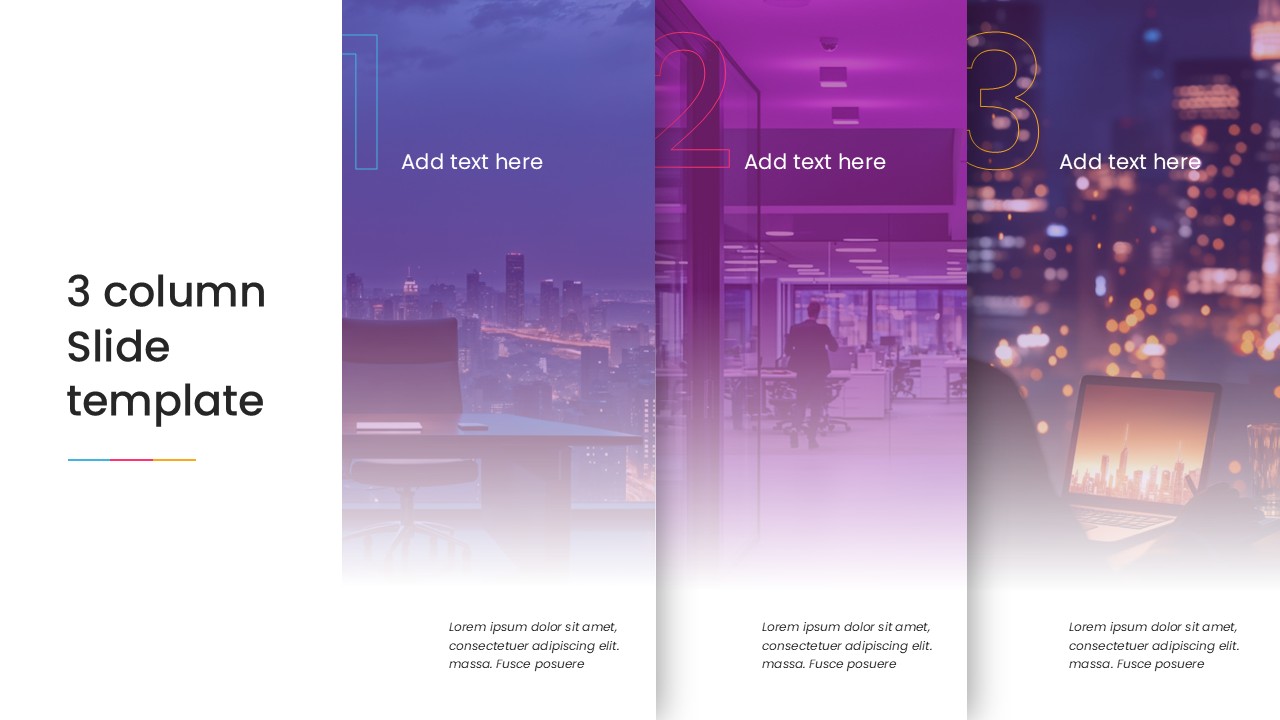
3 Column Slide Template contains three full-height image panels placed side by side across the right portion of the slide, with a title block on the far left against a solid black background. Each panel has a large outlined number at the top, a bold short title placeholder in the upper section, and an italic description text block anchored to the bottom. A small gradient accent line in blue and orange sits beneath the slide title on the left, adding a subtle color detail to an otherwise dark, minimal layout.
The background images in each column show dark urban and office photography, with a teal color overlay on panel one, a purple overlay on panel two, and a cooler near-black tone on panel three. Each image, overlay, number, and text element is a separate editable PowerPoint object, so users can swap the photography, change the overlay color, update the numbered labels, and rewrite the descriptions without altering the column structure.
Three column layouts are common in service presentations, agency decks, and corporate overviews where three offerings, phases, or ideas need equal visual space on a single slide. The full-height column format gives each item more room than a standard card or icon layout, and the numbered panels make the sequence or categorization immediately clear to the audience. Download this 3 Column Slide PowerPoint Template and edit it now. Also, check our collection of templates for PowerPoint.
Frequently Asked Questions
What is a 3 column slide template used for?
A 3 column slide template displays three parallel points, service categories, or project phases side by side with equal visual weight, making it a practical alternative to bullet lists or multi-slide breakdowns.
What presentation types work best with a 3 column slide layout?
Service decks, agency pitches, corporate overviews, and educational comparisons all suit a 3 column layout, particularly when three items need equal prominence on a single slide rather than separate slides per point.
Can I replace the images and colors in this 3 column layout?
Yes, each panel has a separate image placeholder and color overlay that can be updated independently in PowerPoint by right-clicking to change the picture and adjusting the shape fill transparency to modify the overlay tone.
Login to download this file
What do you think of this template?
-
Category:
Business -
-

-

Item ID: SPT0806
-

Designed by: Athira
-

Color
Related Templates
-
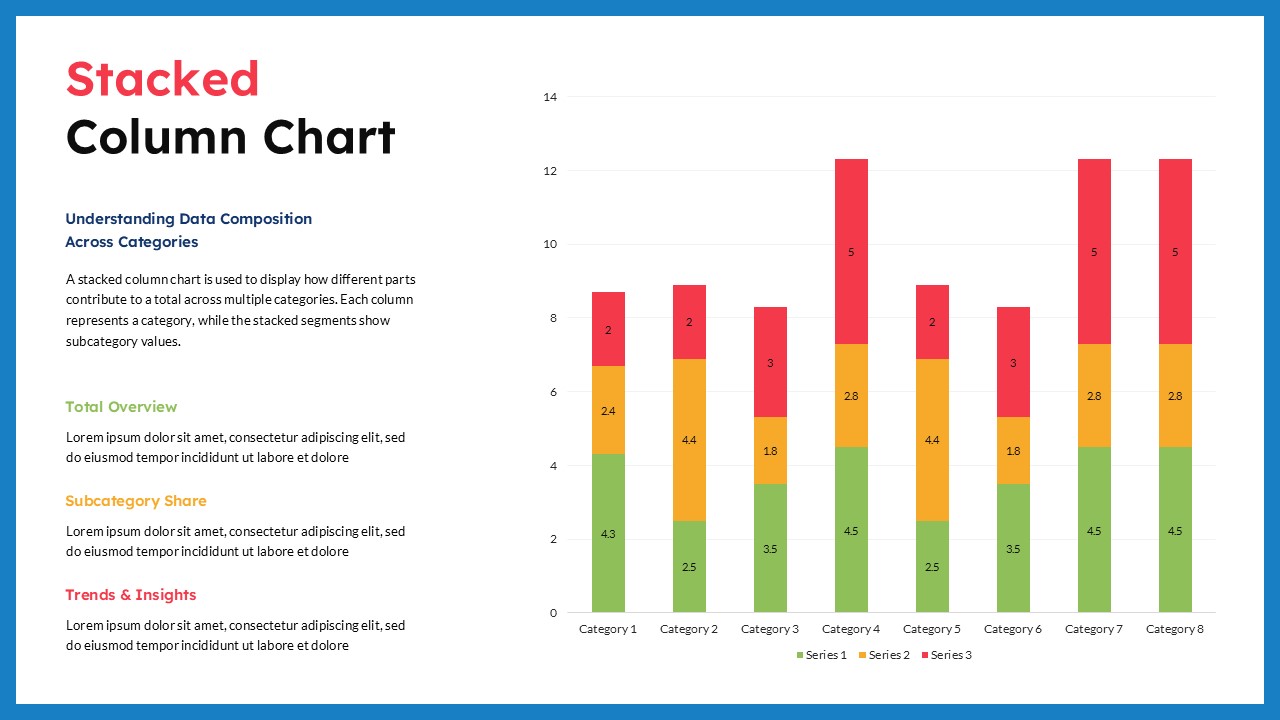
Stacked Column Chart PowerPoint Google Slides Template
Charts & Graphs
-

Free Multi Column Comparison Presentation Template
Infographics
-

Column Chart Product Comparison 3D Presentation Template
Charts & Graphs
-

Free Clustered Column Chart Presentation Template
Charts & Graphs
-

Free Column Chart Comparison Presentation Template
Charts & Graphs
-

-

-
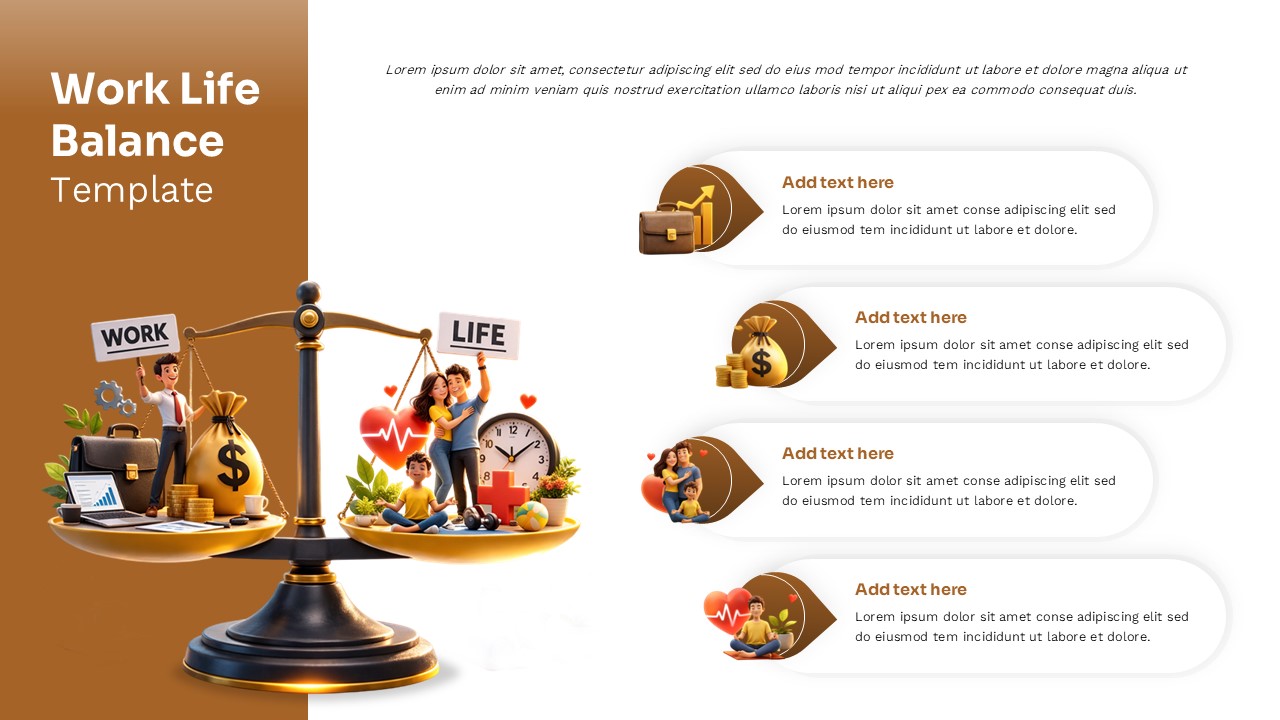
Work Life Balance Presentation Template
Human Resource
-

-

-

-