15 Best PowerPoint Presentation Templates & Slides in 2026

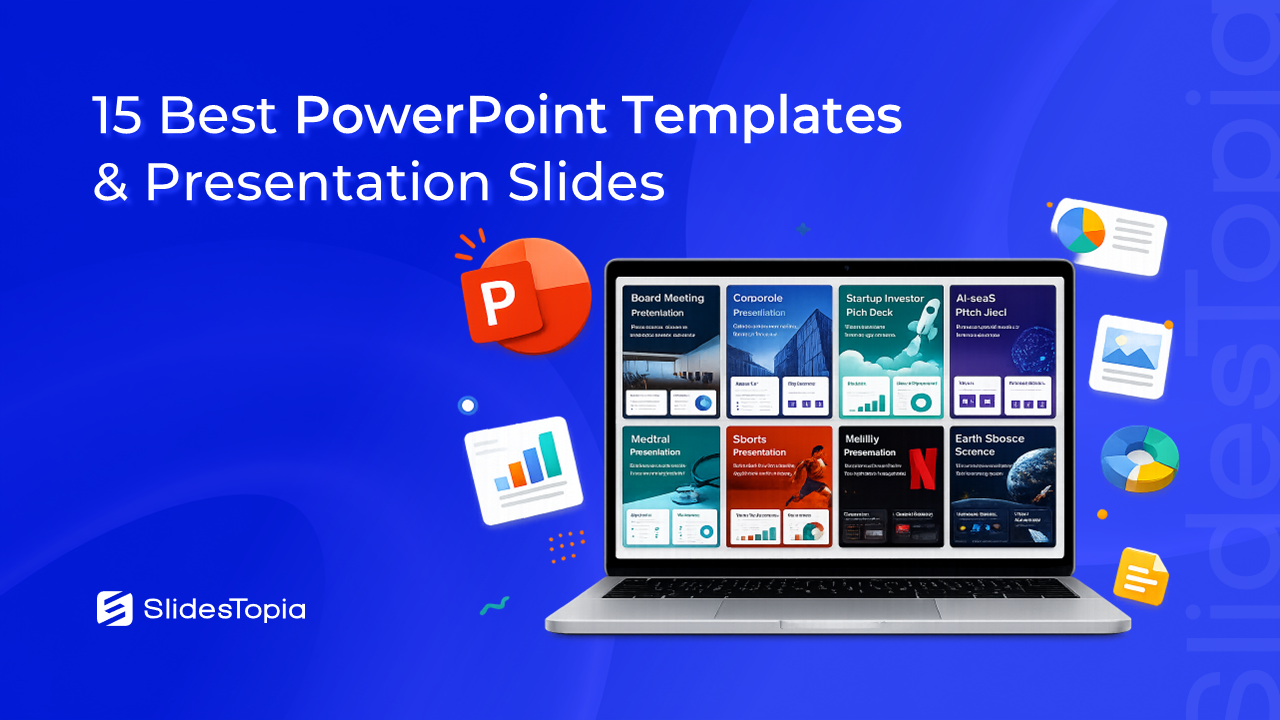


PowerPoint is still one of the most popular tools for creating presentations. It is used in boardrooms, classrooms, startup offices, hospitals, conferences, and even family events. But no matter how good your content is, poorly designed slides can make it difficult for your audience to stay focused.
That is why more people are choosing professionally designed PowerPoint templates instead of creating every slide from scratch. A good PPT template gives you a strong starting point with polished layouts, consistent colors, readable typography, and ready-made slide designs. You simply replace the placeholder content with your own information and your presentation is ready much faster.
The challenge is finding a template that actually fits your purpose. A corporate board meeting requires a completely different style from a startup pitch or a classroom lesson. Using the wrong design can make even excellent content feel out of place.
To help you choose, we reviewed some of the best PowerPoint templates available on SlidesTopia. Rather than listing random designs, we’ve grouped them by real-world use cases so you can quickly find the one that matches your presentation.
What Makes a Great PowerPoint Template?
Not every presentation template deserves a place in your toolkit. The best ones are designed to help you communicate clearly while giving you enough flexibility to make the slides your own.
When choosing a PowerPoint template, look for:
- Professional slide layouts with consistent spacing
- Fully editable colors, fonts, and graphics
- Ready-made charts, diagrams, and infographics
- Slides for timelines, data, and comparisons
- High-quality icons and image placeholders
- A design that matches your audience and presentation goal
A well-designed template saves hours of formatting and lets you spend more time improving your message.
Explore The Best PowerPoint Templates
Best Business PowerPoint Templates
Business presentations need to look polished without becoming distracting. Whether you’re reporting company performance, presenting strategy, or meeting with executives, these templates help organize information clearly.
1. Board Meeting PowerPoint Presentation Template
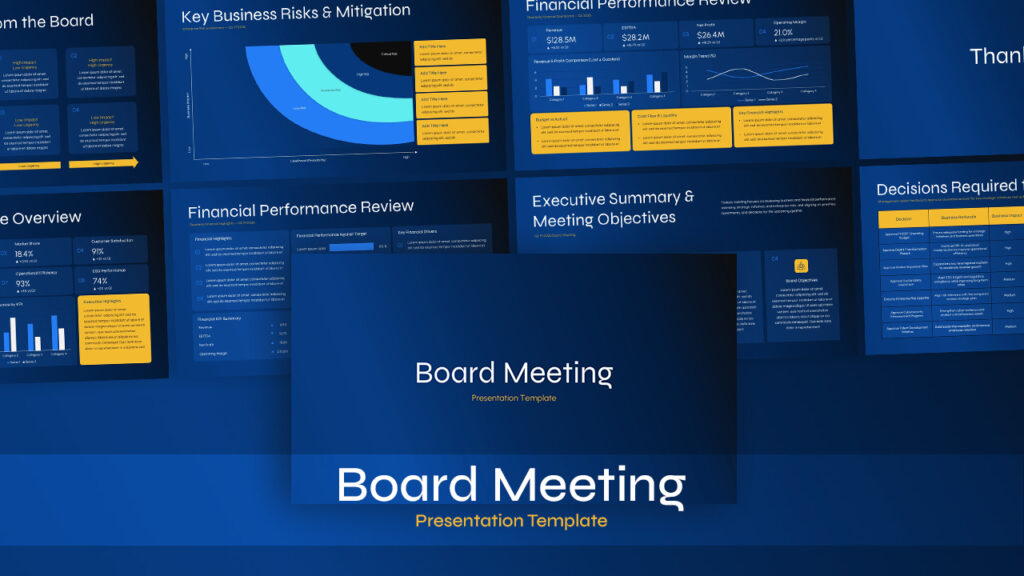
Board meetings often involve financial reports, project updates, company goals, and strategic decisions. This template keeps everything structured with clean layouts that make reports easier to follow during executive discussions.
Instead of building charts and agenda slides from scratch, you can focus on presenting meaningful business insights while maintaining a professional appearance throughout the presentation.
Ideal for: Executive meetings, quarterly reviews, board presentations
2. Corporate PowerPoint Presentation Template
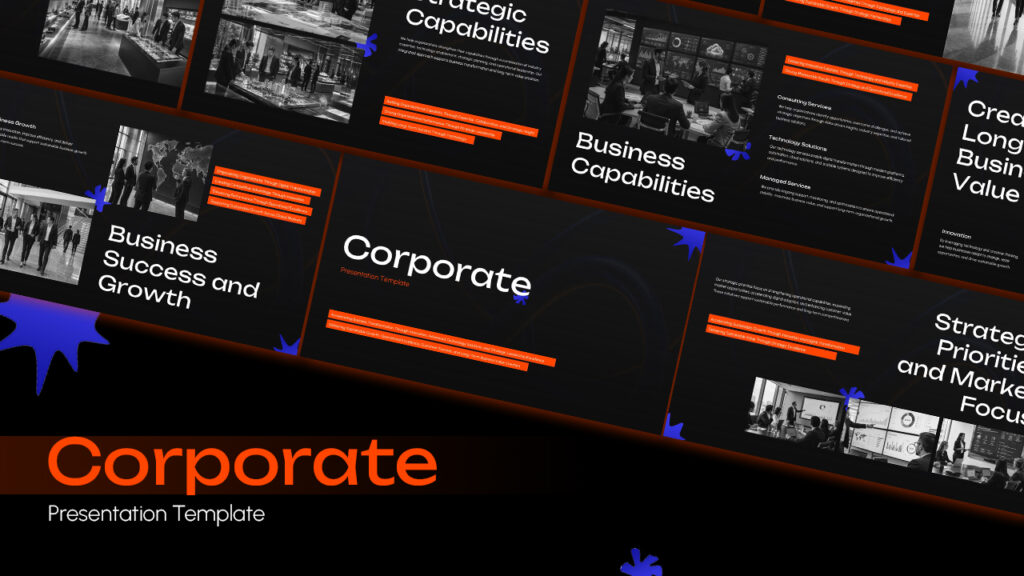
Every company needs a presentation that reflects its brand professionally. Whether you’re introducing your business to a new client or sharing an annual company overview, this template provides modern layouts that work across different industries.
The slides are flexible enough for company profiles, service overviews, business proposals, and internal presentations, making it a valuable template for everyday business communication.
Ideal for: Company profiles, proposals, client meetings
3. Brand Strategy Plan PowerPoint Presentation Template
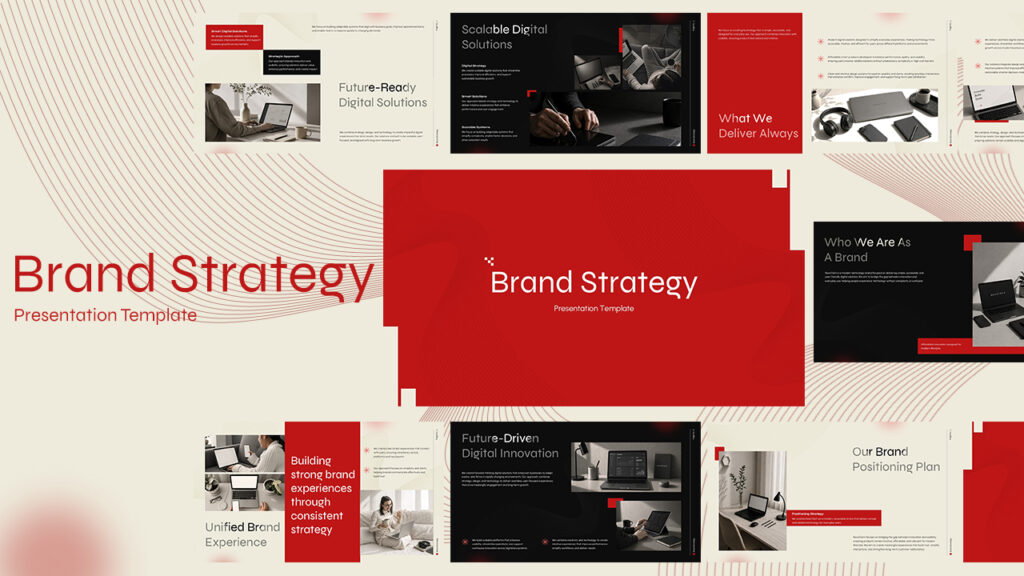
Explaining a brand strategy can quickly become overwhelming if ideas are scattered across multiple slides. This template organizes brand positioning, customer personas, messaging, marketing goals, and growth plans into a logical presentation flow.
Marketing teams, agencies, and consultants can customize every slide to match their client’s identity while presenting ideas in a clear and engaging way.
Ideal for: Marketing teams, branding agencies, consultants
4. McKinsey Consulting Business Slides Presentation Template
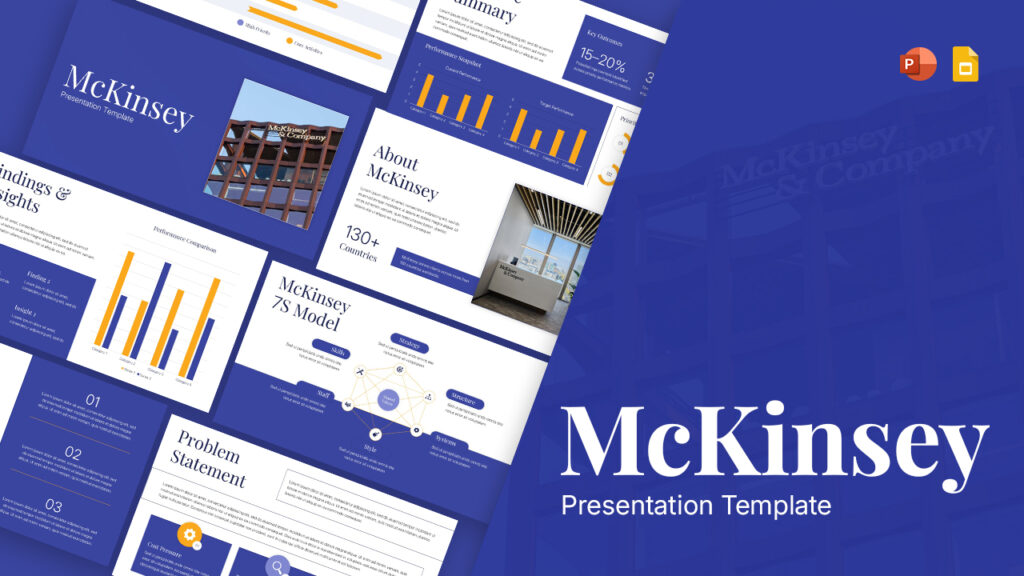
Consulting presentations are known for their clean layouts, structured thinking, and data-driven storytelling. Inspired by that consulting style, this template helps present business analysis, recommendations, market research, and strategic decisions with clarity.
If your audience expects facts, insights, and logical conclusions rather than decorative slides, this is one of the strongest choices available.
Ideal for: Consultants, analysts, executives
Best PowerPoint Templates for Startup & Sales Pitches
Pitch presentations need to tell a convincing story. Whether you’re raising investment or winning new customers, these templates help explain your ideas with confidence.
5. Startup Investor Pitch Deck Template for PowerPoint
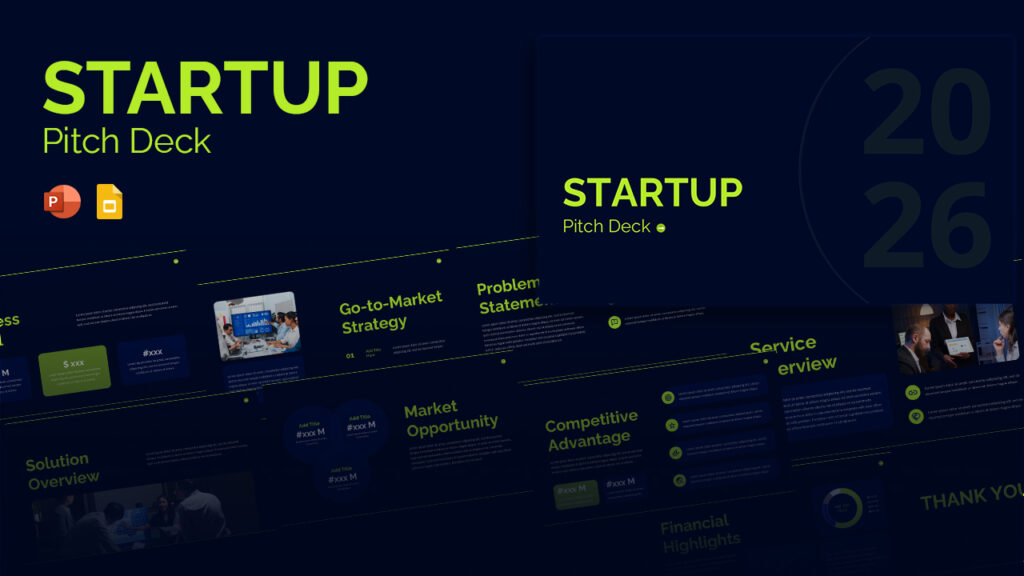
Investors typically expect presentations to follow a familiar structure. They want to understand the problem, your solution, market opportunity, business model, competition, financial projections, and growth strategy.
This template includes layouts that naturally support that journey, helping founders build investor presentations that feel organized and credible.
Ideal for: Startup founders, entrepreneurs, investors
6. AI SaaS Pitch Deck PPT Presentation Template

Artificial intelligence companies often need to explain complex products in a simple way. This template balances technical information with modern visuals, making it easier to communicate software features, recurring revenue models, customer value, and future growth.
Its clean design keeps attention on the product rather than unnecessary visual effects.
Ideal for: AI startups, SaaS companies, technology businesses
7. Sales Pitch Deck Presentation Template for PowerPoint

A successful sales presentation should answer one question quickly: Why should the customer choose you?
This template helps organize product benefits, pricing, customer problems, solutions, testimonials, and competitive advantages into a persuasive presentation without overwhelming your audience with information.
Ideal for: Sales teams, business development, product demonstrations
8. Business Model Pitch Deck PowerPoint Template
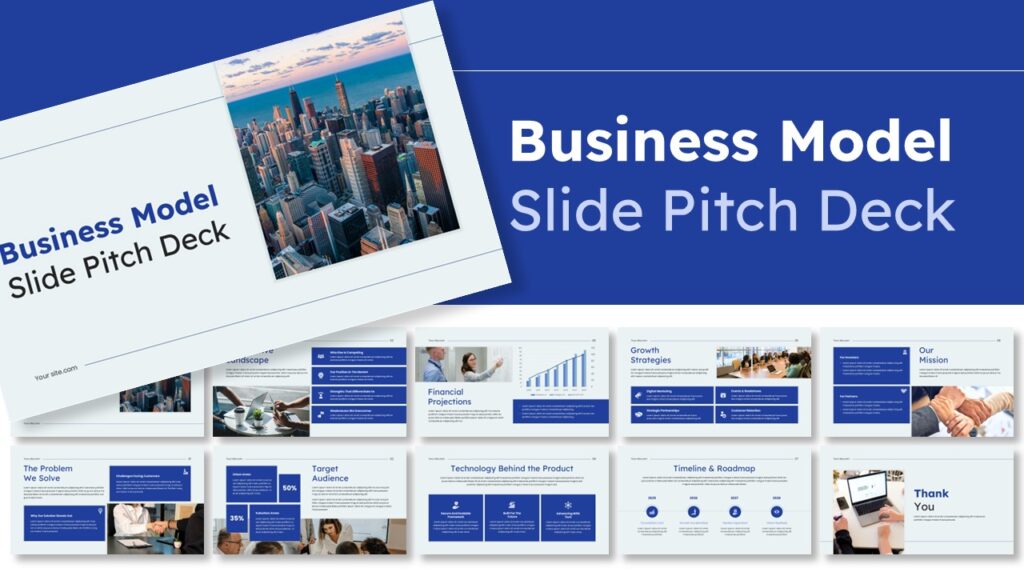
ometimes investors are less interested in the product than they are in how the business actually makes money. This template focuses on revenue streams, customer segments, value propositions, partnerships, and growth opportunities.
It works equally well for entrepreneurs preparing investor meetings or business students explaining new business ideas.
Ideal for: Entrepreneurs, business planning, startups
Best Industry Specific PowerPoint Templates
Industry-specific presentations usually require specialized layouts. These templates are designed with their audiences in mind, making your content feel more relevant from the first slide.
9. Nursing Healthcare Presentation Slides & PowerPoint Template

Healthcare presentations often include patient care information, clinical procedures, nursing education, and research findings. This template presents medical content using clean layouts that remain professional without looking overly technical.
Whether you’re teaching nursing students or presenting hospital updates, the slides help communicate information clearly.
Ideal for: Nurses, hospitals, medical educators
10. Medical Presentation Deck For PowerPoint

Medical professionals frequently present research, treatment plans, healthcare trends, and conference materials. This presentation deck combines modern medical visuals with organized slide layouts that support detailed discussions.
It is suitable for hospitals, healthcare organizations, researchers, and medical conferences.
Ideal for: Doctors, researchers, healthcare organizations
11.Sports Presentation PowerPoint Template

Sports presentations should be energetic without becoming cluttered. Whether you’re reviewing a season, presenting player statistics, introducing a tournament, or explaining training strategies, this template helps keep information organized while maintaining a dynamic look.
The layouts include plenty of space for photos, scoreboards, timelines, and performance data, making it a great choice for coaches, schools, sports clubs, and fitness organizations.
Ideal for: Coaches, sports teams, schools, fitness trainers
12. Family Feud Presentation Template

Not every presentation has to be formal. Sometimes the goal is to encourage participation and keep people engaged. This Family Feud inspired template turns ordinary meetings into interactive sessions that people actually enjoy.
It works especially well for classrooms, employee training, team building events, workshops, and virtual meetings where audience interaction matters. Instead of simply talking through slides, you can involve everyone in the presentation.
Ideal for: Teachers, trainers, HR teams, workshops, team building
13. Netflix PowerPoint Presentation Template

If you want your presentation to feel bold and cinematic, this template is an excellent choice. Inspired by the clean visual style popularized by streaming platforms, it uses large images, strong typography, and modern layouts to tell a compelling story.
This template is perfect for creative agencies, marketing campaigns, entertainment projects, portfolios, and product launches where visual storytelling is just as important as the content itself.
Ideal for: Creative professionals, marketers, designers, media presentations
14. Decor Store Company Profile PowerPoint Template

Retail businesses need presentations that showcase products without distracting from them. This template uses elegant layouts, balanced spacing, and product-focused designs that allow furniture, home décor, lifestyle products, and interior collections to stand out.
Whether you’re presenting a new collection, pitching to retailers, or creating a brand catalog, this template gives your products the attention they deserve.
Ideal for: Home décor brands, furniture stores, interior designers, retailers
15. Earth & Space Science Presentation Deck For PowerPoint
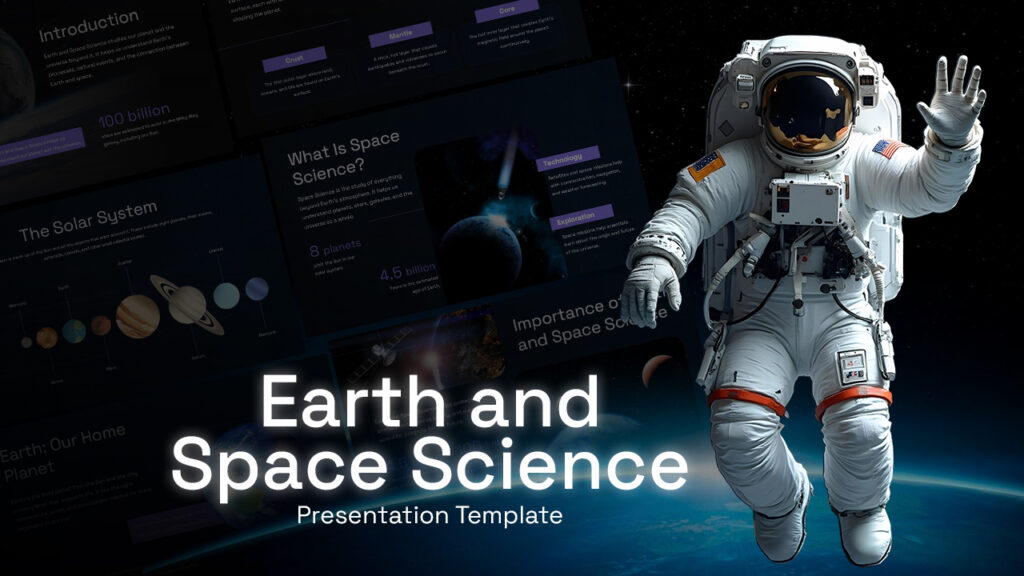
Science topics can become difficult to explain when slides are filled with dense text. This presentation deck uses engaging visuals and educational layouts to simplify subjects such as astronomy, geology, climate science, the solar system, and space exploration.
Teachers can use it in classrooms, while students can customize it for projects, seminars, and research presentations.
Ideal for: Teachers, students, science educators, schools
Which PowerPoint Template Should You Choose?
With so many excellent options available, the best template ultimately depends on your audience and presentation goal. Here are a few recommendations to help narrow your choice.
- Choose the Board Meeting Template if you’re presenting financial reports, company performance, or executive updates.
- Choose the Corporate Presentation Template if you need an all-purpose business presentation for clients, partners, or internal meetings.
- Choose the Brand Strategy Plan Template when explaining marketing plans, customer positioning, or branding initiatives.
- Choose the McKinsey Consulting Template if your presentation relies heavily on data, business analysis, and strategic recommendations.
- Choose the Startup Investor or AI SaaS Pitch Deck if you’re raising investment or introducing a new product to potential investors.
- Choose the Sales Pitch Deck if your goal is to win new clients, explain your services, or close business opportunities.
- Choose the Nursing Healthcare or Medical Presentation Deck for healthcare education, medical research, hospital reports, and clinical presentations.
- Choose the Sports Presentation Template for coaching sessions, tournaments, player analysis, and fitness programs.
- Choose the Family Feud Template when audience participation is more important than traditional slide delivery.
- Choose the Netflix Template if you want to create visually engaging presentations for creative projects, marketing campaigns, or entertainment topics.
- Choose the Decor Store Template to showcase retail products, interior collections, or lifestyle brands.
- Choose the Earth & Space Science Deck for science lessons, classroom teaching, educational seminars, or student projects.
Tips for Getting More from a PowerPoint Template
Downloading a professional template is only the first step. A few simple changes can make your presentation look even more polished.
- Replace placeholder text with concise, meaningful content instead of long paragraphs.
- Use high-quality images that support your message rather than decorate the slide.
- Keep colors consistent with your company or personal brand.
- Limit each slide to one main idea so your audience can follow along easily.
- Use charts, icons, and diagrams to explain data instead of filling slides with text.
- Maintain consistent fonts and spacing throughout the presentation.
- Practice your presentation before presenting so the slides support your speech instead of replacing it.
Even the best PowerPoint template works best when paired with clear, confident communication.
Final Thoughts
The best PowerPoint template is the one that helps your audience understand your message quickly and clearly. While great design cannot replace strong content, it can make your ideas easier to follow, improve engagement, and leave a more professional impression.
The templates featured in this guide cover a wide range of presentation needs, from executive meetings and startup pitches to healthcare, education, retail, sports, and creative storytelling. Each one is designed to give you a professional starting point without limiting your ability to customize the slides.
Explore the full collection of PowerPoint Templates on SlidesTopia, choose the template that fits your next presentation, and spend less time designing slides and more time delivering ideas that make an impact.
Frequently Asked Questions
Some of the best websites to download PowerPoint templates in 2026 include SlidesTopia, SlideBazaar, SlideModel, SlidesCarnival, and Microsoft Create. These platforms offer professionally designed templates for business, education, marketing, healthcare, and many other presentation needs, with both free and premium options available.
Business presentations usually benefit from clean, professional layouts that focus on clarity rather than decoration. Templates for board meetings, corporate profiles, consulting reports, sales presentations, and brand strategy are among the most popular choices because they include slides for charts, timelines, comparisons, and business data.
Yes. SlidesTopia templates are fully editable in Microsoft PowerPoint, allowing you to change colors, fonts, icons, images, charts, and layouts to match your brand or presentation requirements. Many templates also support Google Slides.

Related Articles
-
 May 8th, 2026
13 Alternatives for Slidesgo: Free Google Slides Themes & PowerPoint Templates
Presentation Resources -
 May 8th, 2026
15 Best Websites to Download PowerPoint & Google Slides Templates (Tested & Reviewed)
Presentation Resources -
 May 8th, 2026
Best Color Schemes for PowerPoint Presentations: Choose the Right Palette
Presentation Resources