
Decision Tree PowerPoint Slides Template
Product Description
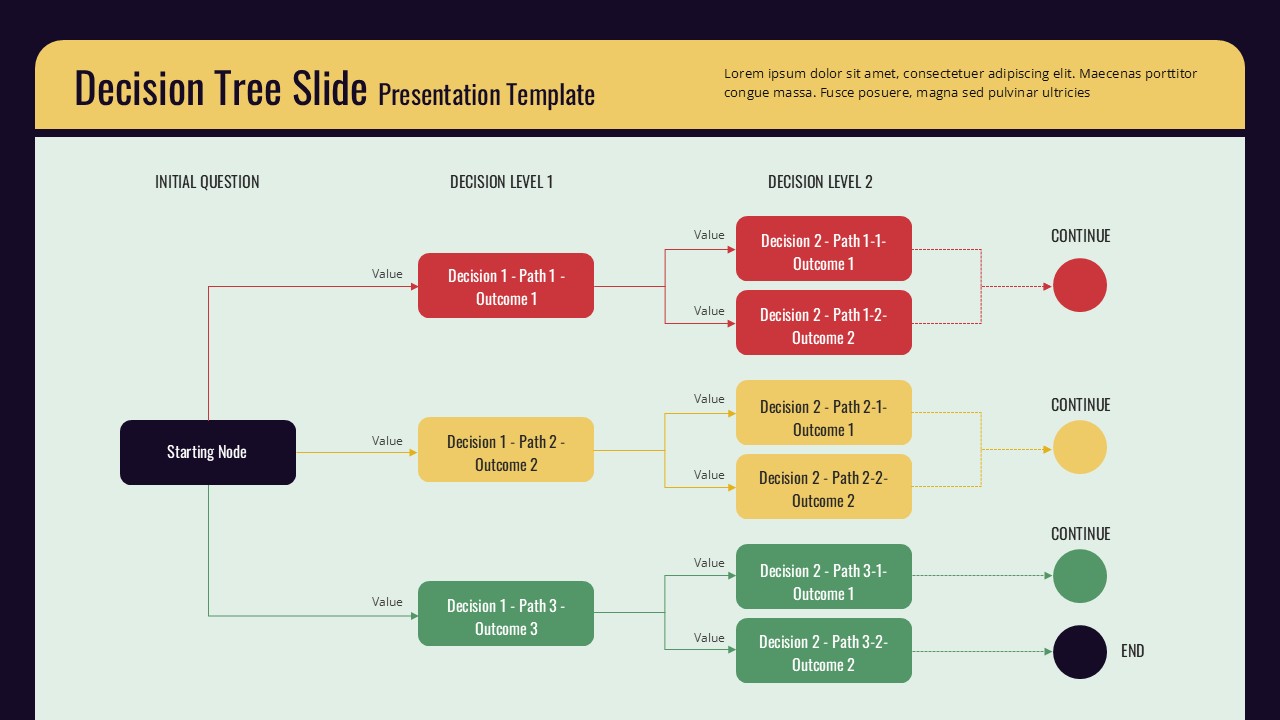
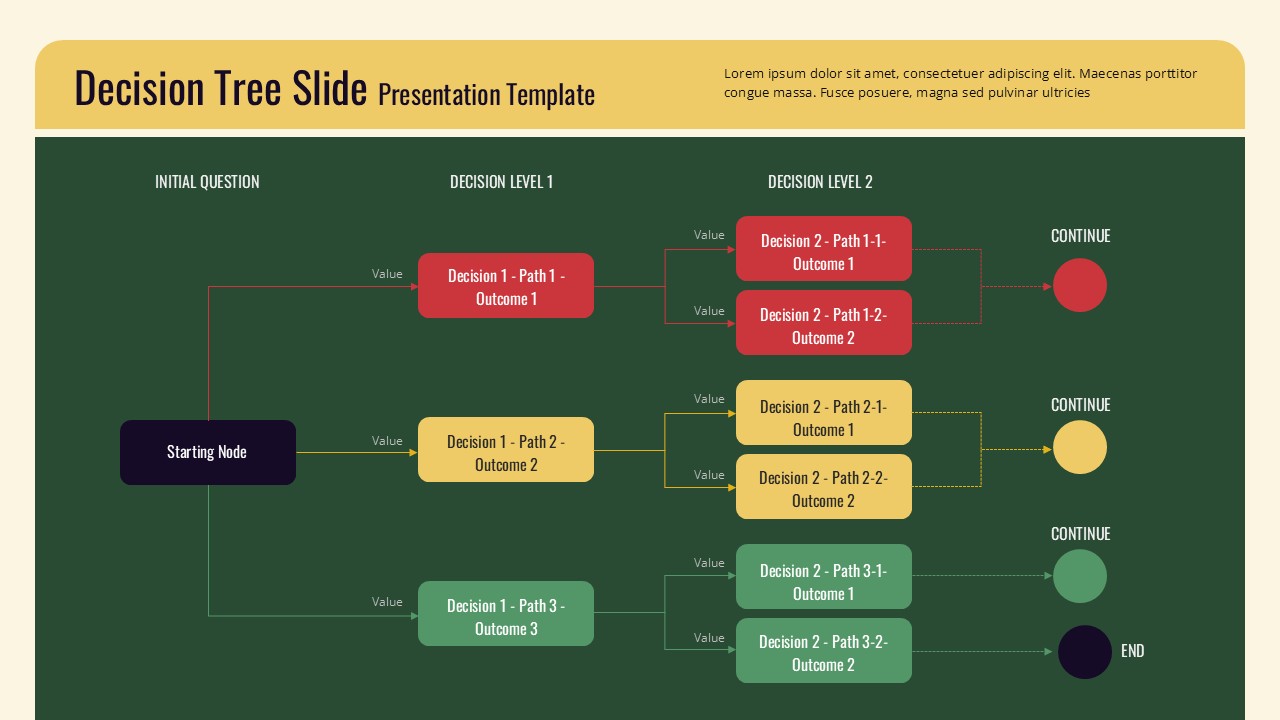
Mapping out choices, branching paths, and final outcomes in a presentation can get messy quickly if you are relying on plain text or basic shapes, and that is where this Decision Tree Slide Template helps bring clarity to complex decision making processes. The layout starts with a single starting node on the left, which branches into three color coded decision paths (red, yellow, and green), each representing a different initial choice with its own value label.
What makes this flowchart presentation template particularly useful:
- Each first level decision splits further into two second level outcomes, giving you a clear two tier structure that mirrors how real decision trees work in business strategy, risk analysis, and process planning
- The color coding by path makes it easy for your audience to visually trace a single decision route from start to finish without losing track
- Each branch ends with either a continue indicator or an end marker, helping presenters clearly communicate where a process concludes versus where it loops back or continues
- The header section includes space for a brief description, useful for explaining the context or scenario behind the decision tree
For presentation storytelling, this branching diagram template works well when explaining customer journey decisions, troubleshooting workflows, eligibility criteria, or strategic options during business reviews. Consultants can use it to walk clients through different scenario outcomes, while product teams might use it to map feature decision logic or user flow paths during planning sessions. Educators teaching decision analysis or probability concepts will also find this layout helpful for breaking down branching scenarios step by step.
This decision flow diagram is compatible with both Microsoft PowerPoint and Google Slides, so teams can edit colors, text, and node labels easily regardless of which software they are most comfortable using during collaborative sessions.
Frequently Asked Questions
Can I add more branches or levels to this Decision Tree Slide Template?
Yes, the shapes and connectors are fully editable, so you can duplicate branches or add additional decision levels as needed.
Is this template suitable for business strategy presentations?
Absolutely. It works well for risk analysis, strategic planning, and scenario based discussions where multiple outcomes need to be compared.
Login to download this file
What do you think of this template?
-
Category:
Business -
-

-

Item ID: SPT0802
-

Designed by: Athira
-

Color
Related Templates
-

Yes No Decision Flow Diagram Template for PowerPoint & Google Slides
Business Strategy
-

-

-

-
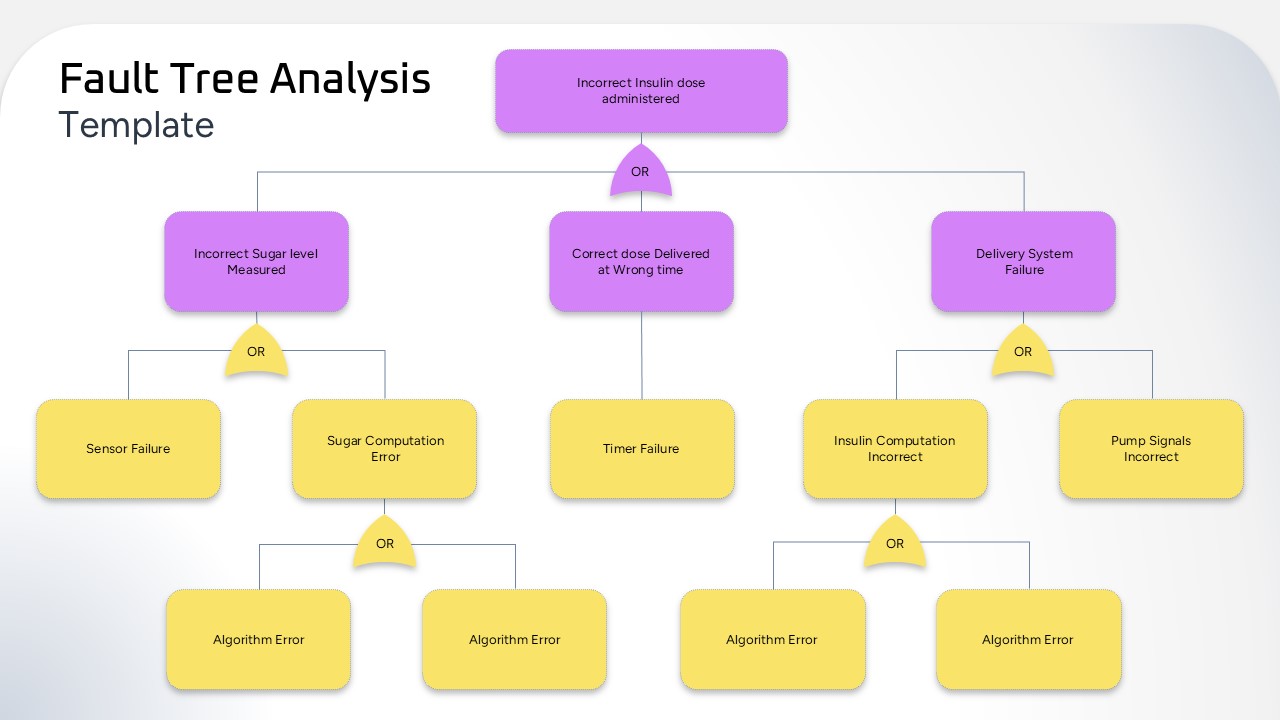
Fault Tree Analysis Template for PowerPoint
Risk Management
-

-

-
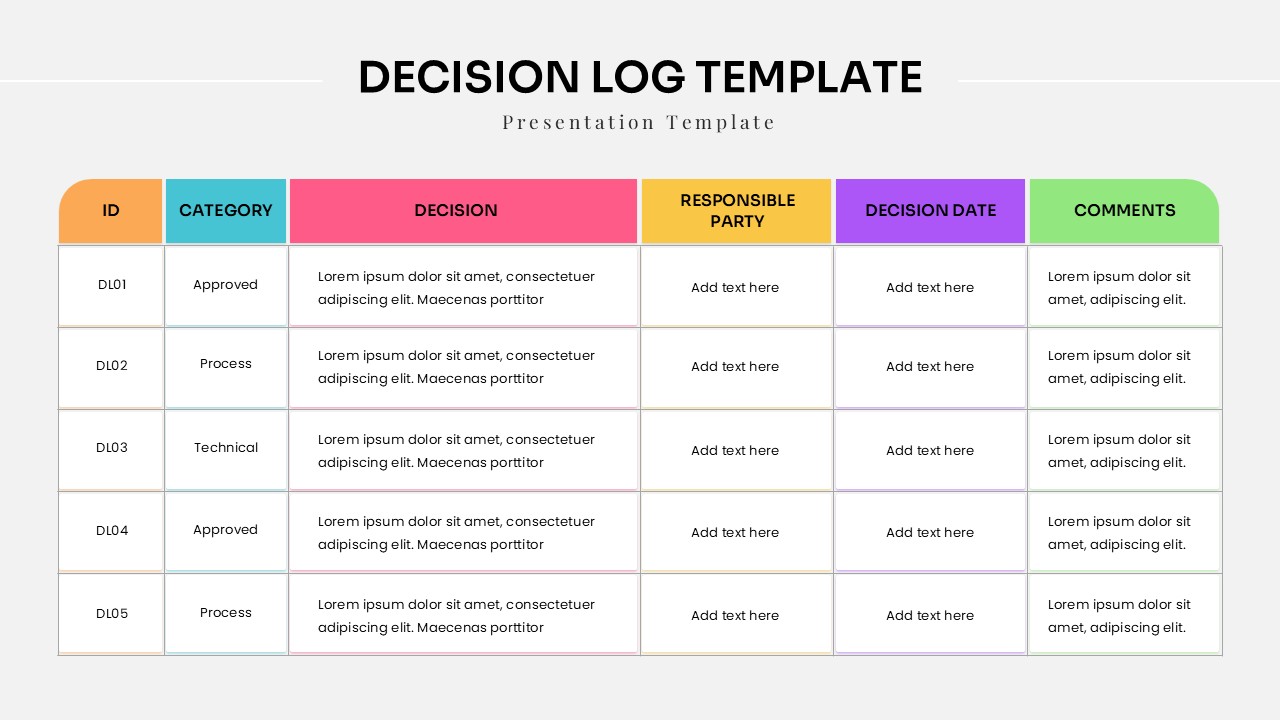
Decision Log Template For Project Management Presentations
Project Management
-

Free KPI Tree Strategy Hierarchy Template for PowerPoint & Google Slides
Business Strategy
-

-

-



