
Modern Purple Gradient Business Presentation Template








Product Description
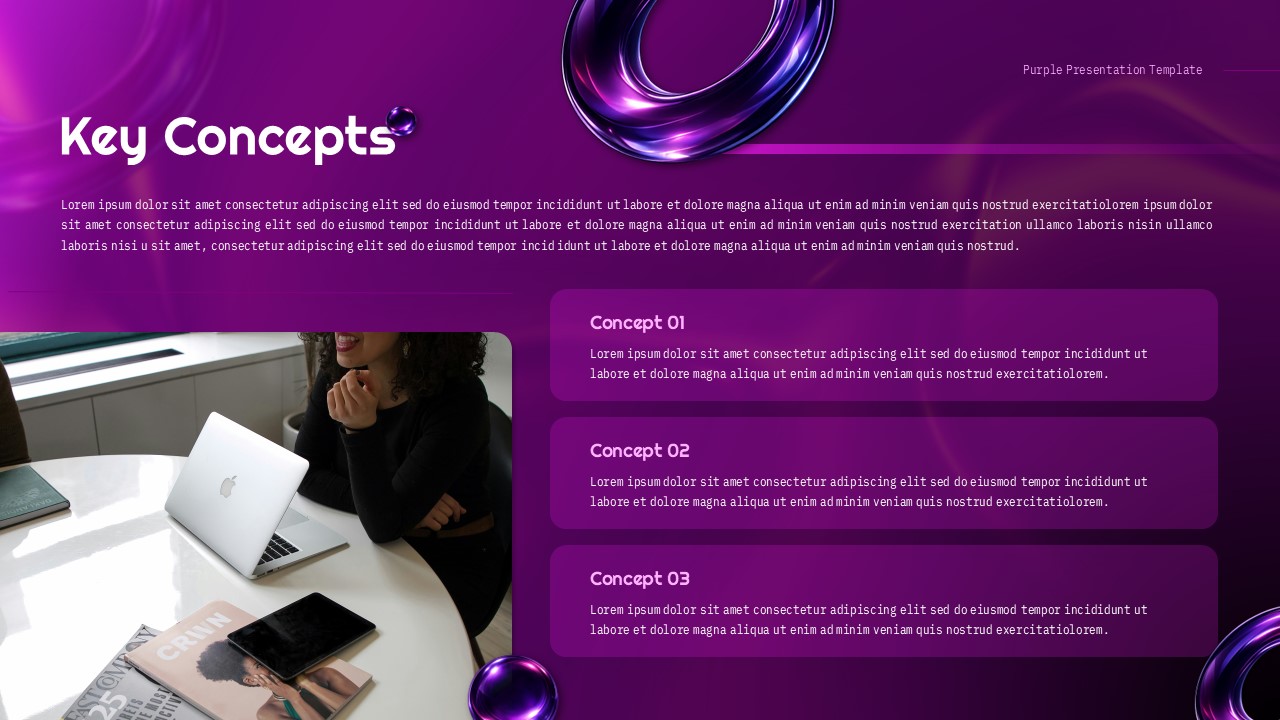
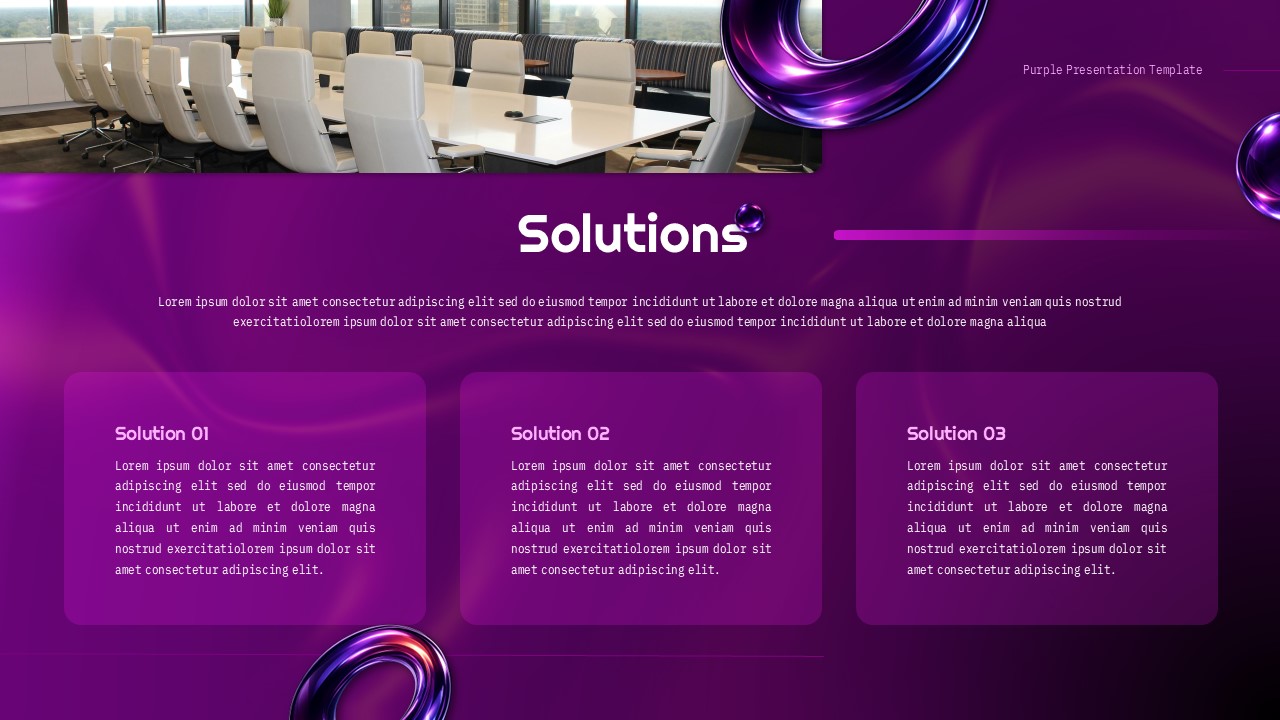
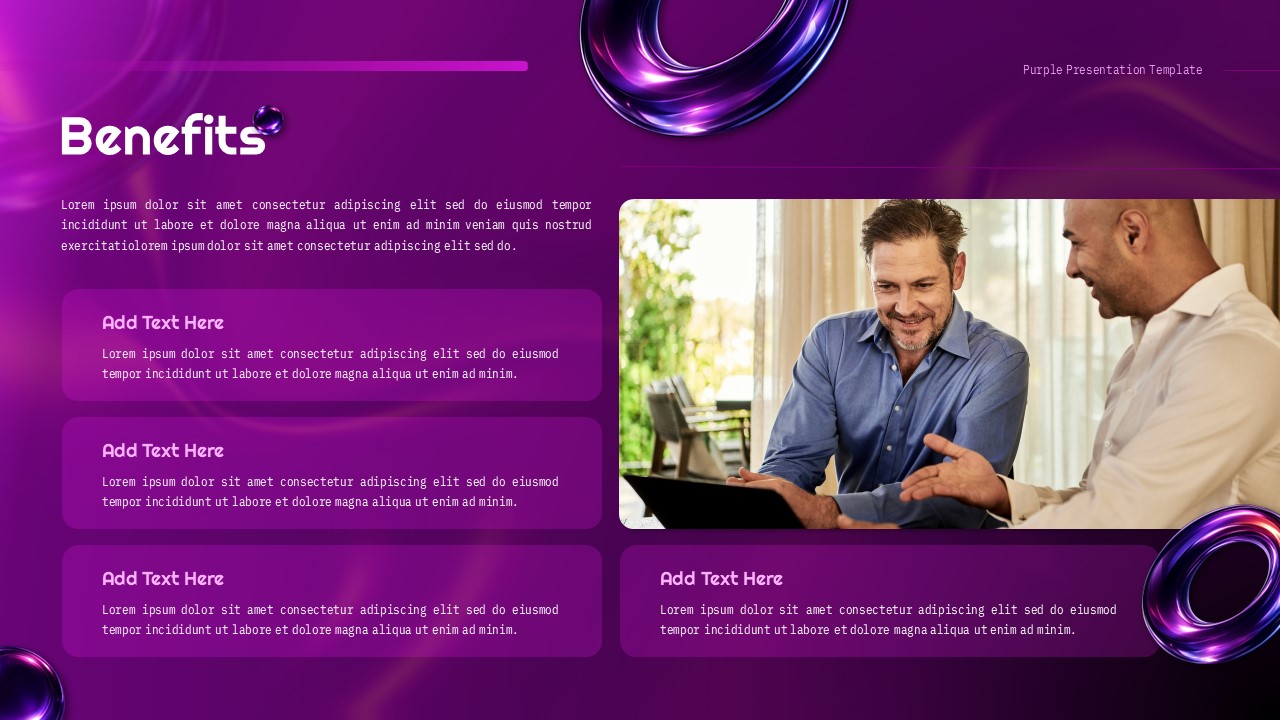
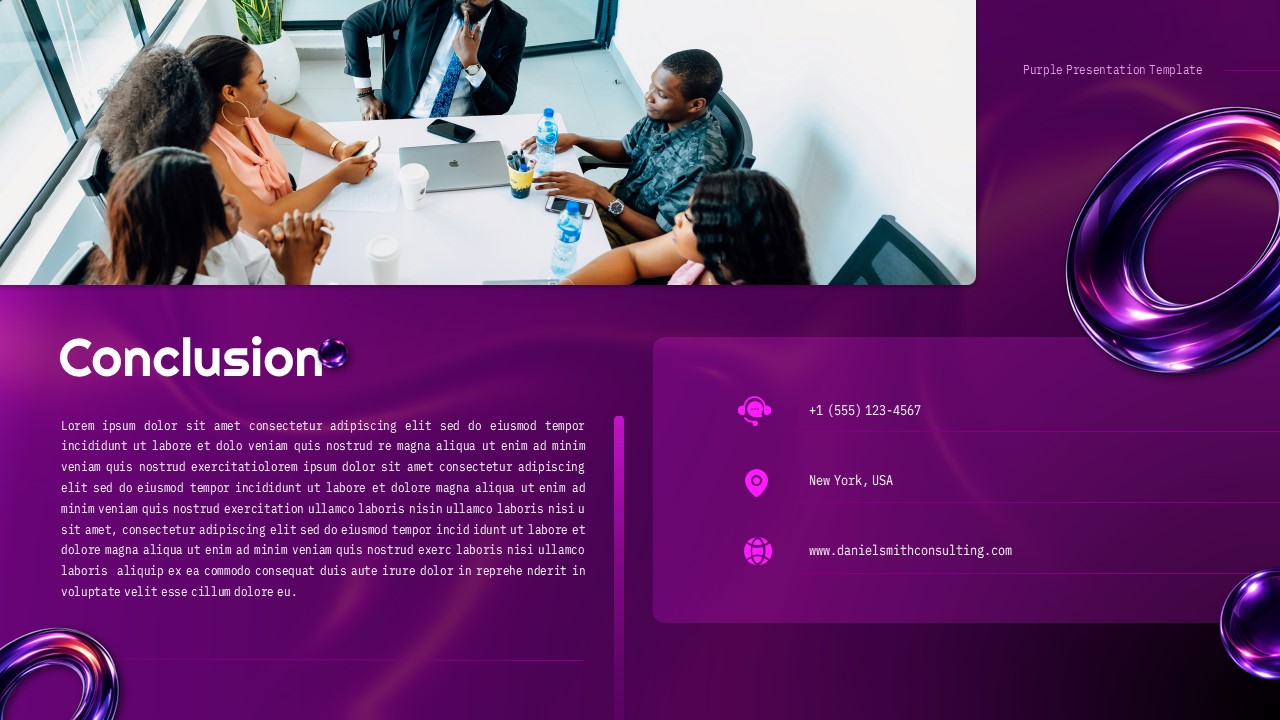
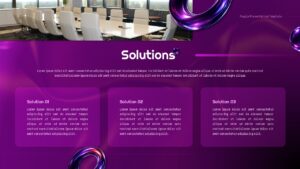
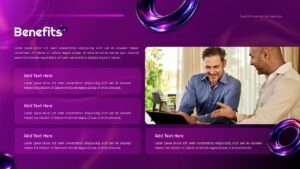
This Purple theme presentation template delivers a sophisticated, modern design perfect for professional business communications. Fully editable in Microsoft PowerPoint and Google Slides, it gives you complete flexibility to customize every element for your specific needs. The rich purple gradient palette, ranging from deep violet to bright magenta, combines with sleek 3D metallic ring elements and high-contrast white typography to create an engaging, highly readable experience. Clean layouts, flowing abstract accents, and strategic white space keep your content as the focal point throughout. This 10-slide template covers everything needed for a complete business presentation, including a title slide, introduction and background sections, problem statement slides, key concepts framework, bar chart data visualizations, three-column solution layouts, a four-quadrant benefits overview, and a professional conclusion with contact details. Useful for business professionals, consultants, entrepreneurs, and corporate teams delivering strategy presentations, company overviews, quarterly reports, and client proposals. Consultants and strategy teams may also benefit from these premium marketing strategy templates.
Features Of This Purple Themed Slides
- 10 slides with a consistent purple gradient color scheme
- Fully editable text, images, and chart data
- 3D metallic accents and multiple layout options
- Customizable bar charts and photography placeholders
- 16:9 aspect ratio for modern displays and projectors
Download the template today and give your next presentation the polished, professional look it deserves.
Frequently Asked Questions
Can I change the purple color scheme to match my brand colors?
Yes, absolutely! This template is fully editable, allowing you to customize the purple color scheme to match your brand colors. You can easily modify the gradient backgrounds, text colors, and accent elements in both PowerPoint and Google Slides while maintaining the professional design structure.
Are the charts and data in the template editable?
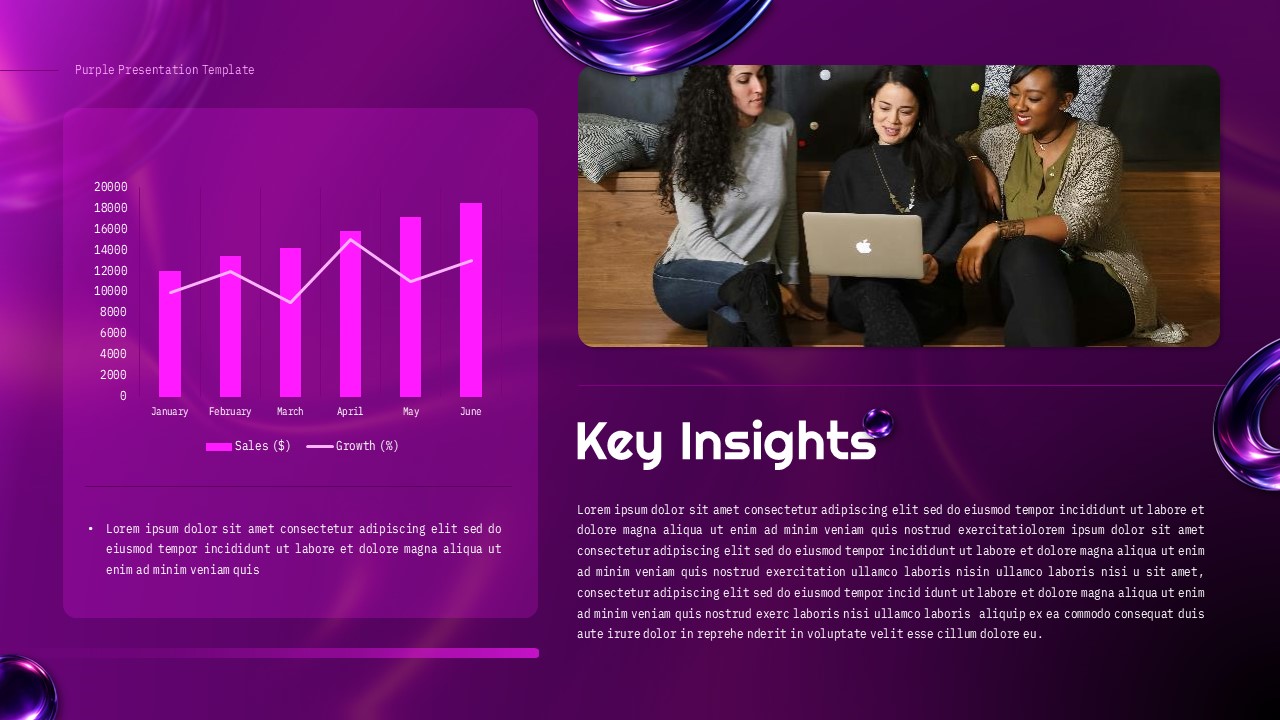
Yes, all charts and data visualizations in this template are completely editable. You can modify the bar chart data, update values, change chart colors, and adjust the trend lines to reflect your specific data while maintaining the professional visual design.
Can I add or remove slides from this 11-slide template?
Certainly! You have complete flexibility to add, remove, or duplicate slides based on your presentation requirements. The consistent design elements and color scheme will automatically apply to new slides, ensuring visual continuity throughout your customized presentation.
Login to download this file
What do you think of this template?
-
Category:
Pitch Deck -
-

-

Aspect Ratio: 16:9
-

Item ID: SPT0735
-

Designed by: Krishnapriya
-

Color
Related Templates
-

Modern Business Proposal PowerPoint Presentation Template
Business Proposal
-

-

-

-

-

Modern Pie Chart Analysis Presentation Template
Charts & Graphs
-

Modern Process Flow Chart Presentation Template
Charts & Graphs
-

-

-

-

-



