
639+ Google Slides Templates, Themes & Backgrounds
These Google Slides templates are built for professionals who work directly in the browser. No PowerPoint license, no software to install – just open, edit, and present from any device. The collection covers a wide range of use cases, from business proposals and project timelines to classroom lessons and team reports. Every template is fully editable, so you can update colors, fonts, and content to fit your needs in minutes. Each design is clean, structured, and ready to use out of the box. Browse the full collection of templates for Google Slides and download the one that fits your next presentation.

Google Slides
-
Blank Infographic PowerPoint Template
Infographics
-

-
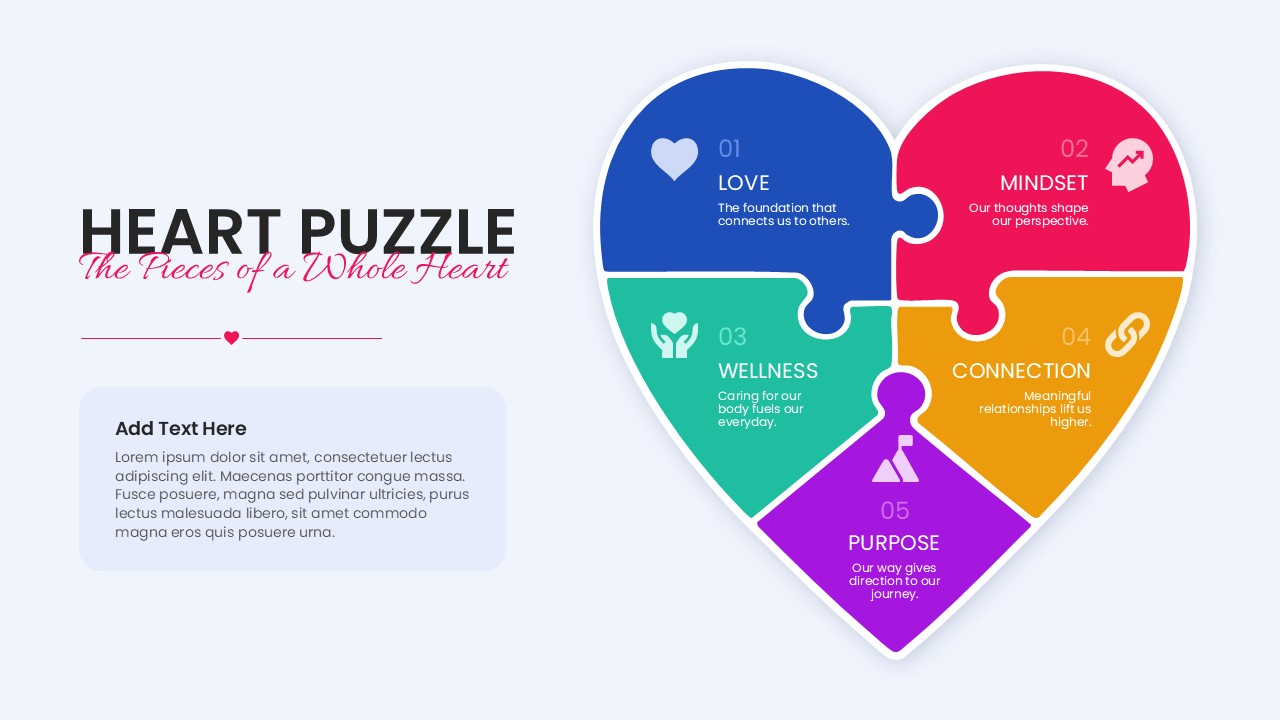
Heart Puzzle PowerPoint Template
Diagrams
-
-

Thank You Any Questions Slides for PowerPoint
Google Slides
-
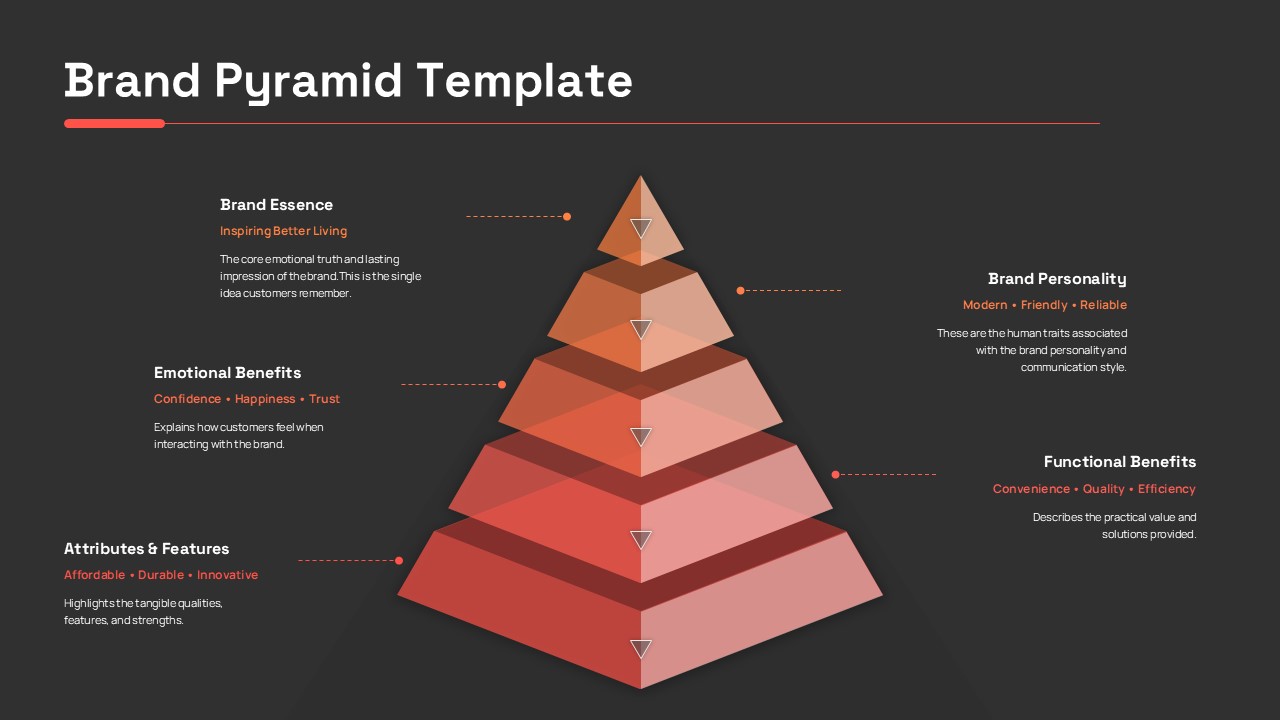
Brand Pyramid PowerPoint Template
Marketing
-
-
-
-
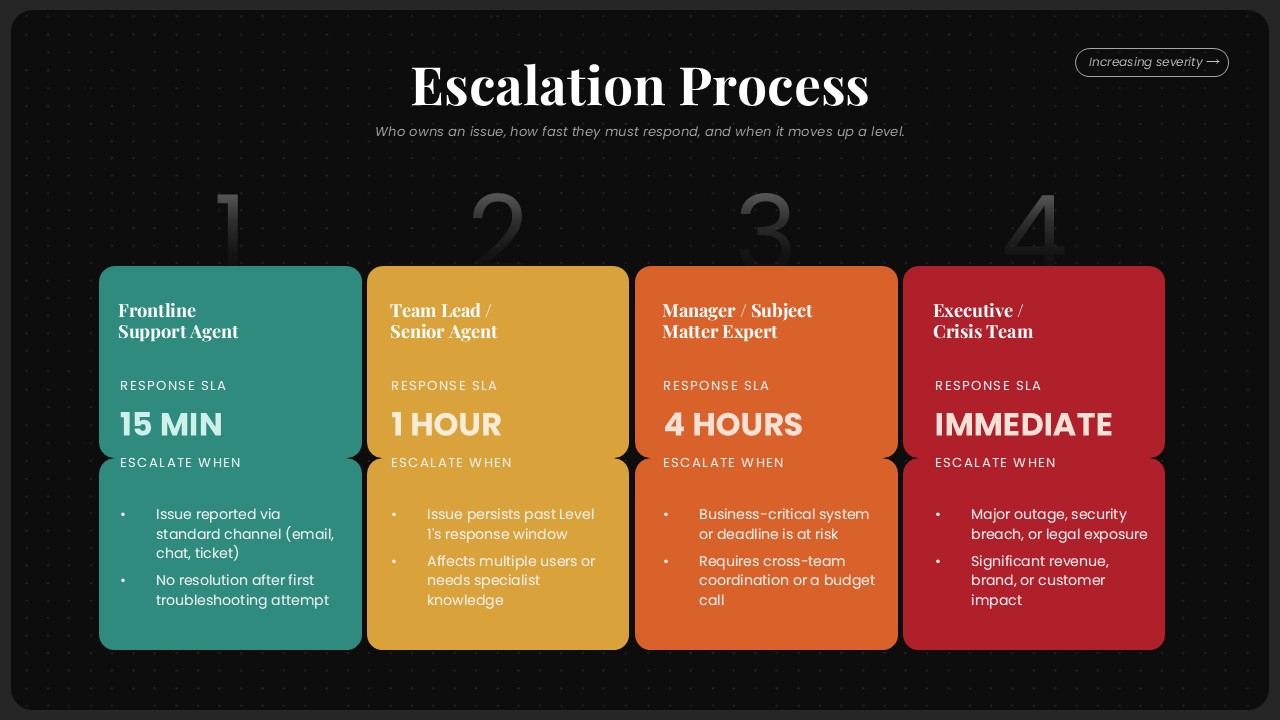
Escalation Process Flow Diagram PowerPoint Template
Project Management
-
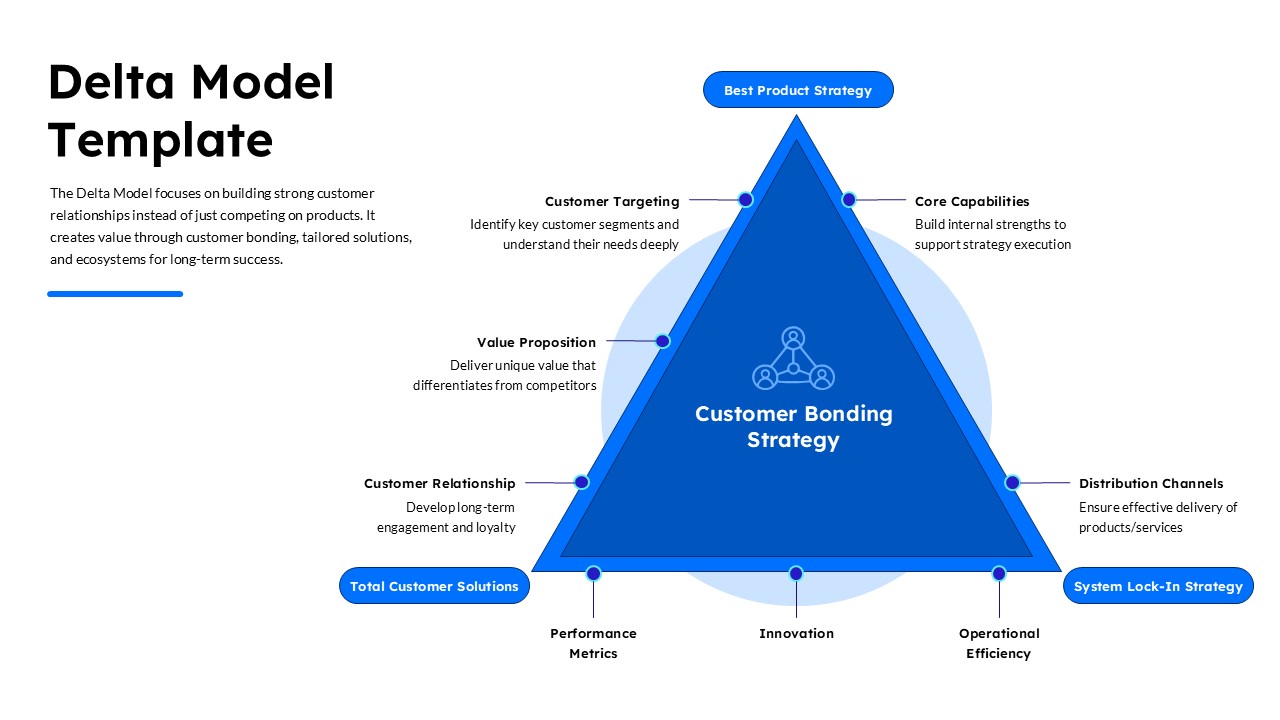
Delta Model Template for PowerPoint
Google Slides
-
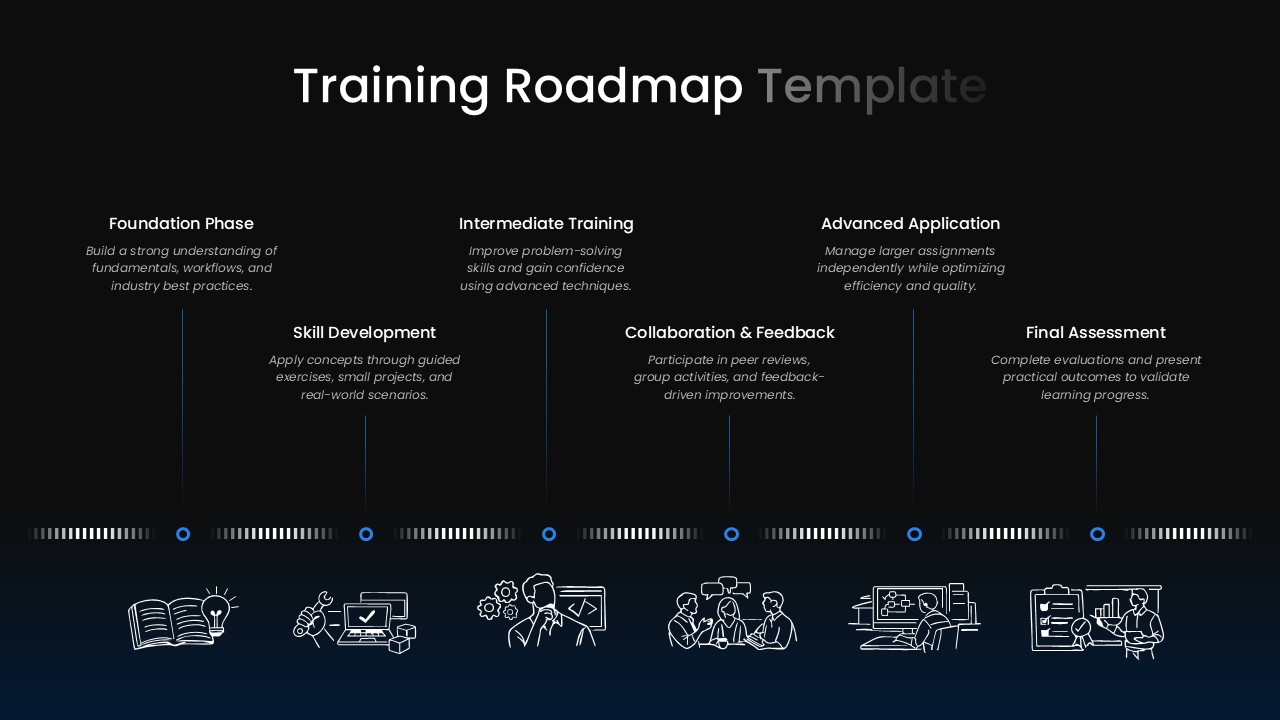
-
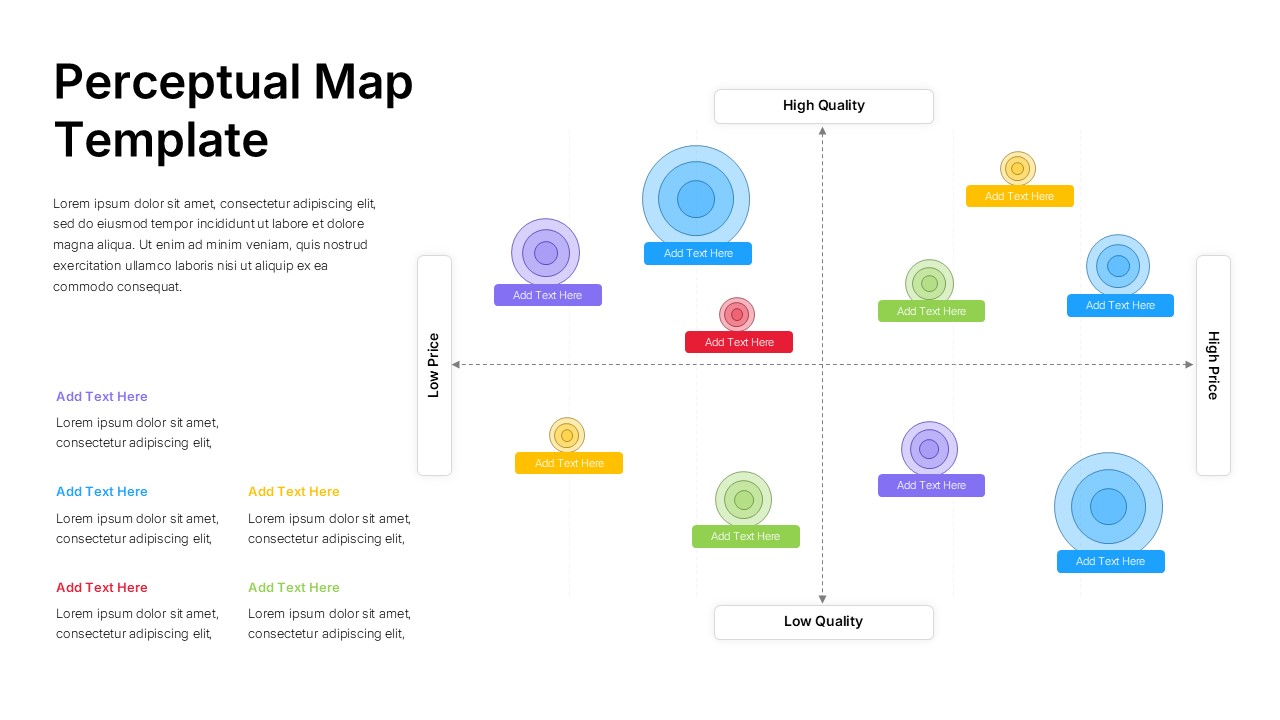
Perceptual Map PowerPoint Template
Infographics
-
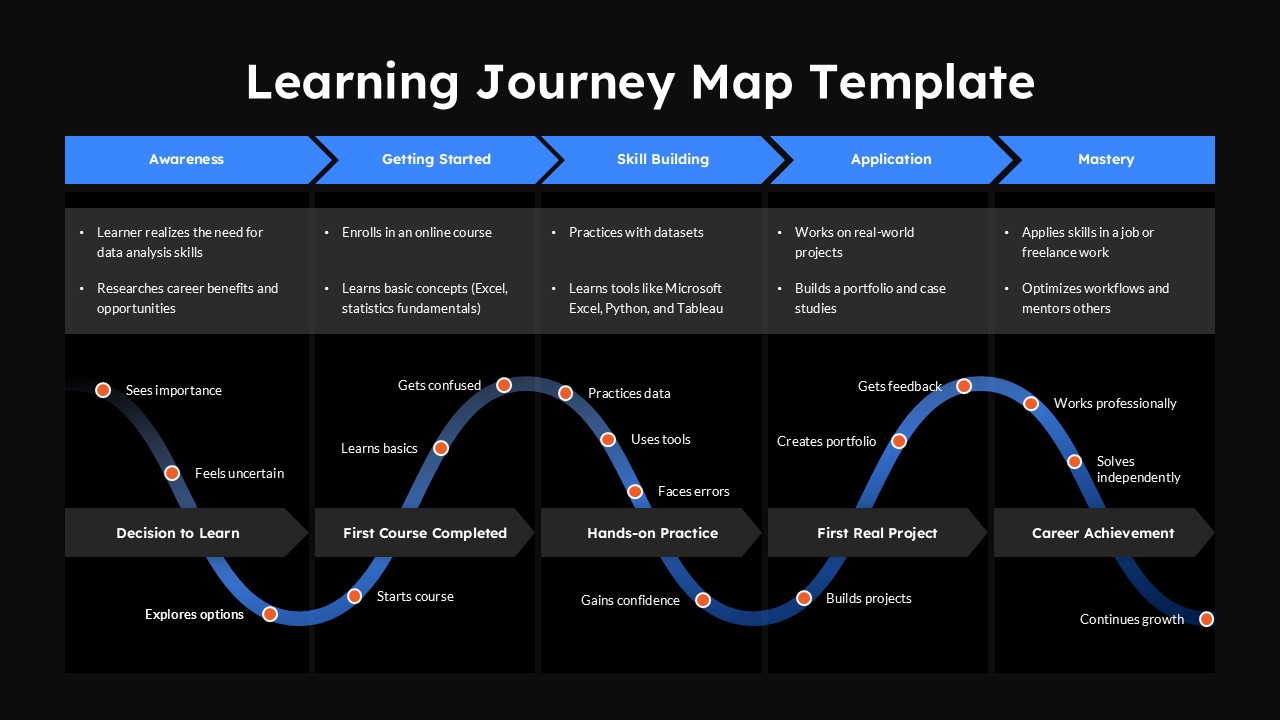
Learning Journey Map PowerPoint Presentation Template
Google Slides
-
-
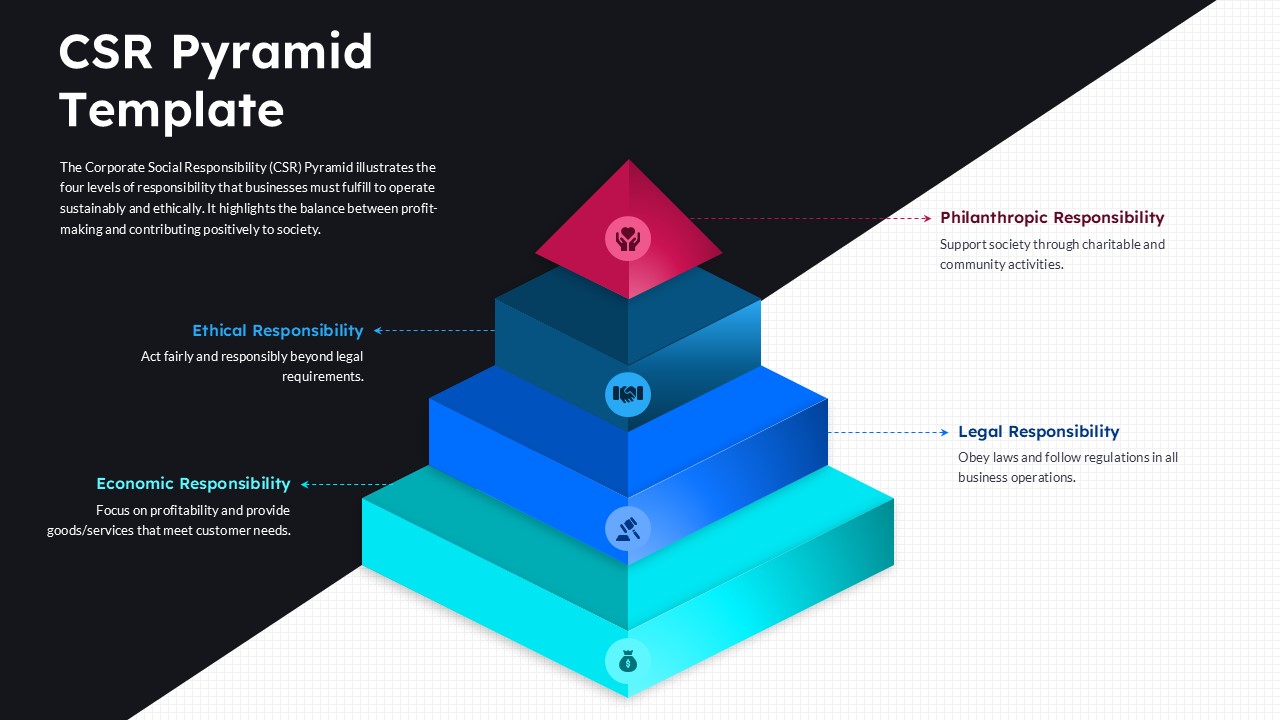
CSR Pyramid PowerPoint Template
Google Slides


Frequently Asked Questions
What is the difference between Google Slides templates and themes?
Google Slides templates include full slide layouts and content placeholders, while themes focus on design elements like colors and fonts. Templates provide a complete structure, whereas themes define the visual style.
Are Google Slides templates free to use?
Many Google Slides templates are available for free, while others are premium with advanced designs and features. SlidesTopia offers both free and professional options to suit different needs.
Can I use Google Slides templates in PowerPoint?
Yes, many templates are designed for cross-platform compatibility. You can download and edit them in PowerPoint while preserving most design elements.
How do I choose the right Google Slides background?
Choose a background based on your presentation purpose. Minimal backgrounds work best for data-heavy slides, while gradients or images are ideal for creative or storytelling presentations.


