- Why Compare SlideModel and SlidesTopia?
- What Is SlideModel?
- What Is SlidesTopia?
- SlideModel vs. SlidesTopia: Quick Comparison
- Template Library Comparison
- PowerPoint and Google Slides Compatibility
- Pricing Comparison: Which Platform Offers More Flexibility?
- Who Should Choose SlideModel?
- Who Should Explore SlidesTopia?
- Why More Users Are Exploring SlideModel Alternatives
- Final Verdict: Should You Choose SlideModel or SlidesTopia?
- Conclusion
- Frequently Asked Questions
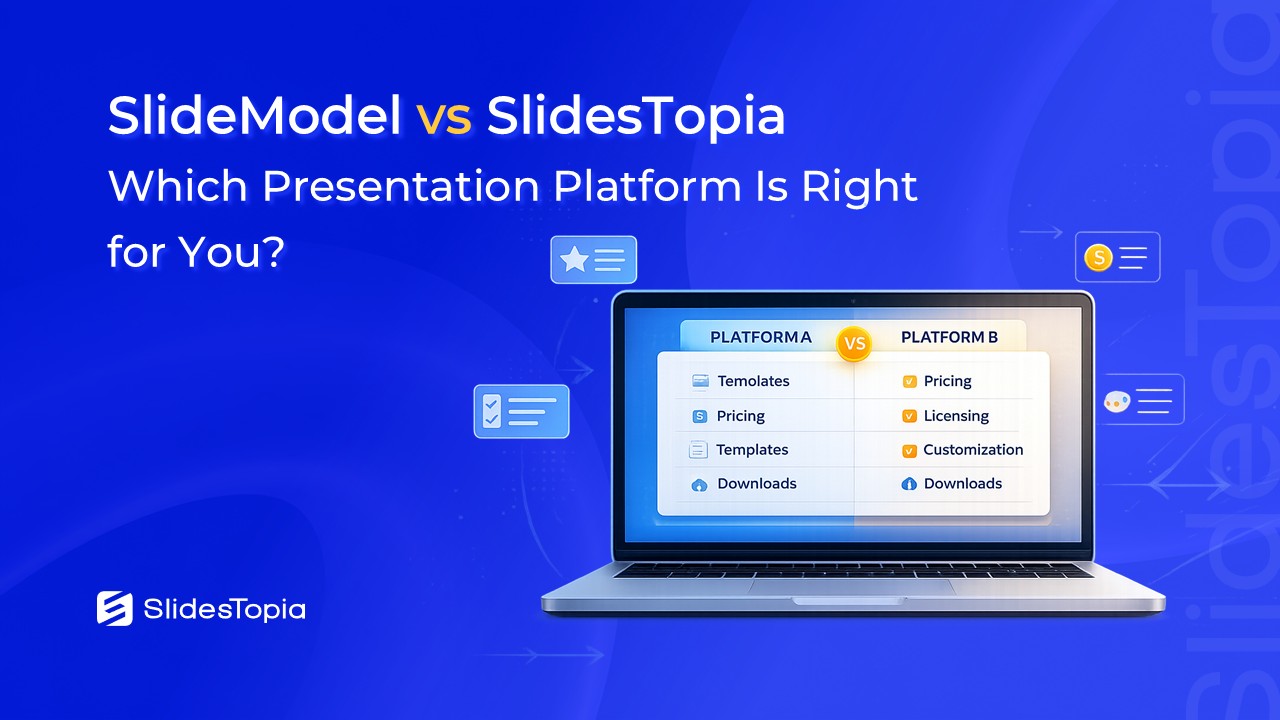
SlideModel vs. SlidesTopia: Which Alternative Presentation Platform To Choose in 2026?

- Why Compare SlideModel and SlidesTopia?
- What Is SlideModel?
- What Is SlidesTopia?
- SlideModel vs. SlidesTopia: Quick Comparison
- Template Library Comparison
- PowerPoint and Google Slides Compatibility
- Pricing Comparison: Which Platform Offers More Flexibility?
- Who Should Choose SlideModel?
- Who Should Explore SlidesTopia?
- Why More Users Are Exploring SlideModel Alternatives
- Final Verdict: Should You Choose SlideModel or SlidesTopia?
- Conclusion
- Frequently Asked Questions


Looking for the best presentation template platform? If you’ve been searching for SlideModel, you may have also come across SlidesTopia. Both platforms offer editable templates for Microsoft PowerPoint and Google Slides, but they differ in their pricing models, template approach, and the type of users they serve. In this detailed comparison, we’ll take an objective look at both platforms to help you determine which one best fits your presentation needs.
Why Compare SlideModel and SlidesTopia?
Finding high-quality presentation templates can save hours of design work, whether you’re preparing a business proposal, classroom presentation, marketing pitch, or project report. As the demand for ready-to-use PowerPoint templates and Google Slides templates continues to grow, users have more options than ever before. Among the well-known names in this space, SlideModel has established itself as a trusted platform for professionals and businesses over the years. At the same time, newer platforms like SlidesTopia are introducing a fresh approach with flexible pricing, modern presentation designs, and multiple access options that appeal to a broader audience. This comparison isn’t about declaring one platform better than the other. Instead, it focuses on factual differences so you can decide which platform aligns with your workflow, budget, and presentation goals.
What Is SlideModel?
SlideModel is a presentation template platform that specializes in professionally designed templates for PowerPoint and Google Slides. Over the years, it has built a strong reputation among consultants, corporate teams, educators, and business professionals who regularly create presentations.
The platform primarily focuses on business-oriented content, offering templates for topics such as strategy, marketing, finance, project management, timelines, roadmaps, organizational charts, dashboards, and infographics. Many of its templates are designed to support business communication, executive reporting, and corporate presentations.
SlideModel follows a subscription-based model with plans ranging from short-term access to annual subscriptions. Depending on the selected plan, users receive different download limits and access to the template library.
For professionals who frequently build client presentations or internal business reports, SlideModel has become one of the recognized names in the presentation template industry.
Best suited for
- Business professionals
- Consultants
- Corporate teams
- Trainers
- Project managers
- Organizations creating presentations regularly
What Is SlidesTopia?
SlidesTopia is a modern presentation template platform that provides editable templates for both PowerPoint and Google Slides. While relatively new compared to long-established providers, it focuses on making presentation design more accessible through flexible pricing, easy downloads, and professionally designed templates.
Rather than limiting users to traditional subscription options, SlidesTopia offers multiple ways to access its template library. Users can start with a free plan, subscribe monthly or yearly, or choose one-time purchase options depending on how often they create presentations.
The platform includes templates across business, education, marketing, project management, timelines, diagrams, infographics, and many other presentation categories. Every template is fully editable, allowing users to customize colors, icons, text, and layouts without requiring advanced design skills.
This flexibility makes SlidesTopia an attractive option for professionals, freelancers, students, educators, startups, and small businesses looking for presentation resources without committing to a single pricing model.
Best suited for
- Freelancers
- Students
- Educators
- Marketing professionals
- Small businesses
- Startups
- Anyone looking for flexible access to presentation templates
SlideModel vs. SlidesTopia: Quick Comparison
| Feature | SlideModel | SlidesTopia |
|---|---|---|
| PowerPoint Templates | ✔ Yes | ✔ Yes |
| Google Slides Templates | ✔ Yes | ✔ Yes |
| Fully Editable Templates | ✔ Yes | ✔ Yes |
| Free Plan | Available | Available |
| Monthly Subscription | No standard monthly plan | ✔ Available |
| Yearly Subscription | ✔ Available | ✔ Available |
| One-Time Purchase | ✔ 1-Day Access | ✔ Daily Pack, Lite Pack & Productivity Pack |
| Enterprise Plans | ✔ Available | Individual-focused plans |
| Download Limits | Varies by plan | Varies by plan |
| Target Audience | Businesses & professionals | Professionals, educators, startups, freelancers & students |
Template Library Comparison
One of the biggest factors when choosing a presentation template platform is the variety of templates available. Both SlideModel and SlidesTopia provide professionally designed templates for PowerPoint and Google Slides, making it easy for users to build visually appealing presentations without starting from scratch.
SlideModel’s Template Collection
SlideModel has developed a substantial library centered around business presentations. Users will find templates covering:
- Business presentations
- Marketing
- Strategy
- Finance
- Project management
- Timelines
- Roadmaps
- Organizational charts
- Dashboards
- Infographics
- Data visualization
Its collection is particularly geared toward professionals who prepare reports, executive presentations, consulting decks, and business proposals on a regular basis.
SlidesTopia’s Template Collection
SlidesTopia also offers editable templates for PowerPoint and Google Slides while taking a broader approach to presentation design. Its growing library includes templates for:
- Business presentations
- Education
- Marketing
- Project management
- Timelines
- Infographics
- Diagrams
- Organizational charts
- Pitch decks
- Process diagrams
- Creative presentations
The platform places emphasis on clean layouts, practical slide designs, and templates that can be adapted for multiple presentation scenarios.
Which Offers More Variety?
Rather than focusing on a single niche, both platforms cater to users who need editable presentation templates across different industries. SlideModel has built an extensive reputation in business-focused presentation content, while SlidesTopia continues expanding its library with templates designed for professionals, educators, startups, and everyday presentation creators.
For most users, the decision comes down less to template availability and more to factors such as pricing, download flexibility, and how frequently presentations are created.
PowerPoint and Google Slides Compatibility
Compatibility is another area where both platforms are closely matched.
Whether you prefer Microsoft PowerPoint or Google Slides, both SlideModel and SlidesTopia provide templates that can be edited using these popular presentation tools. Users can customize text, colors, icons, shapes, images, and layouts to suit their branding or presentation requirements.
This cross-platform compatibility allows presentations to be created, shared, and presented across desktop and cloud-based environments without requiring specialized software.
For users who regularly collaborate with teams or clients using different presentation platforms, having templates compatible with both PowerPoint and Google Slides offers greater flexibility and convenience.
Pricing Comparison: Which Platform Offers More Flexibility?
Pricing is often one of the most important considerations when choosing a presentation template platform. While both SlideModel and SlidesTopia offer paid access to editable templates, their pricing structures take noticeably different approaches.
Both platforms provide legitimate options for accessing presentation templates, but they approach pricing differently. SlideModel’s plans are structured around professional and business-oriented subscriptions, while SlidesTopia offers a broader mix of free access, monthly subscriptions, annual plans, and one-time purchases. This wider range of access options gives users more flexibility to choose a plan that matches their presentation frequency and budget.
Who Should Choose SlideModel?
Both SlideModel and SlidesTopia provide professionally designed templates for PowerPoint and Google Slides, but the right choice often depends on how you create presentations and how frequently you need new templates.
SlideModel may be a suitable option for users who create presentations consistently throughout the year and prefer a long-term subscription model. Its library is widely recognized among business professionals, consultants, project managers, and corporate teams who prepare presentations as part of their day-to-day work.
Users who frequently develop executive reports, business proposals, strategy presentations, financial reports, or client-facing presentations may appreciate a platform that has been serving the presentation industry for many years.
SlideModel may be a good fit if you:
- Create presentations regularly for business or consulting projects.
- Prefer annual subscription plans.
- Need ongoing access to a large collection of business-focused templates.
- Work as part of a corporate or enterprise team.
- Want a platform with an established presence in the presentation template market.
As with any template platform, the best choice depends on your workflow rather than simply the number of templates available.
Who Should Explore SlidesTopia?
While SlideModel has built a strong reputation over the years, newer platforms like SlidesTopia are introducing greater flexibility in how users access presentation templates.
Instead of focusing primarily on long-term subscriptions, SlidesTopia offers multiple pricing options that make it easier for different types of users to choose a plan that matches their presentation needs.
For example, someone creating presentations only occasionally may prefer a one-time purchase or an affordable monthly plan instead of committing to an annual subscription. Likewise, users who simply want to try a platform before purchasing can start with the free plan.
SlidesTopia may be worth exploring if you:
- Create presentations occasionally rather than every day.
- Want to start with a free plan.
- Prefer monthly subscriptions over annual commitments.
- Need one-time access for a specific project.
- Use both PowerPoint and Google Slides.
- Are a freelancer, educator, startup, marketer, or student looking for professional templates.
Another advantage is the variety of purchasing options. Instead of requiring users to follow a single pricing path, SlidesTopia provides free access, monthly plans, yearly plans, and one-time packs, giving users the flexibility to choose what works best for their budget and presentation frequency.
For users comparing SlideModel alternatives, this flexibility alone may make SlidesTopia worth considering alongside more established platforms.
Why More Users Are Exploring SlideModel Alternatives
The presentation software landscape has evolved significantly over the last few years. Professionals today are no longer limited to a handful of template providers, and users now have more choices based on how often they create presentations and how they prefer to pay for design resources.
This shift has led many users to explore alternatives alongside well-known platforms like SlideModel.
Some users prefer:
- A free plan before upgrading.
- Monthly subscriptions instead of annual billing.
- One-time purchases for short-term projects.
- Flexible download limits.
- Access that matches occasional presentation needs.
Others continue to prefer long-term subscriptions because they create presentations almost every day.
Neither approach is inherently better—it simply depends on individual workflows.
As more presentation template websites enter the market, users benefit from having multiple options to compare before making a decision. Looking beyond a single provider can help you find a platform that aligns with your budget, project requirements, and preferred purchasing model.
Final Verdict: Should You Choose SlideModel or SlidesTopia?
Choosing between SlideModel and SlidesTopia ultimately comes down to your presentation workflow, budget, and how frequently you need presentation templates.
SlideModel has earned its reputation by serving professionals, consultants, and businesses with a large collection of editable PowerPoint and Google Slides templates. Its subscription model is well suited for users who create presentations regularly throughout the year and prefer ongoing access to a comprehensive template library.
SlidesTopia, on the other hand, offers a fresh alternative with a flexible pricing structure that includes a free plan, monthly subscriptions, yearly subscriptions, and one-time purchase options. This approach makes it accessible to a wider range of users, from students and educators to freelancers, startups, marketers, and growing businesses.
If you’re looking for a presentation template platform that offers editable templates for both PowerPoint and Google Slides, both platforms are capable options.
However, if pricing flexibility, multiple purchasing choices, and the ability to start for free are important to you, SlidesTopia is certainly worth exploring before making your final decision.
Ultimately, the best presentation template platform is the one that fits the way you create presentations.
Conclusion
Whether you’re researching SlideModel, comparing SlideModel alternatives, or searching for the best website to download PowerPoint templates and Google Slides templates, it’s worth evaluating more than one platform before making a decision.
SlideModel continues to be a respected name in the presentation template industry, particularly for professionals and organizations that rely on presentation assets year-round.
At the same time, SlidesTopia brings a modern, flexible approach that caters to a broader audience with multiple pricing options, a free entry point, and an expanding collection of editable presentation templates.
If you haven’t explored SlidesTopia yet, it’s worth taking a look at its template library and pricing plans to see whether its approach better matches the way you create presentations.
Frequently Asked Questions
SlidesTopia offers editable PowerPoint and Google Slides templates along with flexible pricing options, including free access, monthly subscriptions, yearly plans, and one-time purchases. For users looking beyond traditional subscription models, it is a platform worth exploring.
Yes. SlideModel provides editable templates compatible with both Microsoft PowerPoint and Google Slides.
Yes. SlidesTopia offers templates designed for both PowerPoint and Google Slides, allowing users to edit presentations using either platform.
SlidesTopia offers a free forever plan that includes monthly download limits for free templates. SlideModel also provides a selection of free templates, although its primary offering is through paid plans.
Users who only need templates for specific projects may appreciate SlidesTopia’s flexible pricing options, including monthly subscriptions and one-time purchase packs. Those who create presentations regularly throughout the year may find long-term subscription plans more suitable.

Related Articles
-
 May 8th, 2026
13 Alternatives for Slidesgo: Free Google Slides Themes & PowerPoint Templates
Presentation Resources -
 September 4th, 2026
SlideEgg Alternatives: 10 Best Resources for Creating Presentations
Presentation Resources -
 May 8th, 2026
11 Best SlidesCarnival Alternatives for 2026 (Free & Premium)
Presentation Resources